Once you've enabled the Knowledge Base, it will appear in the User Portal. Learn more about enabling and setting up the Knowledge Base here.
In the Knowledge Base, you can explore useful articles and download documents. All content items are neatly organized by spaces and folders, while the quick search feature helps you resolve tasks efficiently, assist clients, or follow instructions with ease.
Sales floor employees and those who are always on the go can easily find and download files in the mobile app.
Account Owners and Administrators can create spaces and articles. Space owners can grant colleagues viewing and editing access to their space. With edit access, you can also contribute content to the Knowledge Base.
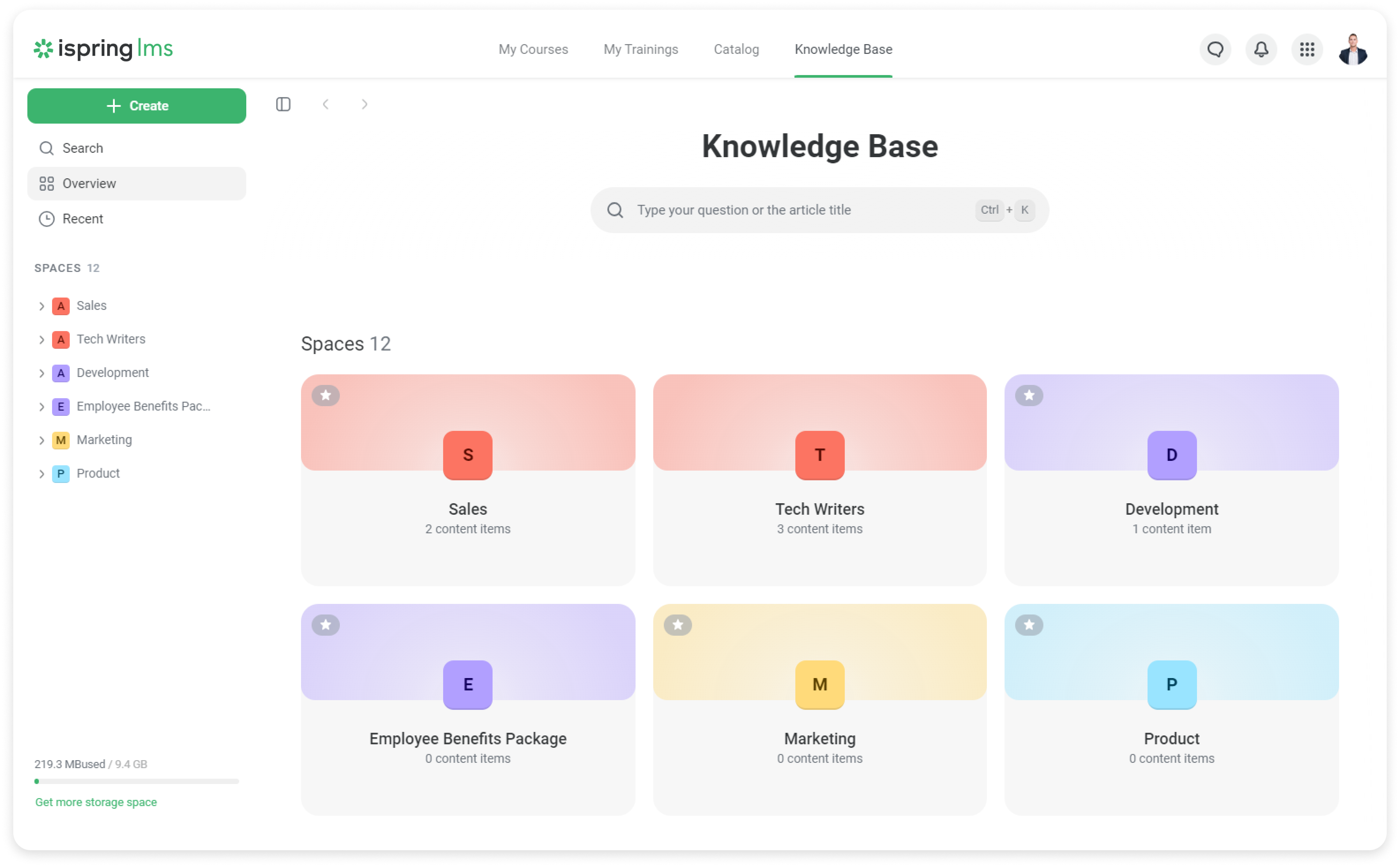
In the Overview tab, you can see all accessible spaces, and in the Recent tab, the most recently viewed articles and content items.
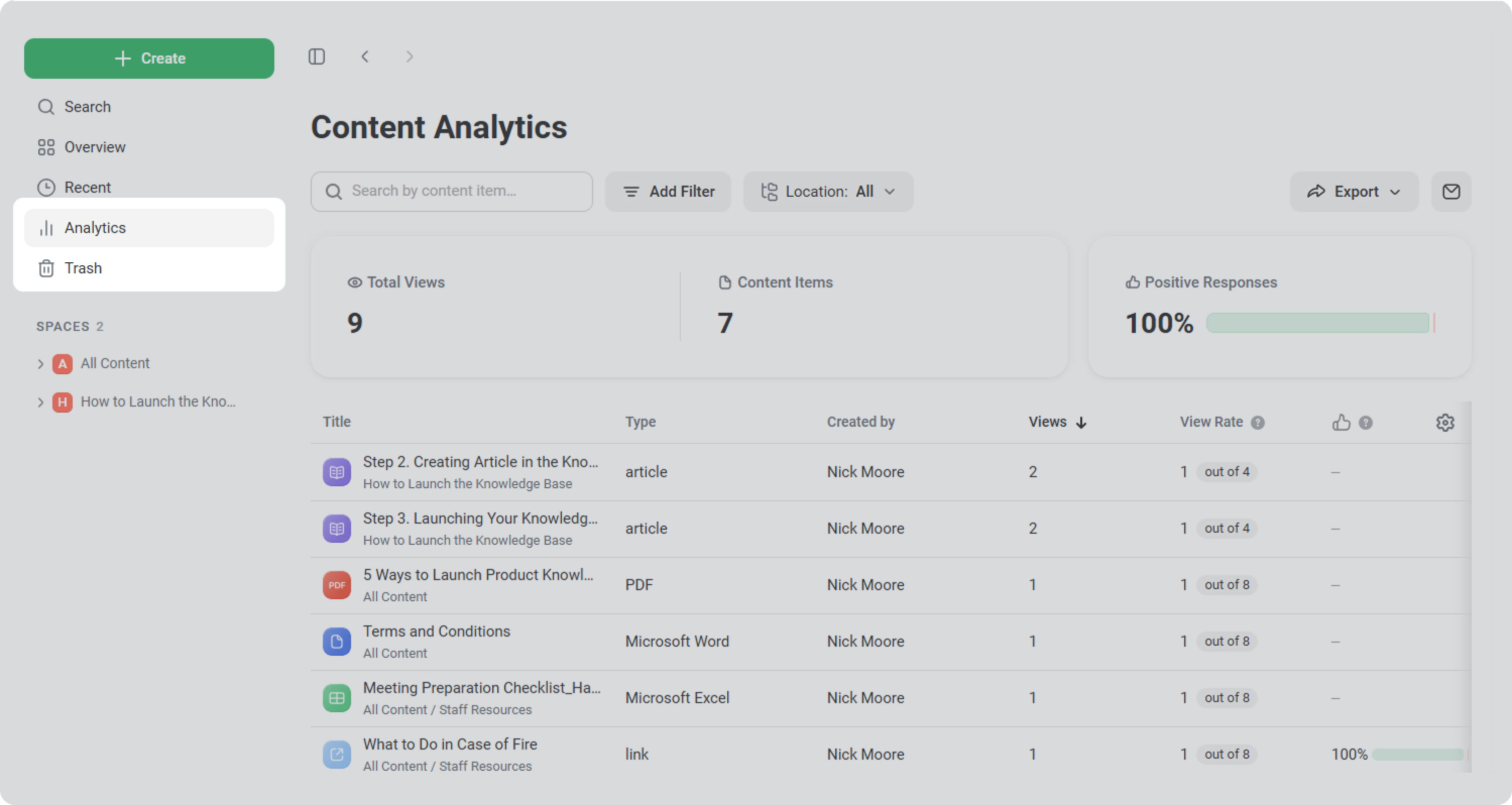
Account owners, space owners, and users with complete access to the space and editing rights can access the Analytics and the Trash sections.
You can search throughout the Knowledge Base or narrow your results to specific spaces and folders. A Knowledge Base search lets learners and administrators find matches according to titles, descriptions, and article text by entering a few keywords from the document.
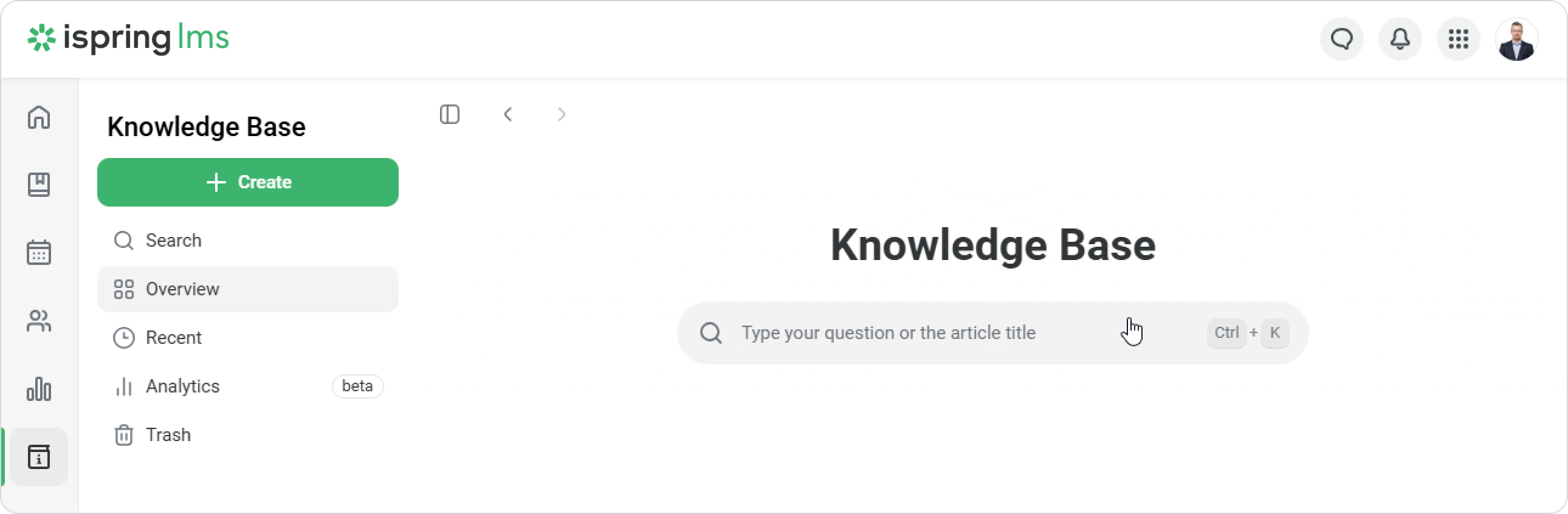
Results are limited to those spaces that are accessible to the user.
Read these articles to learn more about the Knowledge Base search:
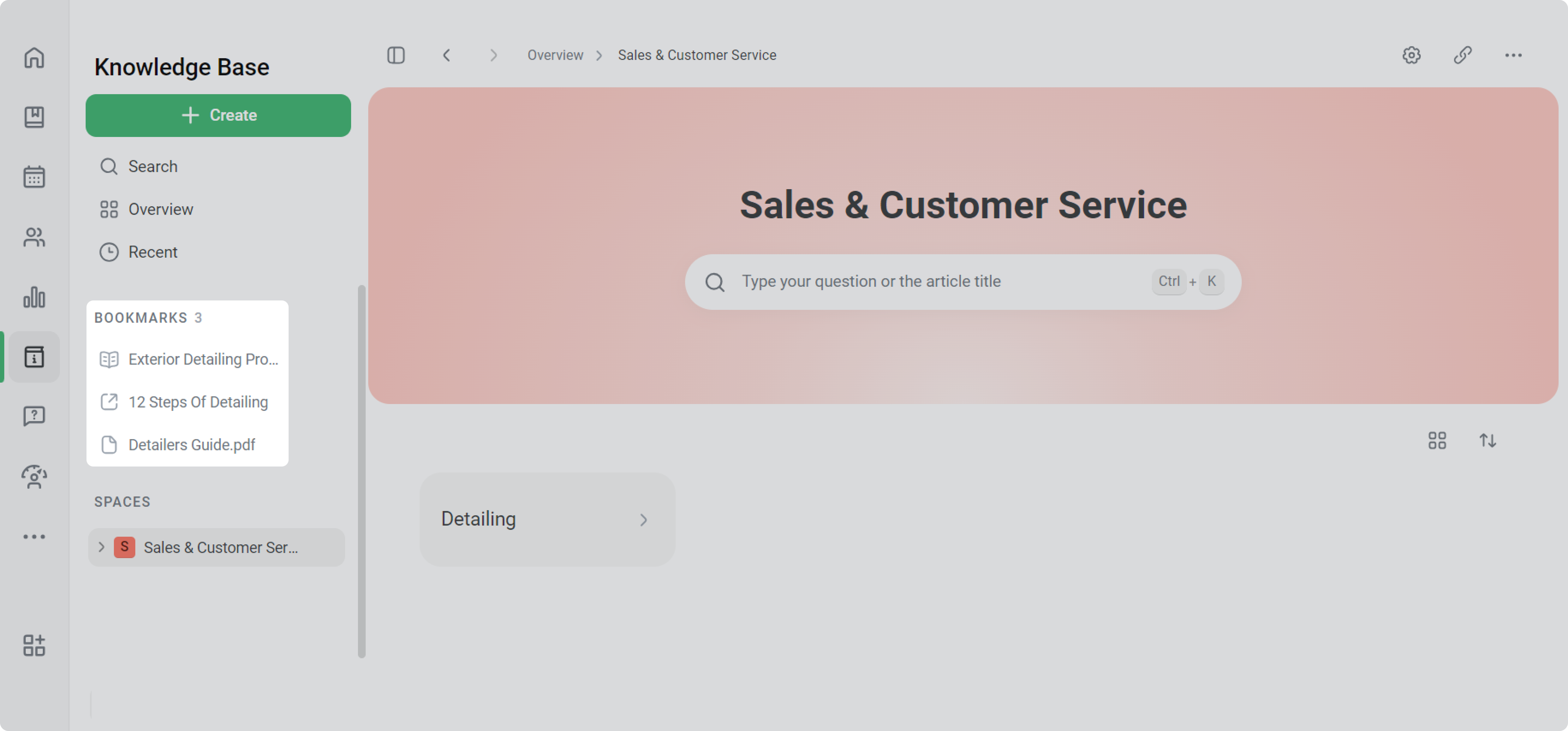
Bookmarks make it easier to locate content used on a daily basis. By bookmarking folders or content and thus having them at hand, users can streamline processes and accomplish tasks faster.
You can manage bookmarks in a designated Bookmarks menu both on the platfrom and in the mobile app.