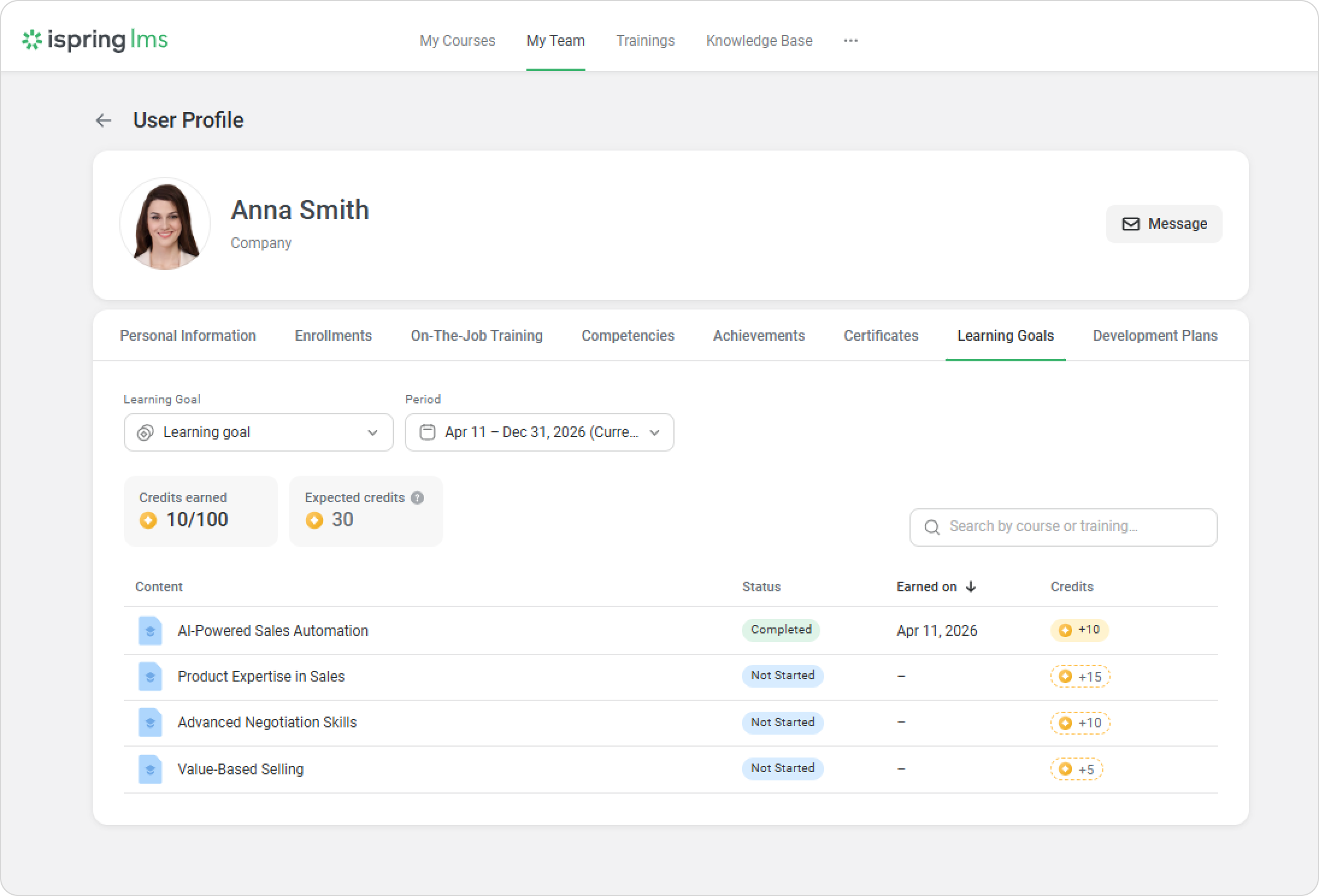
iSpring LMS shows the learning credits that will be awarded once current enrollments are completed. Employees can clearly see how many learning credits they will earn toward their learning goals. Learning managers and supervisors also have access to this information to support employees with incomplete learning plans.
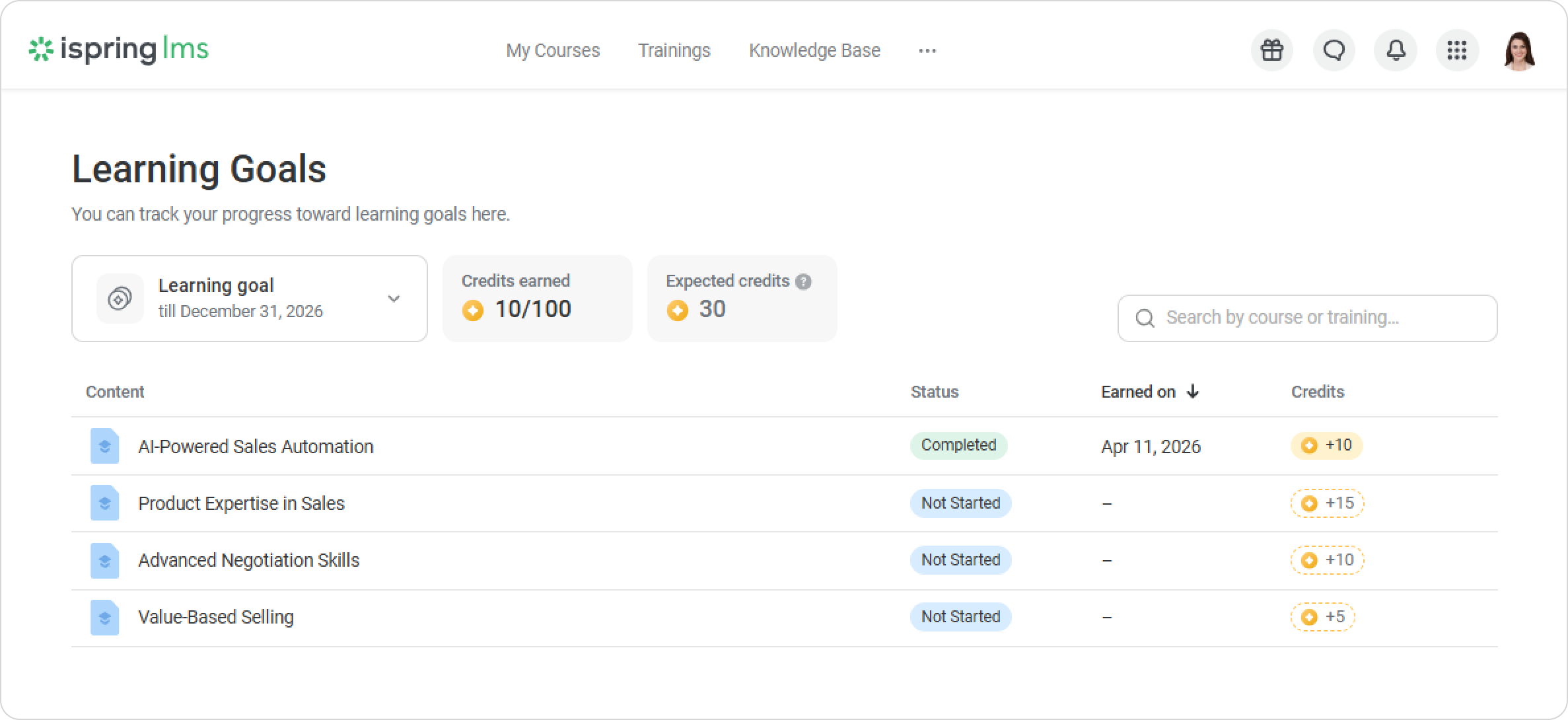
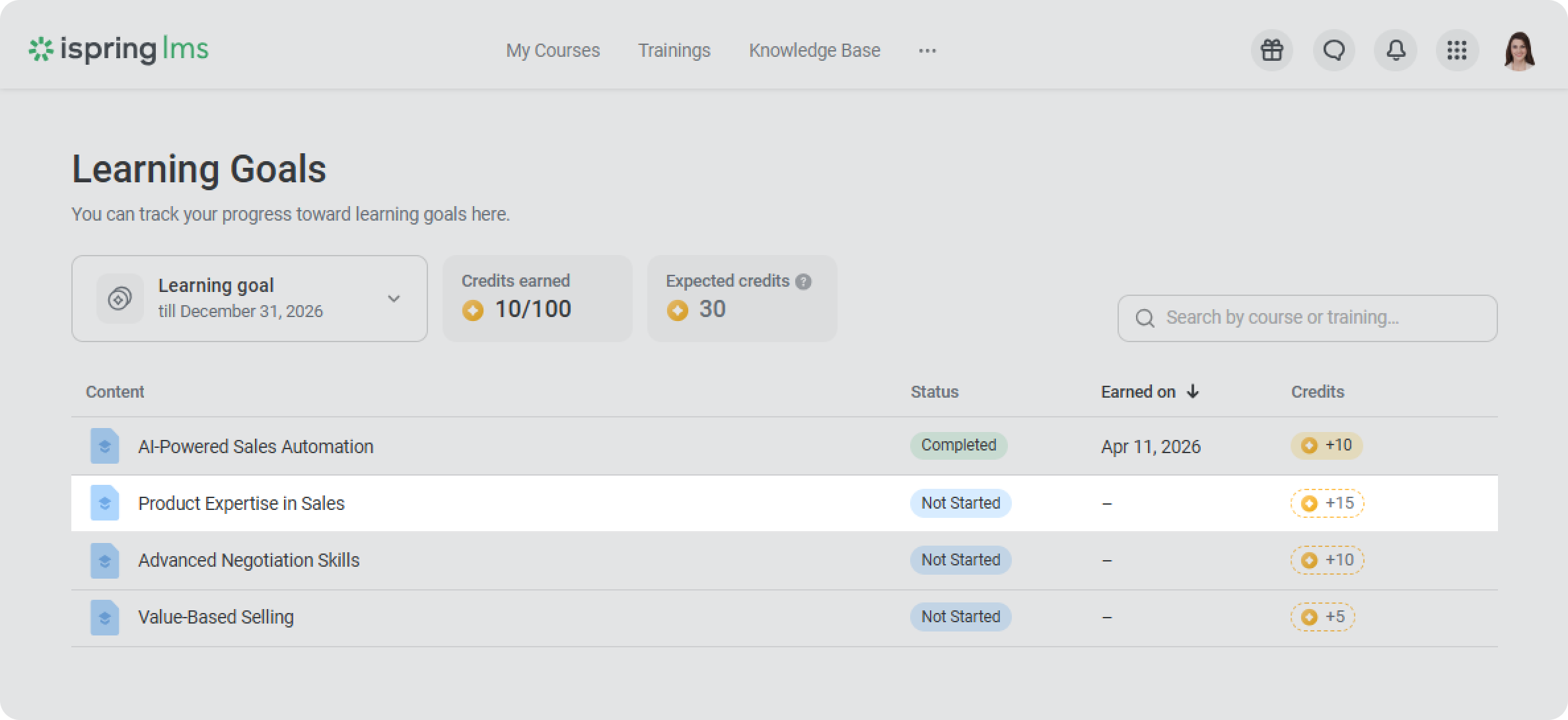
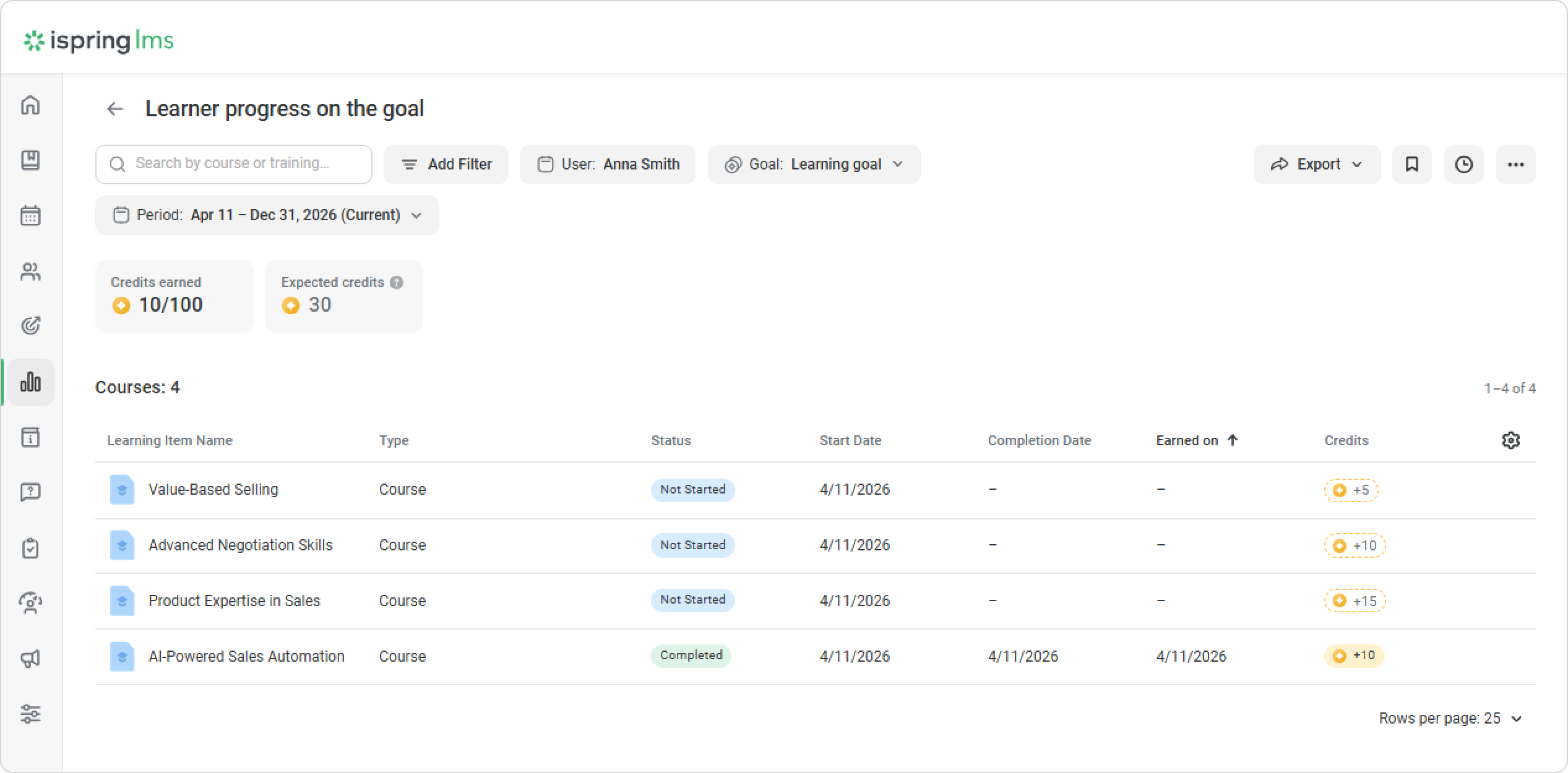
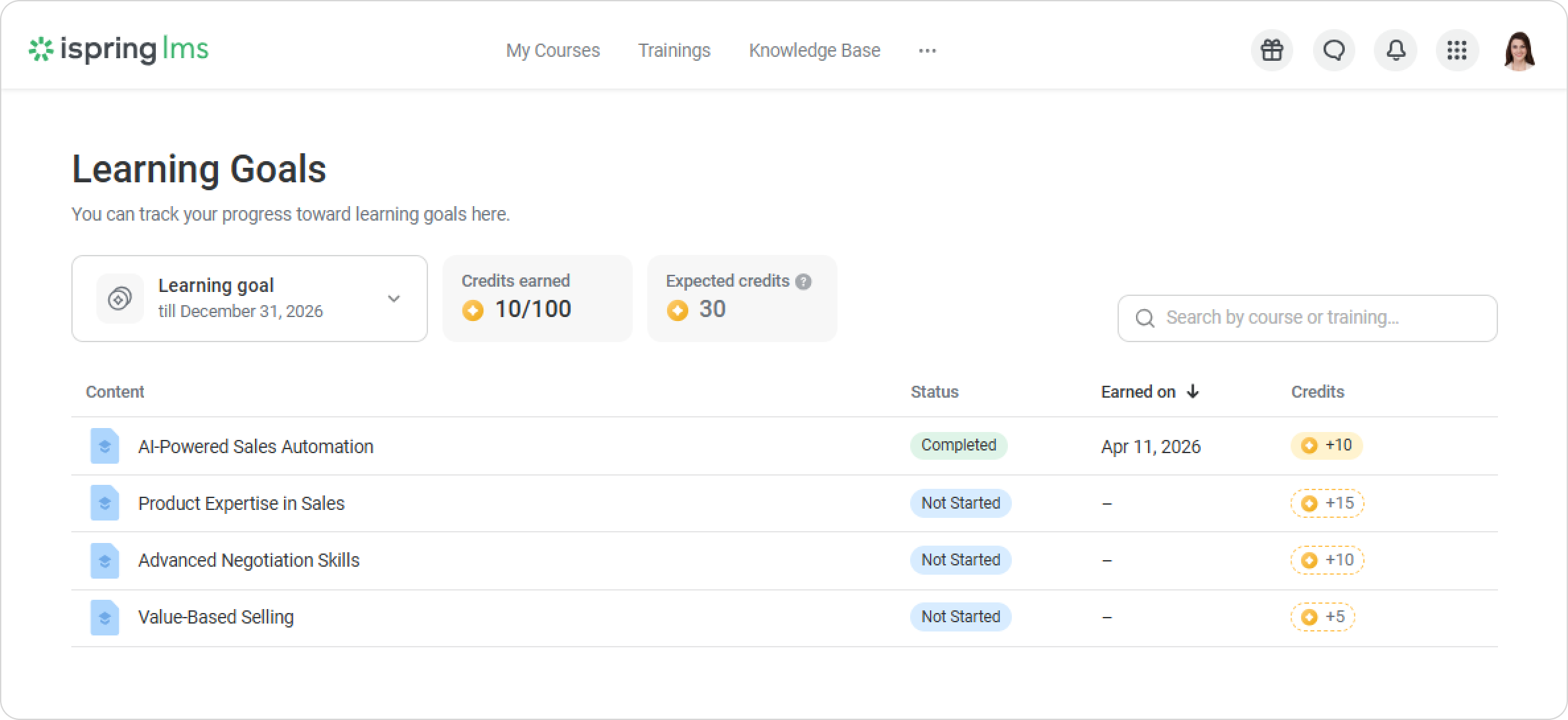
Expected Credits are shown with a dashed outline.
For administrators
To see how many credits an employee can earn by the end of the period, administrators can plan them in advance.
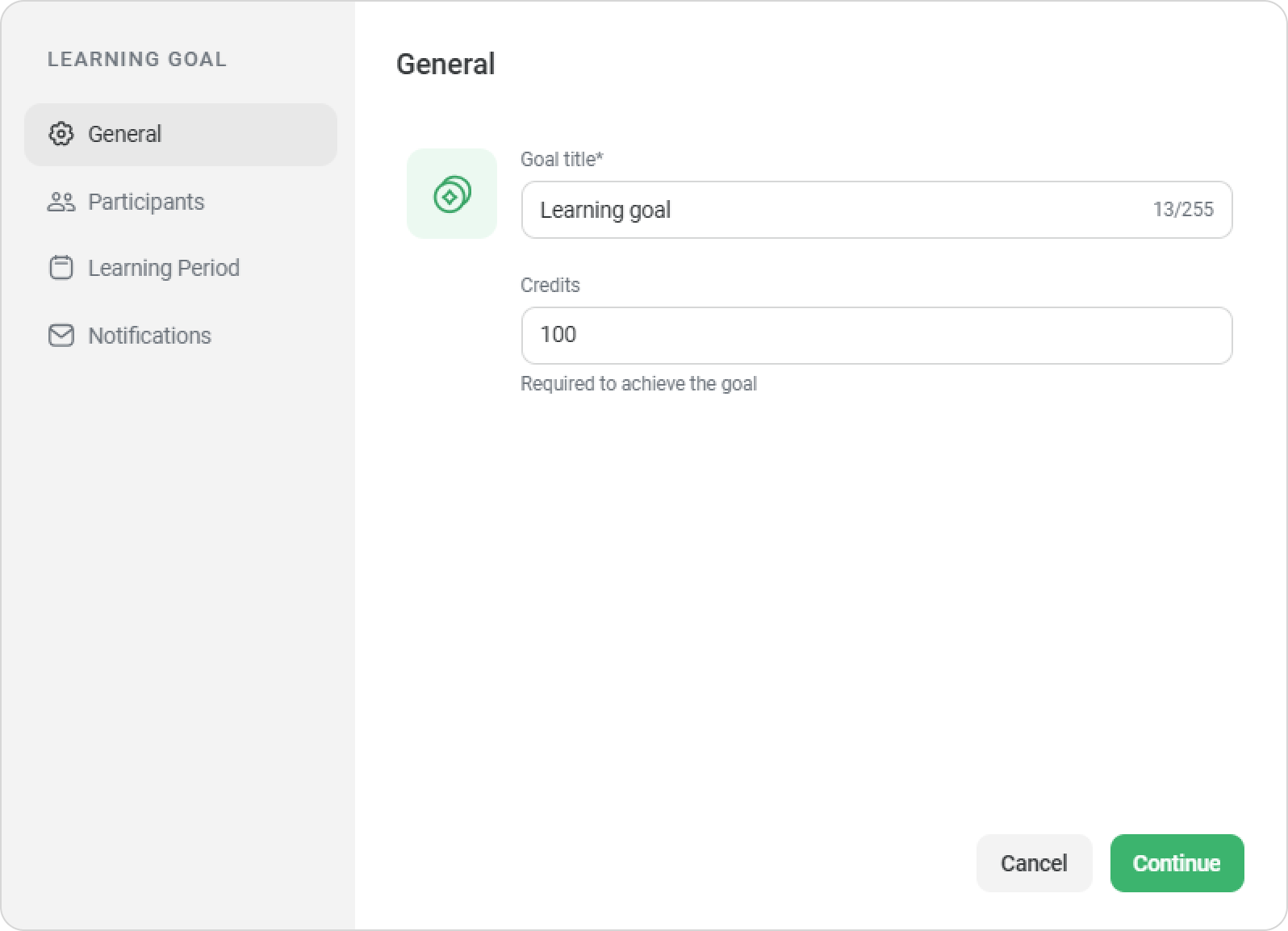
- Add a learning goal and choose the departments and groups that need to achieve this goal.
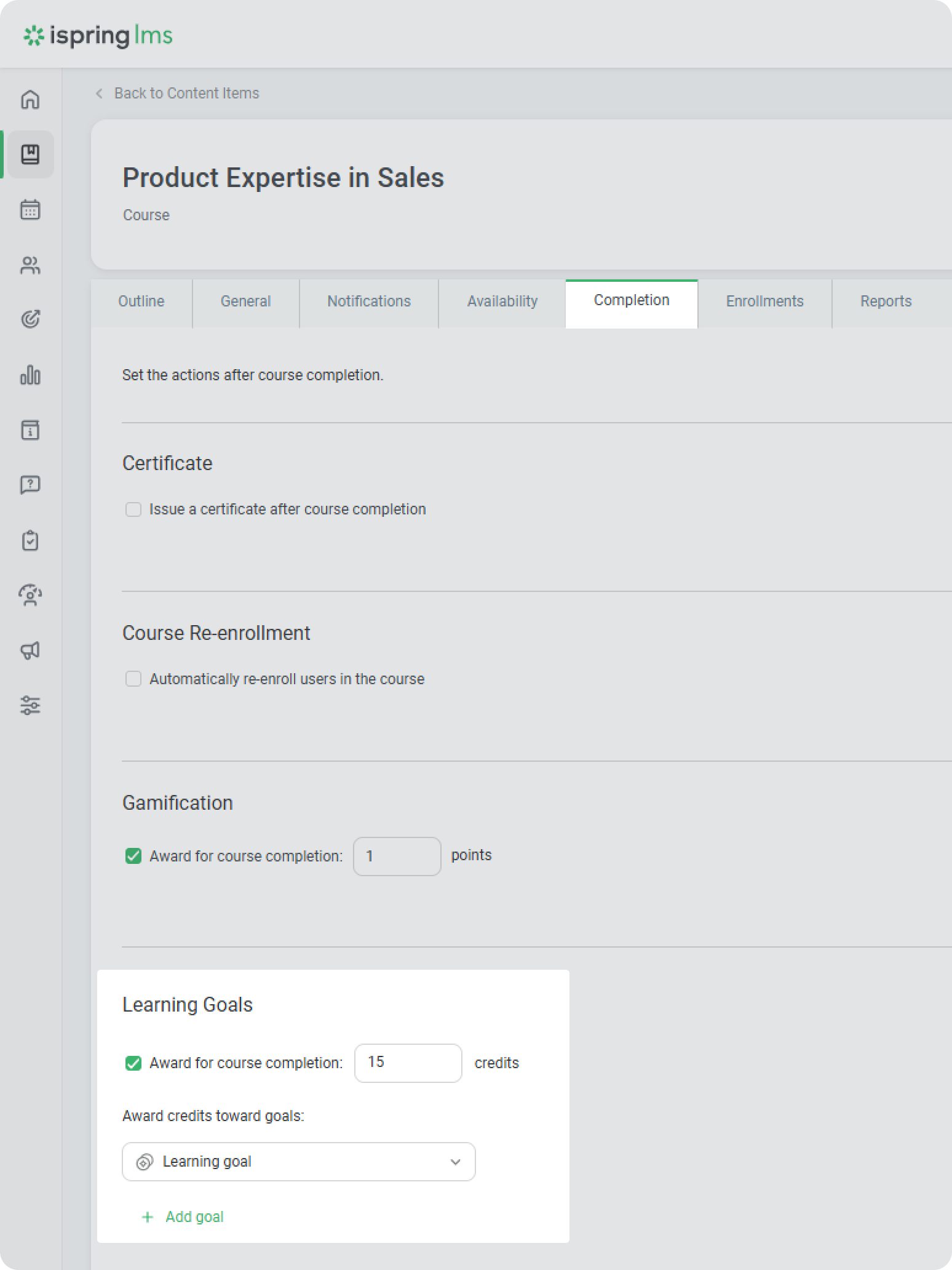
- Next, select a course and enter the number of learning credits an employee will earn upon successfully completing the course.
- Enroll the employee in the course so the credits count toward their goal.
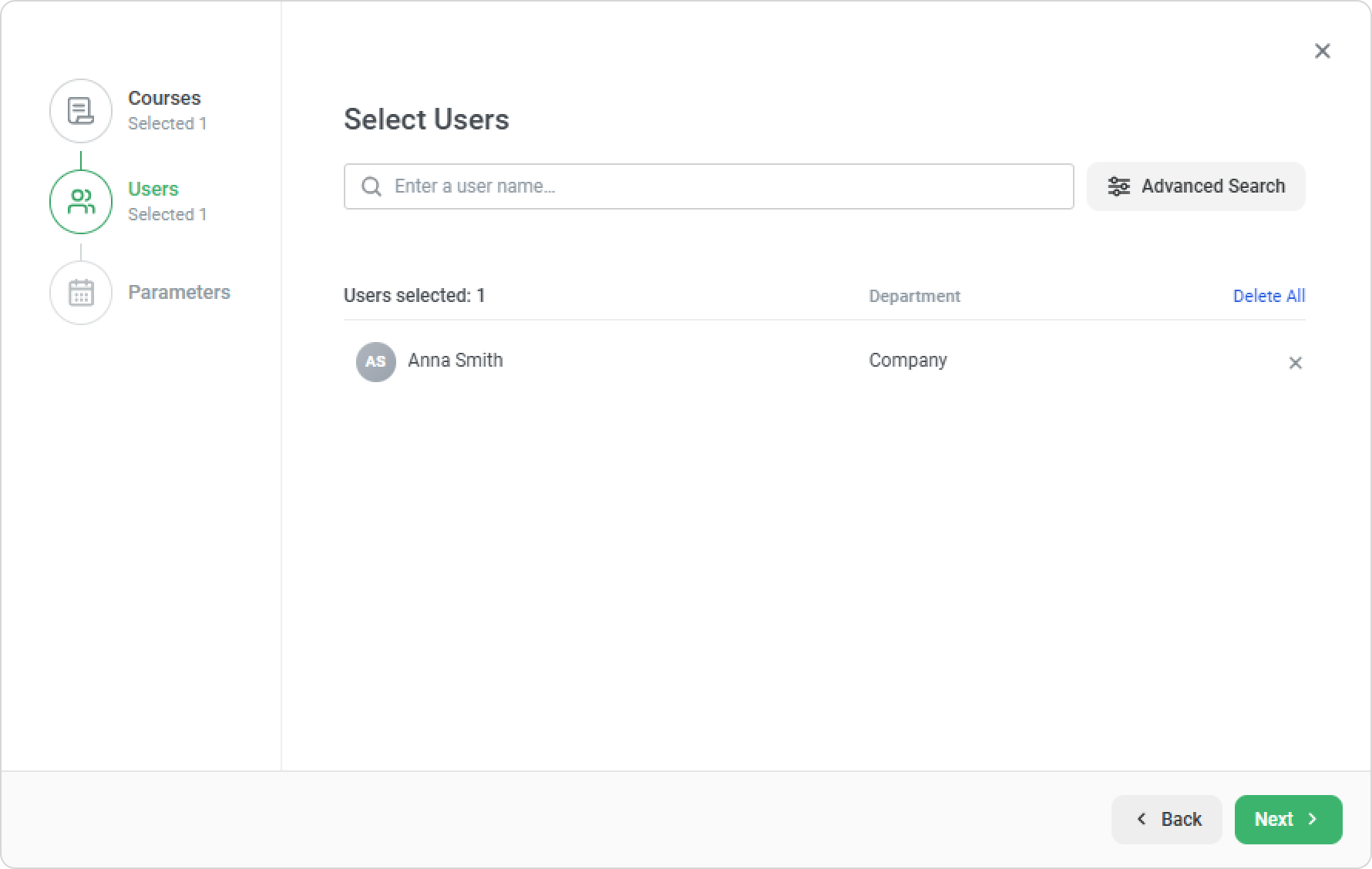
Once enrolled, the employee sees how many credits count toward their learning goals.
For learners
In the course and training Catalog, employees can see the expected learning credits for each learning item.
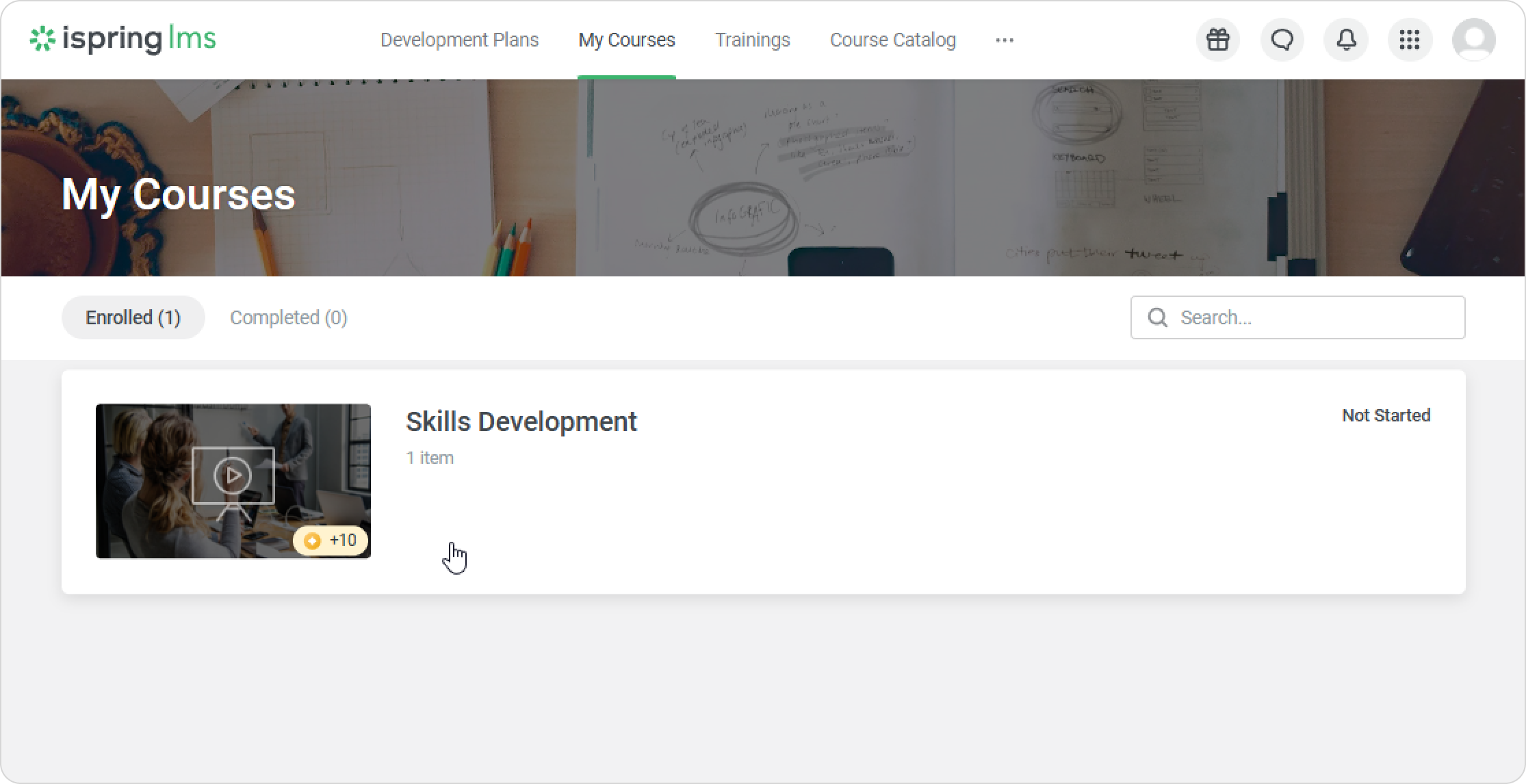
Users can select a course or training that awards learning credits and add it to My Courses. They will be enrolled in the course, and the corresponding credits will be reflected as expected in their learning goal.
Where to view expected learning credits
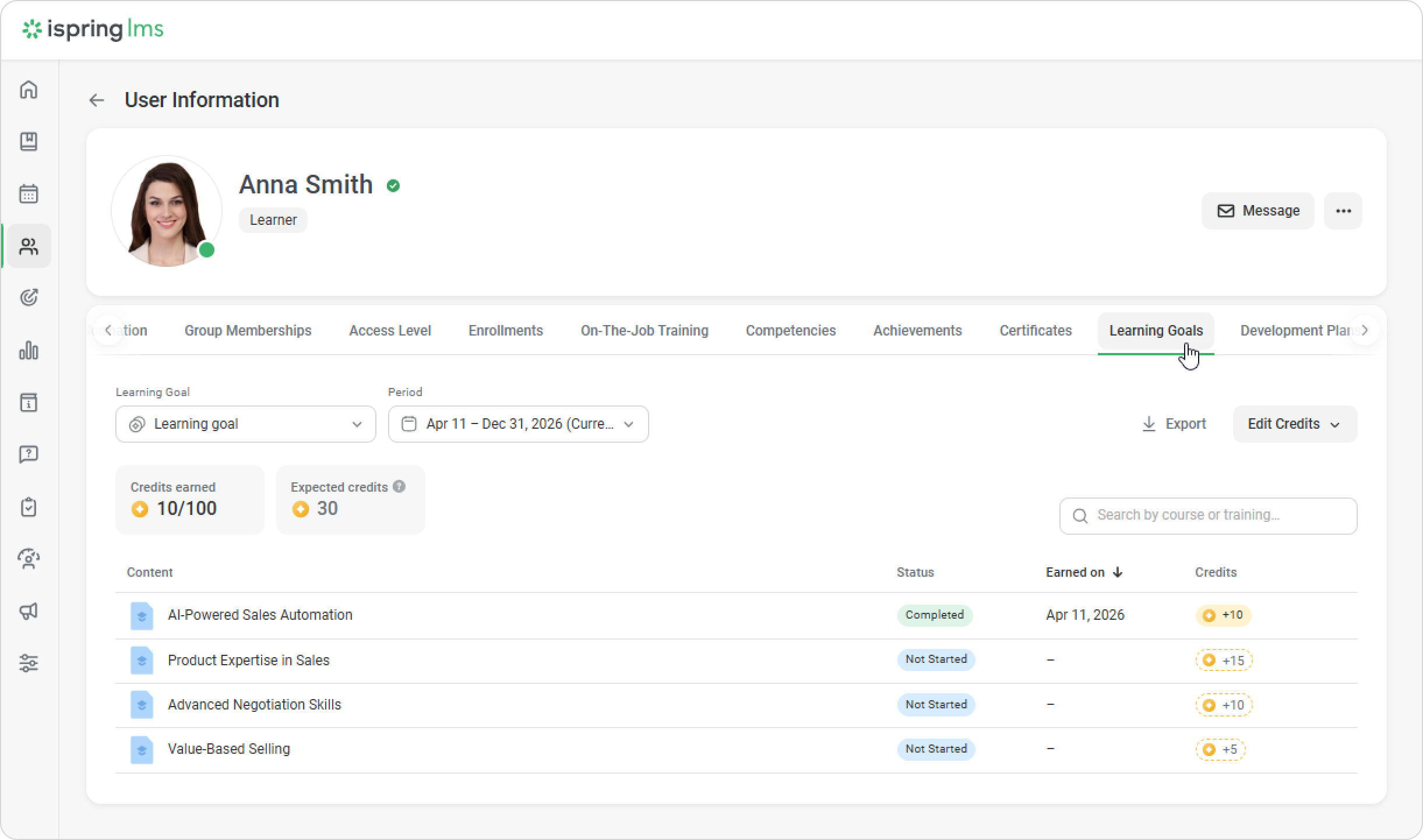
The learning manager can see the expected learning credits for employees in the Administrator Portal in the user profile > Learning Goals.
They can also view this information in the report called Learner progress on the goal.
In the User Portal, employees can see their expected learning credits in the Learning Goal section.
A supervisor can view expected learning credits in the employee profile under the My Team section > Learning Goals.