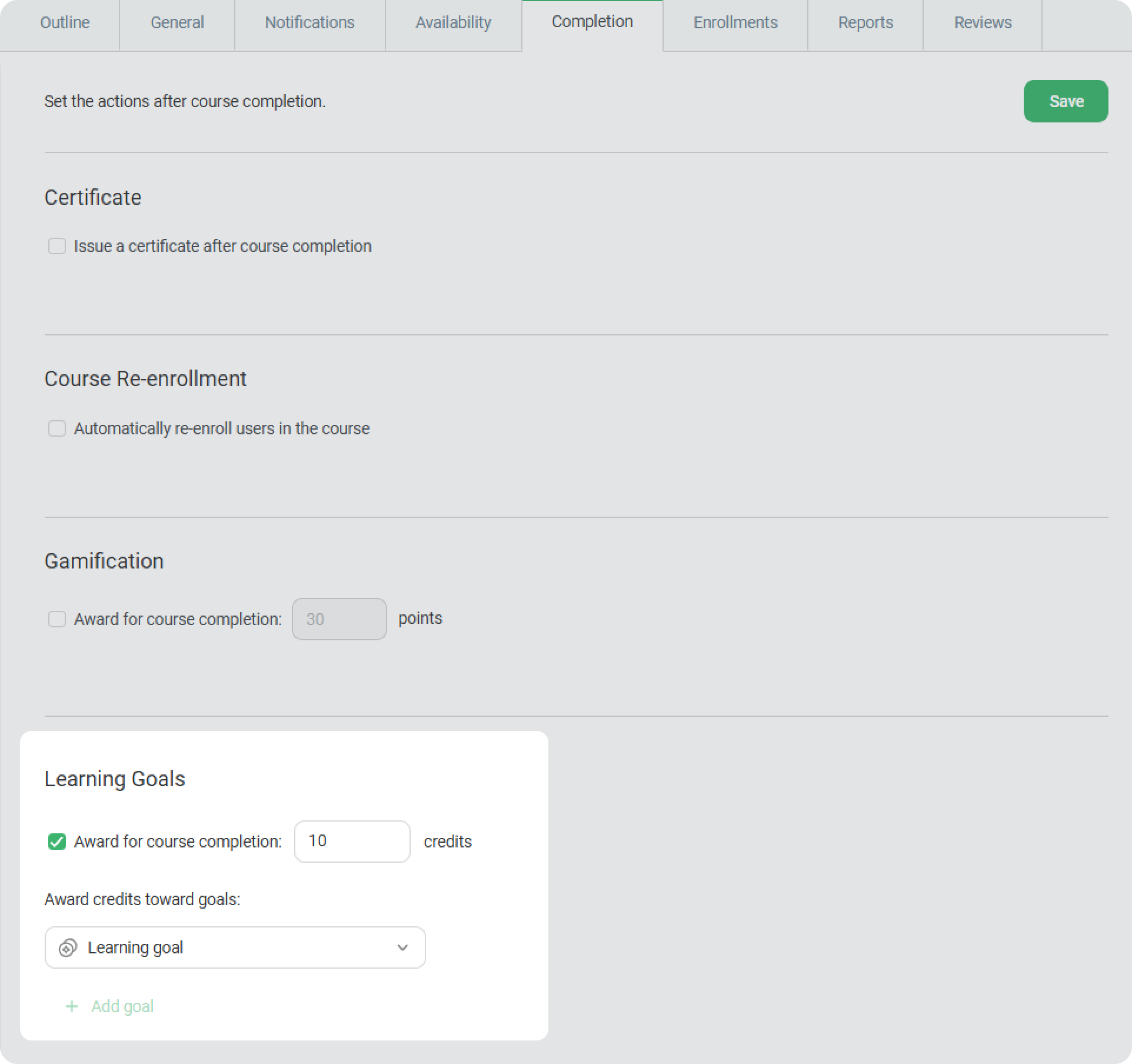
Enroll users in the course, or add your course to Catalog so employees can self-enroll.
- Learning credits can only be awarded for a course or a standalone training.
- Credits are awarded only after completion: courses with “Completed” or “Passed” status and training with “Attended” status.
Once it’s set up, employees will see these courses in the User Portal and can earn learning credits to achieve their goals.
You can use the same steps to award learning credits for training.