Auto-assignment can be set up by the Account Owner, Account Administrator, or an employee with the "Manage templates library and types of plans" permission.
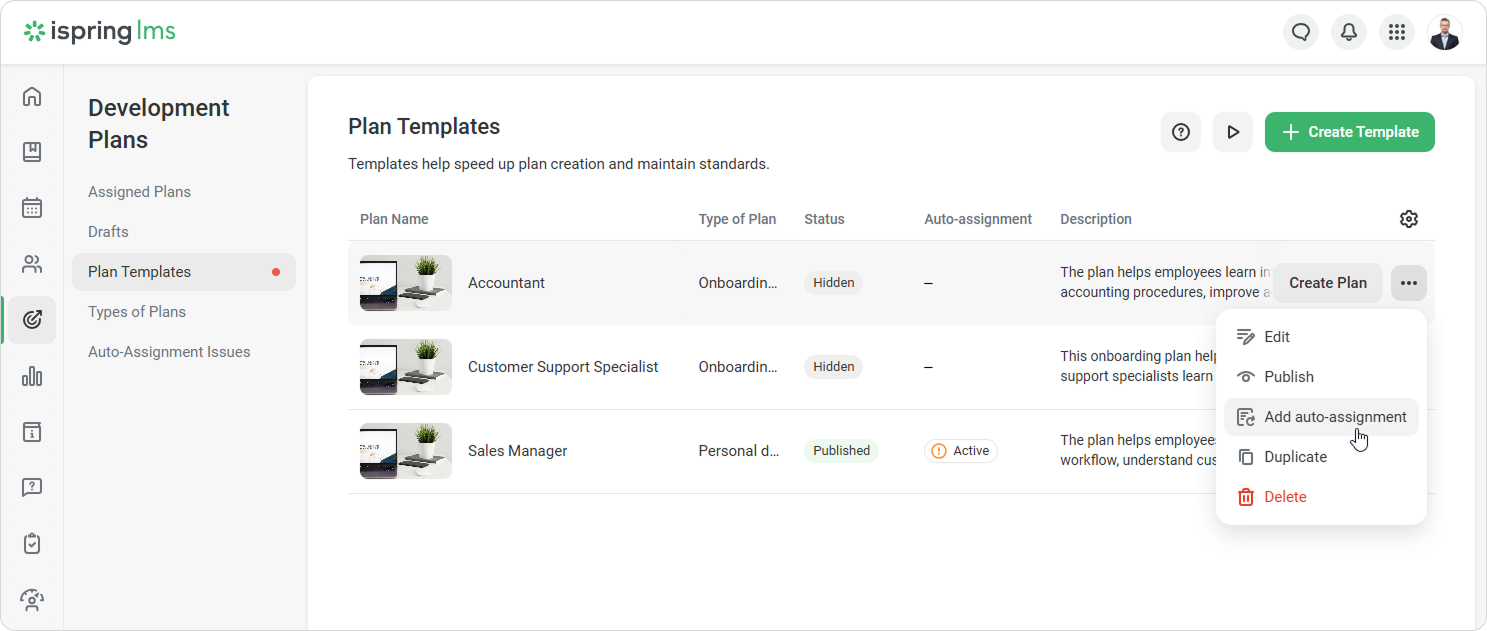
Go to Development Plans > Plan Templates.
Select a template and click ••• > Add auto-assignment.
Next, you can set:
When the plan will be assigned
Who can edit the plan and track its progress
When employees will get access to the plan
If you duplicate a plan template, the auto-assignment settings won’t be copied. Set them up separately for the new template.