The Content Items report is an easy and convenient way to find out how your employees study content items. With this report, you can easily check if users of a certain department have any overdue content items or how far learners have advanced through the content items.
Here are the easy step-by-step instructions on how to use it:
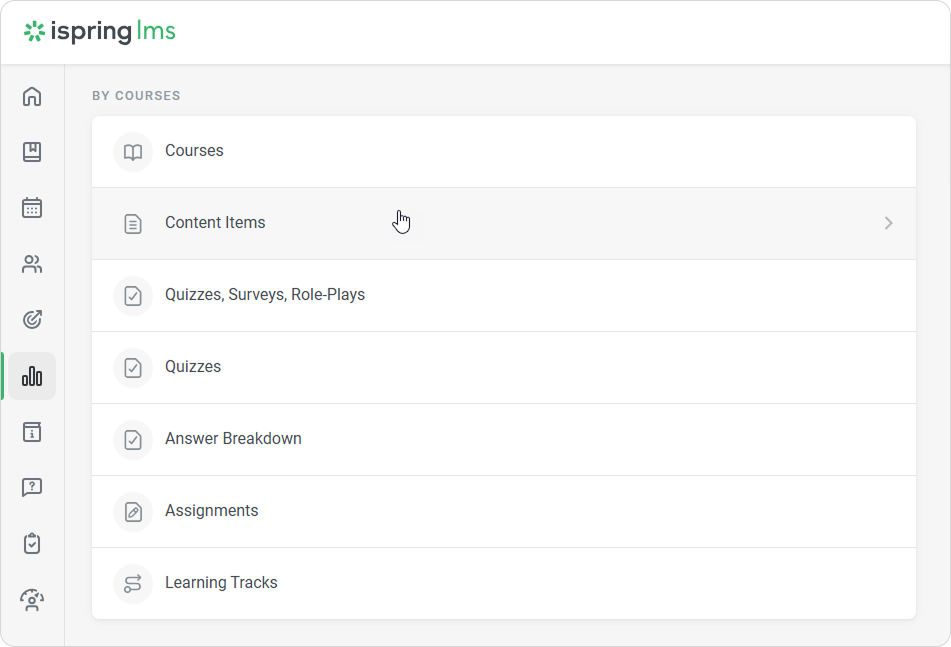
Open the Reports section and click Content Items.
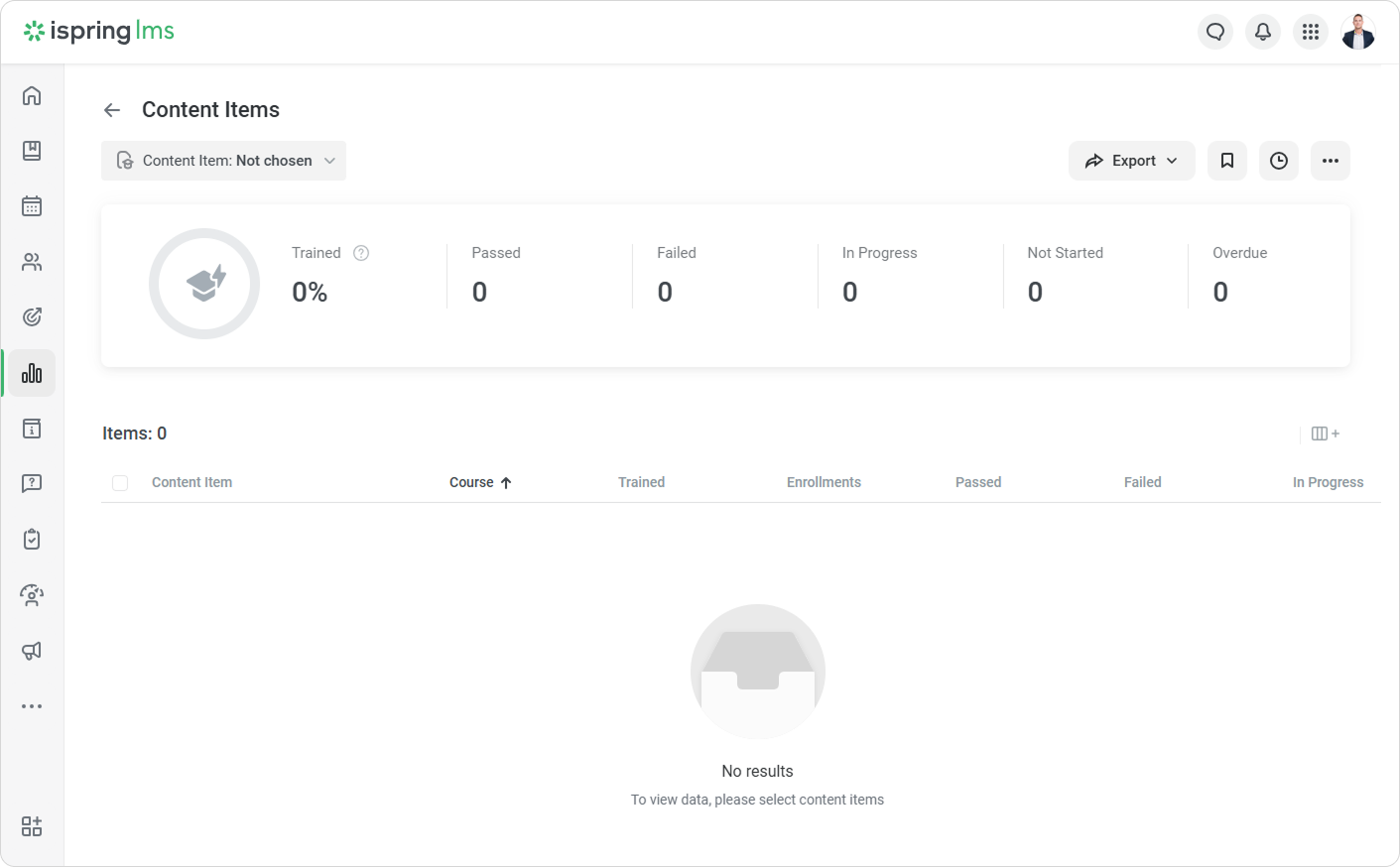
- The Content Items report has been opened but is empty, so select the content items that you want to run the report on.
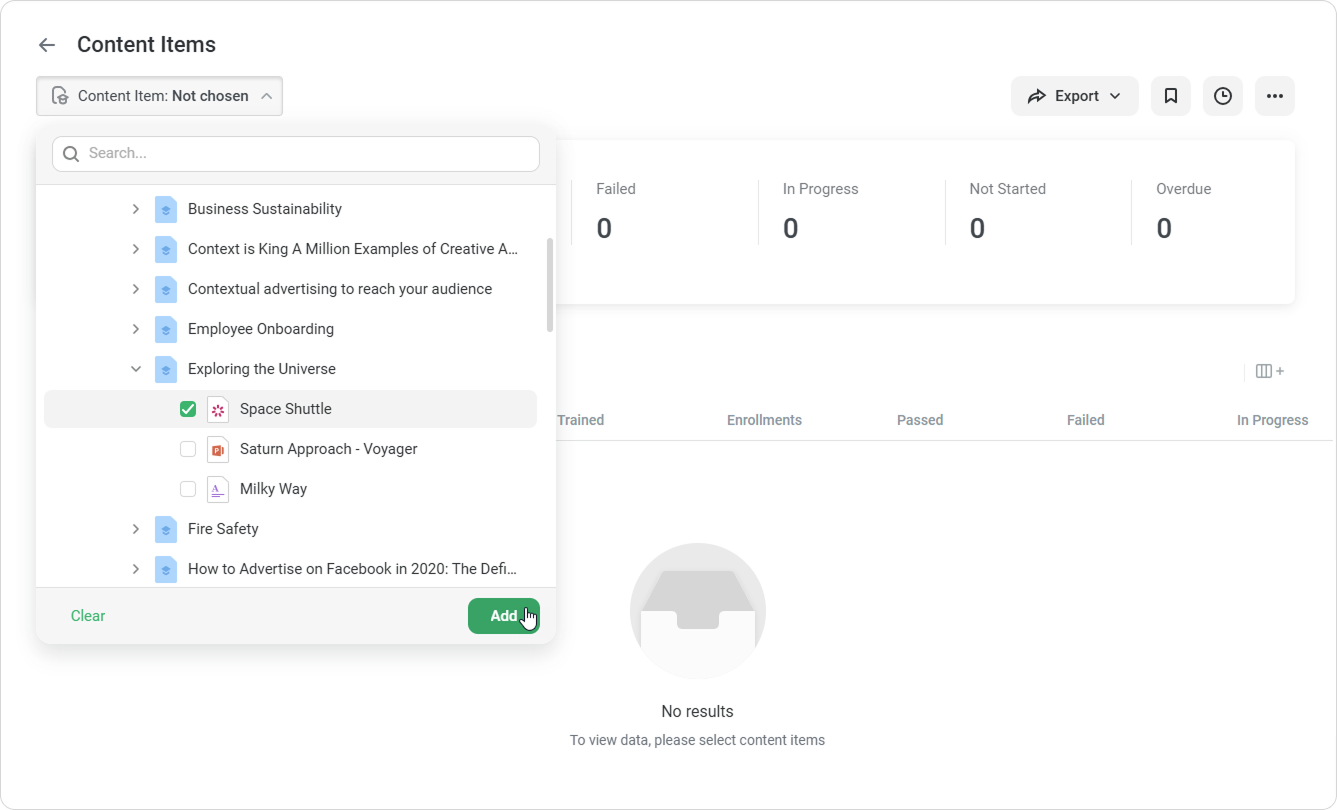
- Open the Content Item filter (it cannot be removed, but can be edited) and select the content items that are included in courses. Then, click Add.
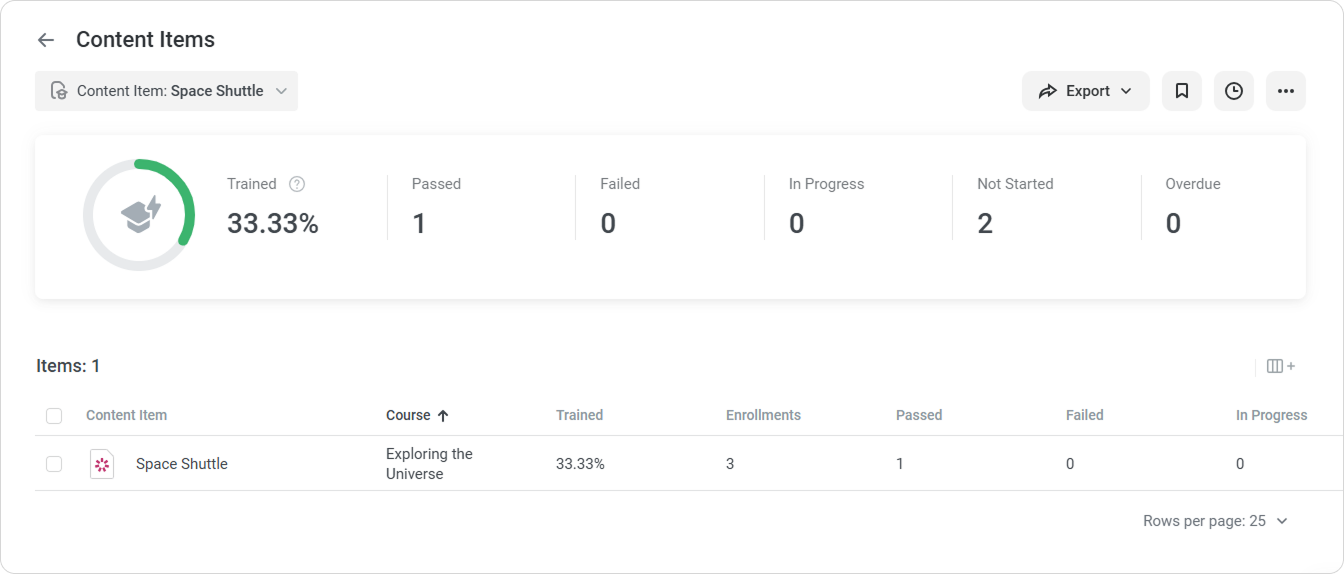
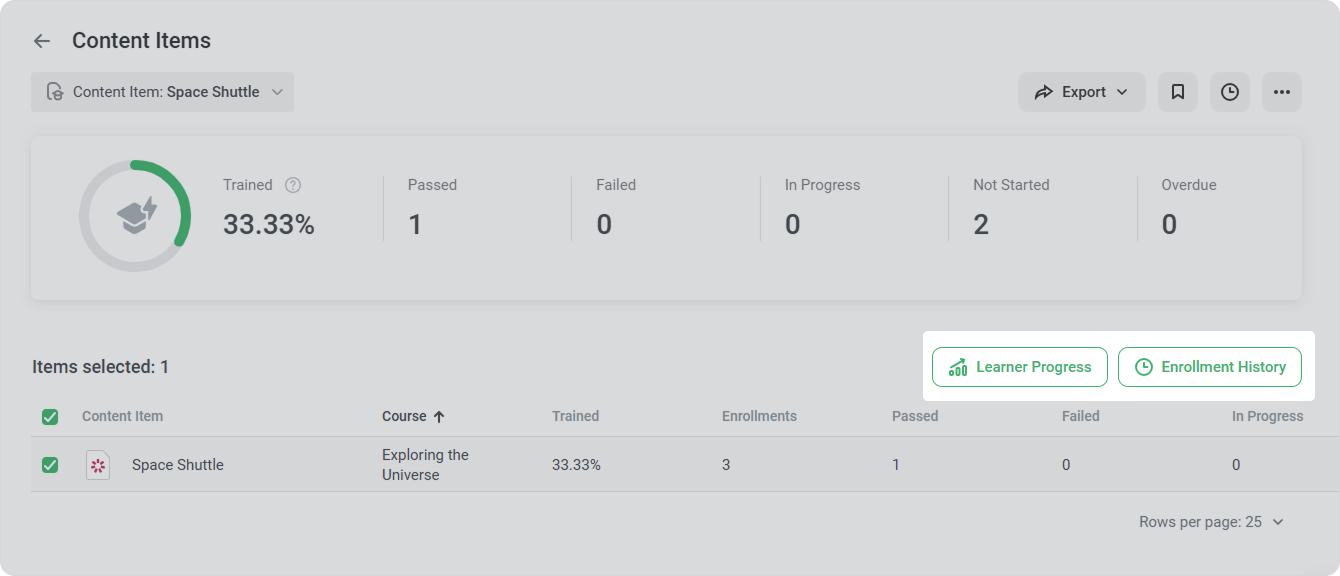
Now, the report is ready. A summary of the entire report will appear above the table with the results.
| Trained | Level of students' training. To calculate this value, you need to divide the number of completed content items by the total number of assigned content items. |
|---|
| Completed | The total number of completed content items. |
|---|
| In Progress | The total number of content items that users have started, but haven't completed. |
|---|
| Not Started | The total number of content items that learners have not yet started. |
|---|
| Overdue | The total number of courses whose due dates have already expired. |
|---|
- In the Content Item filter, you can select up to 50 content items from all available courses.
- If the selected content item wasn't assigned to anyone, it will be included in the report.
- You can only choose content items that are included in courses. To find out how users are progressing through surveys, quizzes, and dialogs that are included in iSpring Suite-created presentations, run the Quizzes report.
- In the report, you can click on Learner Progress to see how learners progress through content items, and Enrollment History to view their enrollment records.
Recommended articles: