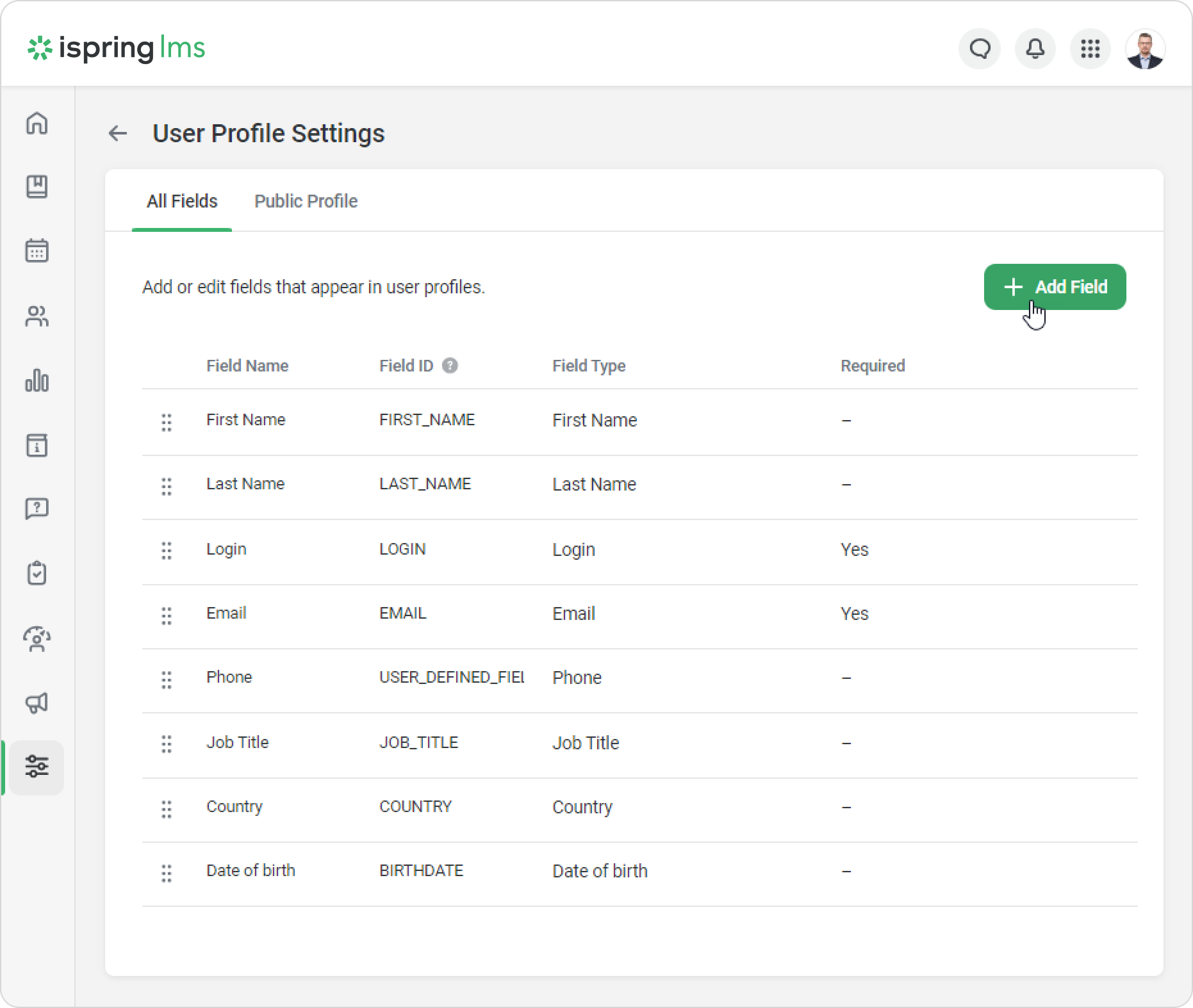
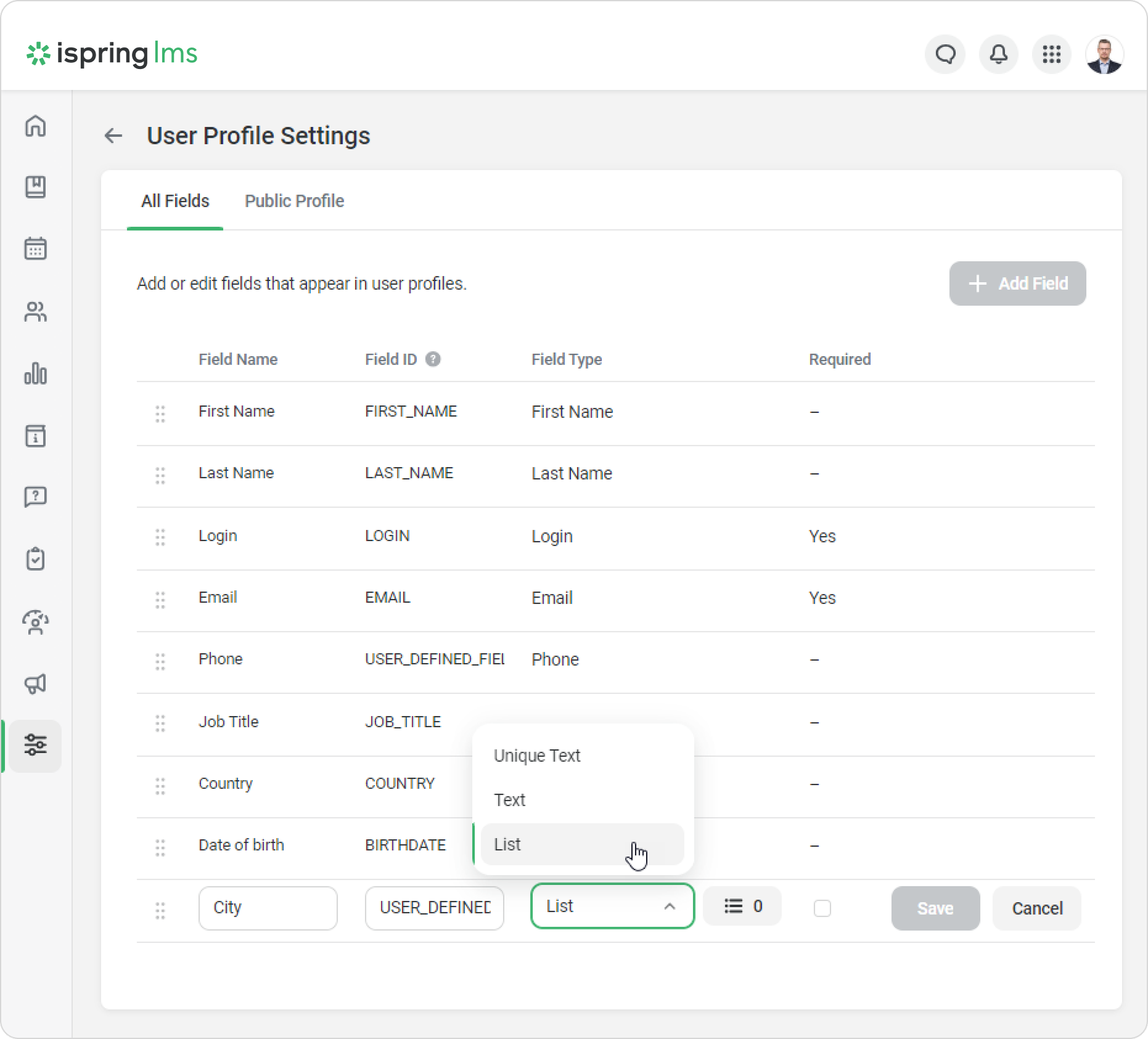
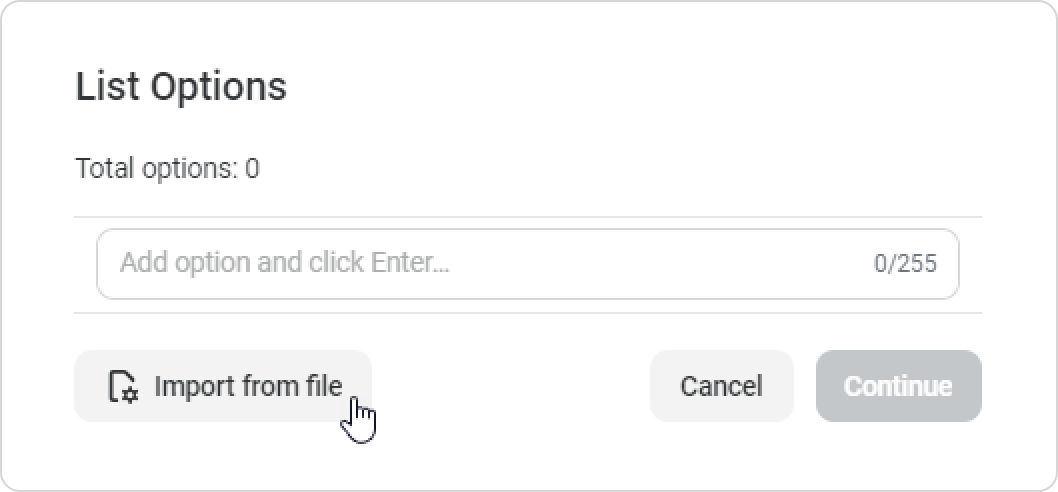
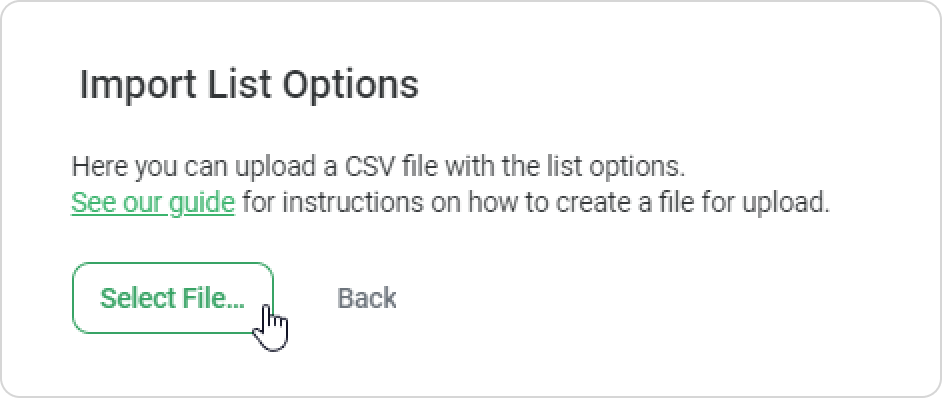
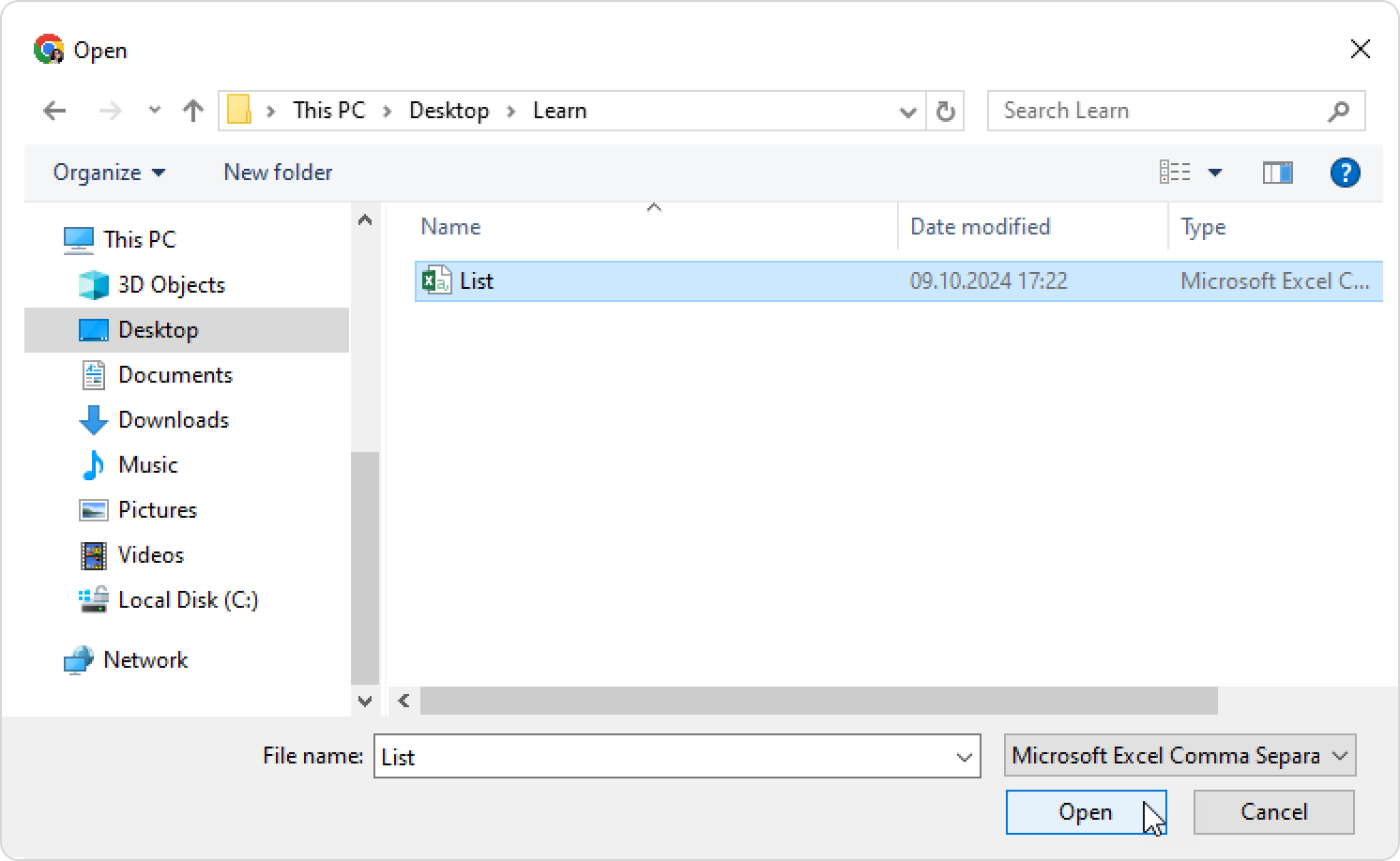
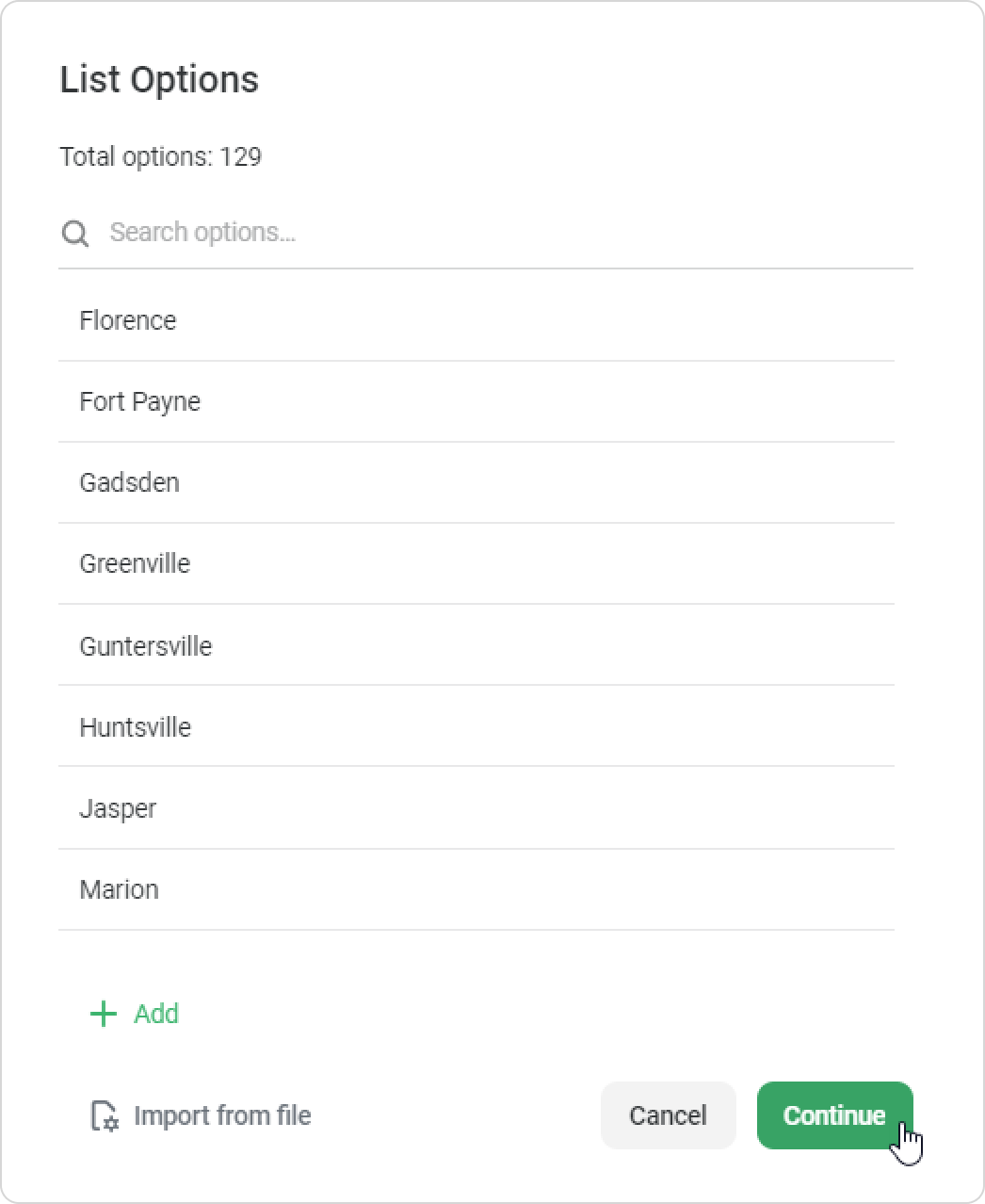
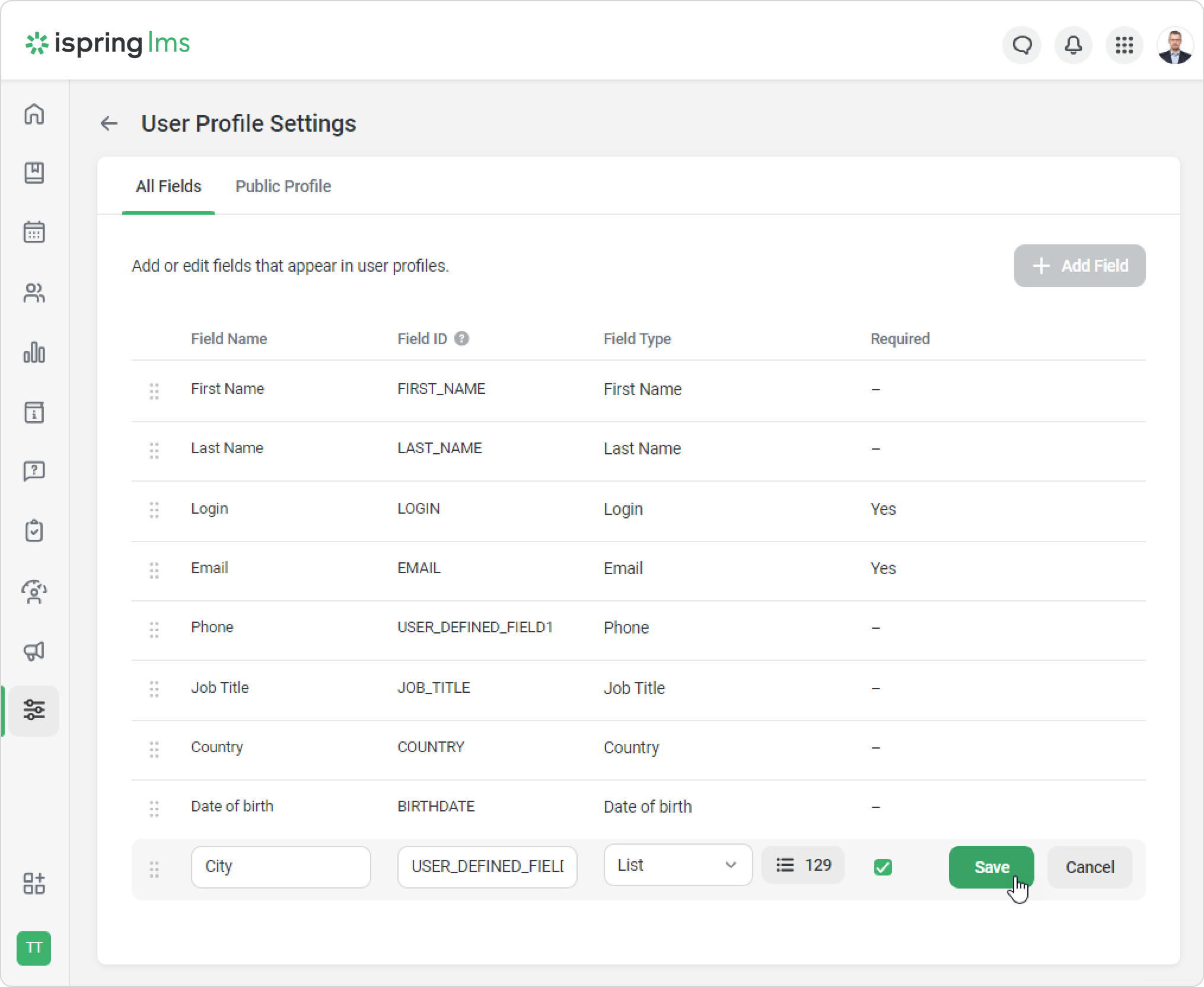
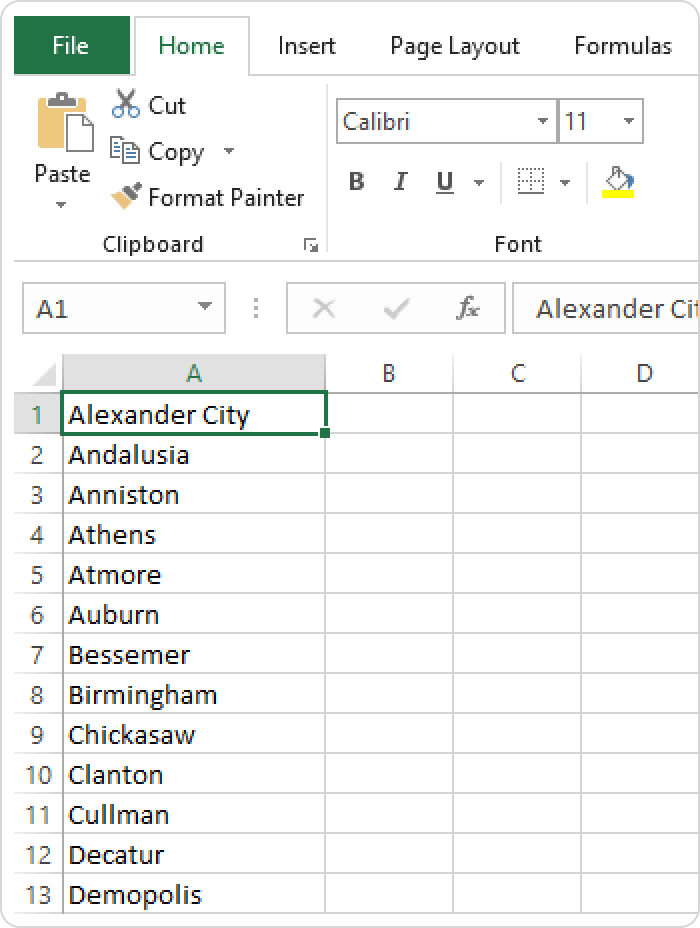
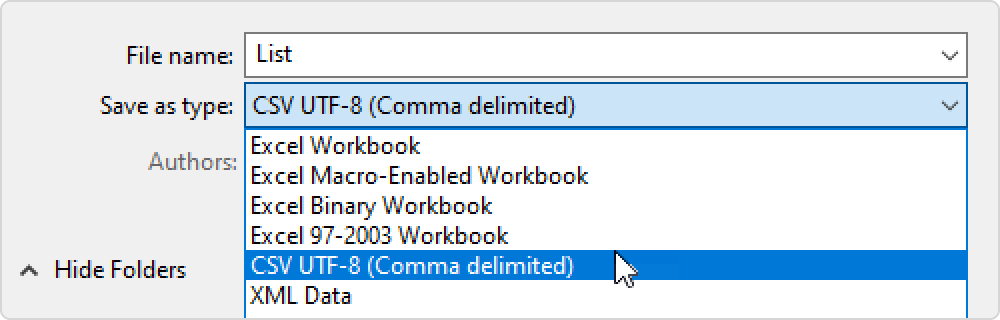
iSpring LMS Settings Additional Options User Profile Settings Adding a Custom Field Dropdown List Fields Current: How to Import List Options from CSV How to Import List Options from CSV You can import list options from a CSV file. How to Add a List to a Sign-up FormClick on Add Field.Add the name and ID of the field, and then select the List field type. The List type is only available for new fields. Next, click Import from file.Make sure the file meets the requirements and click Select File.Select a file and click Open.When the list is complete, click on Continue.Then, select if this field is required or not, and save your changes.CSV File RequirementsEnsure that each value is written on a separate line.The maximum number of characters allowed in a name is 255.The maximum number of values on a list is 10,000, meaning you can add no more than 10,000 values.Make sure you save the file in CSV UTF-8 format. ×