You can delete training enrollments for specific users:
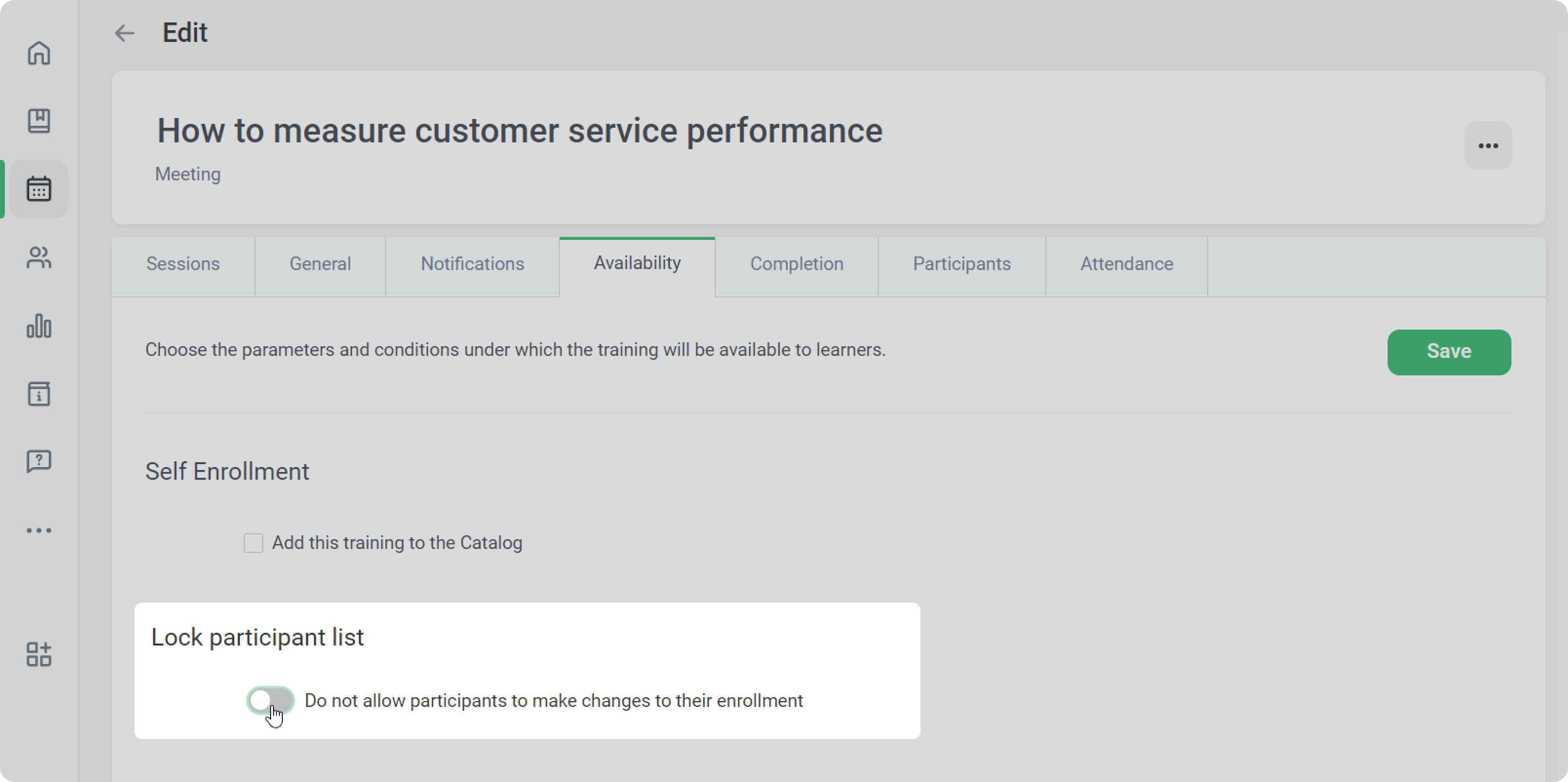
Or you can allow users to unenroll from training themselves:
On the Edit Training Page
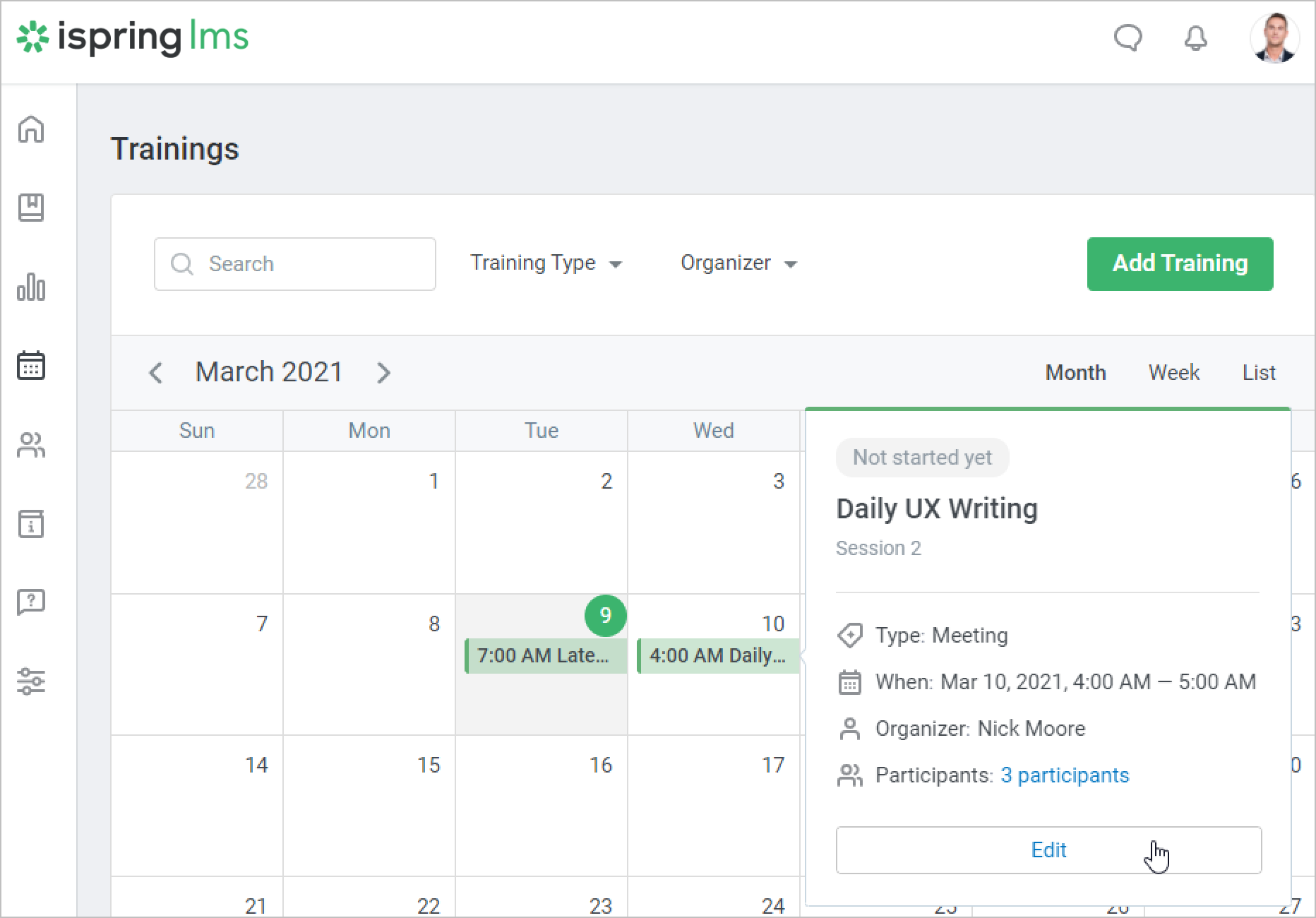
- Locate the desired training in the calendar and click Edit.
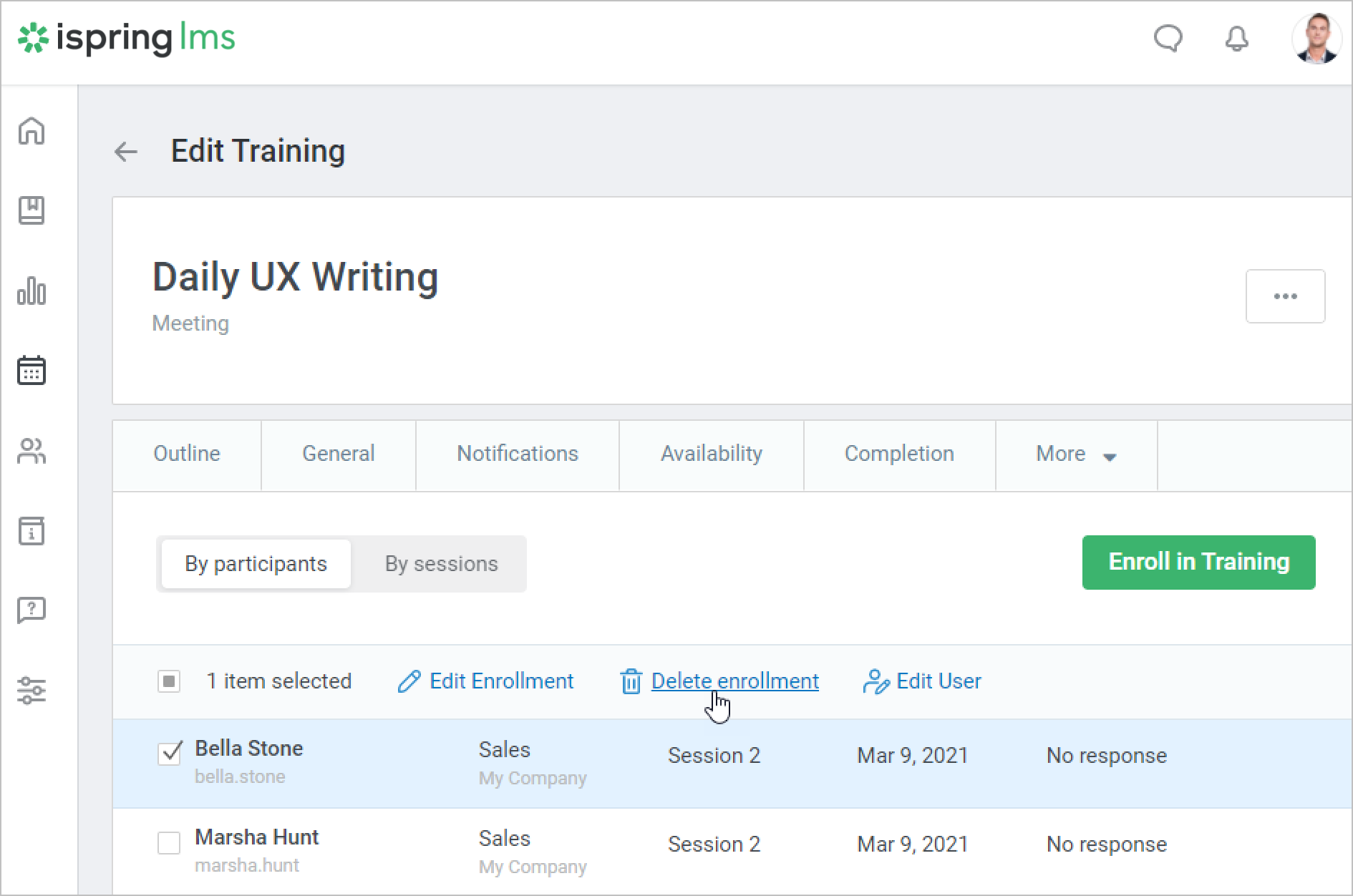
- Open the Participants tab on the Edit Training page. Here you will see all users who are enrolled in the training.
- Select one or more users for whom you would like to cancel the enrollment and click Delete enrollment in the menu at the top.
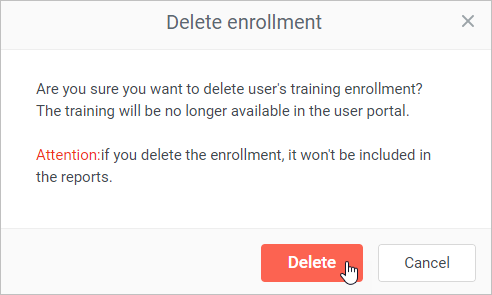
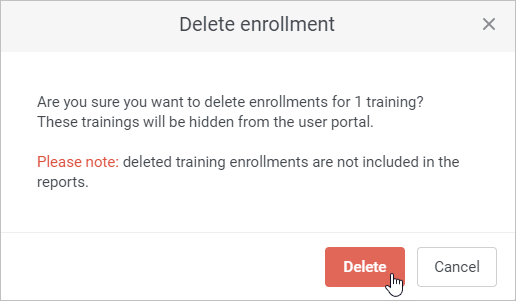
- In the Delete enrollment window, confirm your choice by clicking Delete.
On the Edit User Page
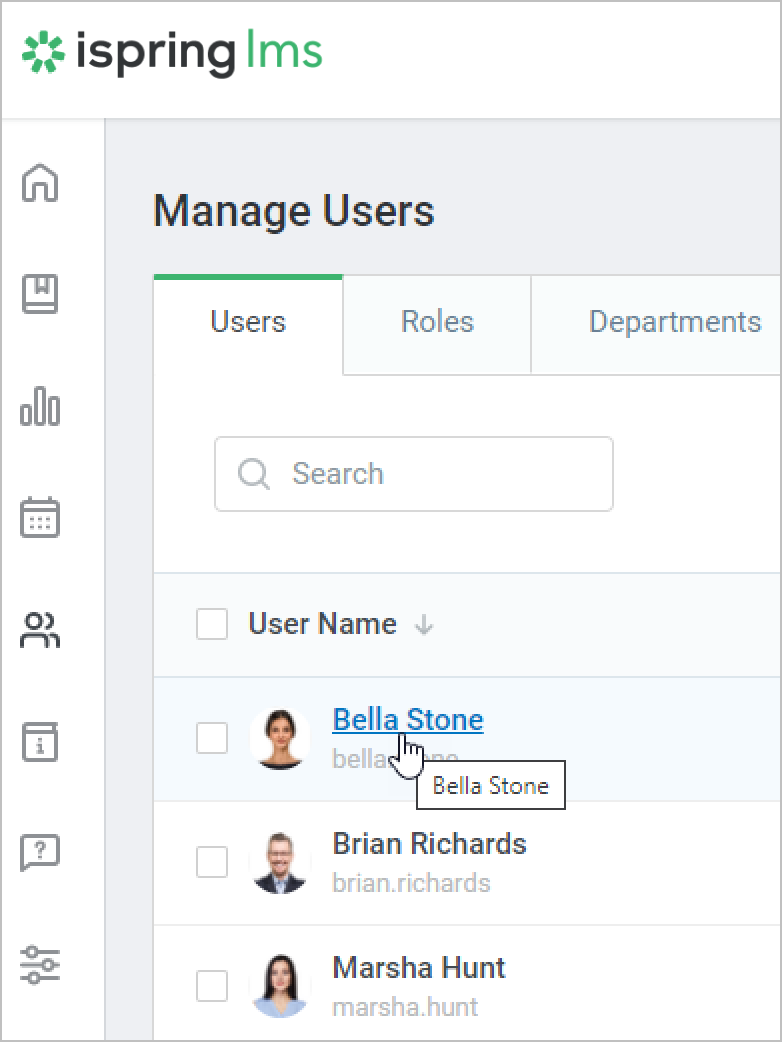
Go to the Users section and click on the user's name.
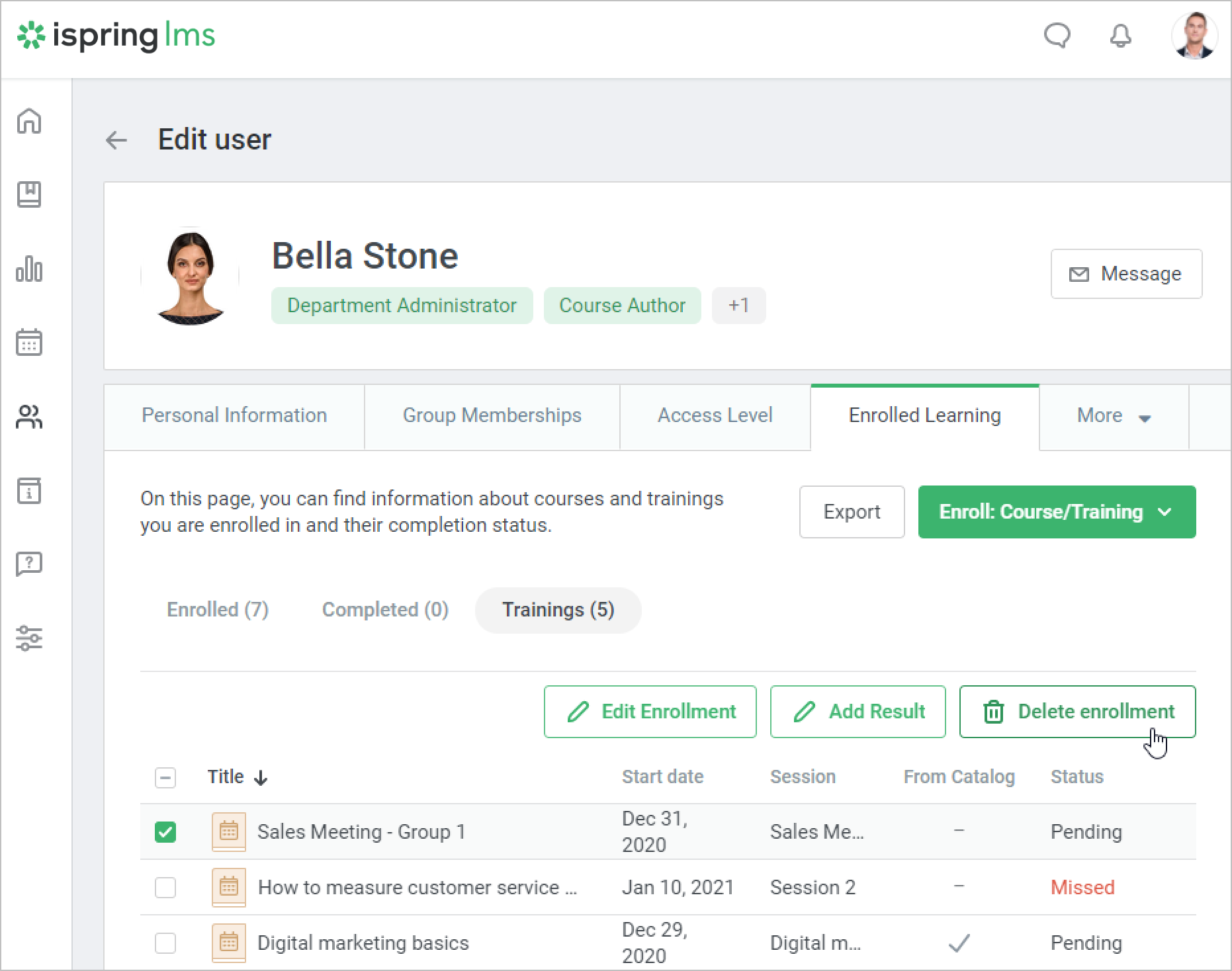
On the Edit user page, open the Enrolled Learning tab and go to the Trainings section.
Next, select a training and click Delete enrollment.
- In the Delete enrollment window, confirm your choice by clicking Delete.
User Unenrollment
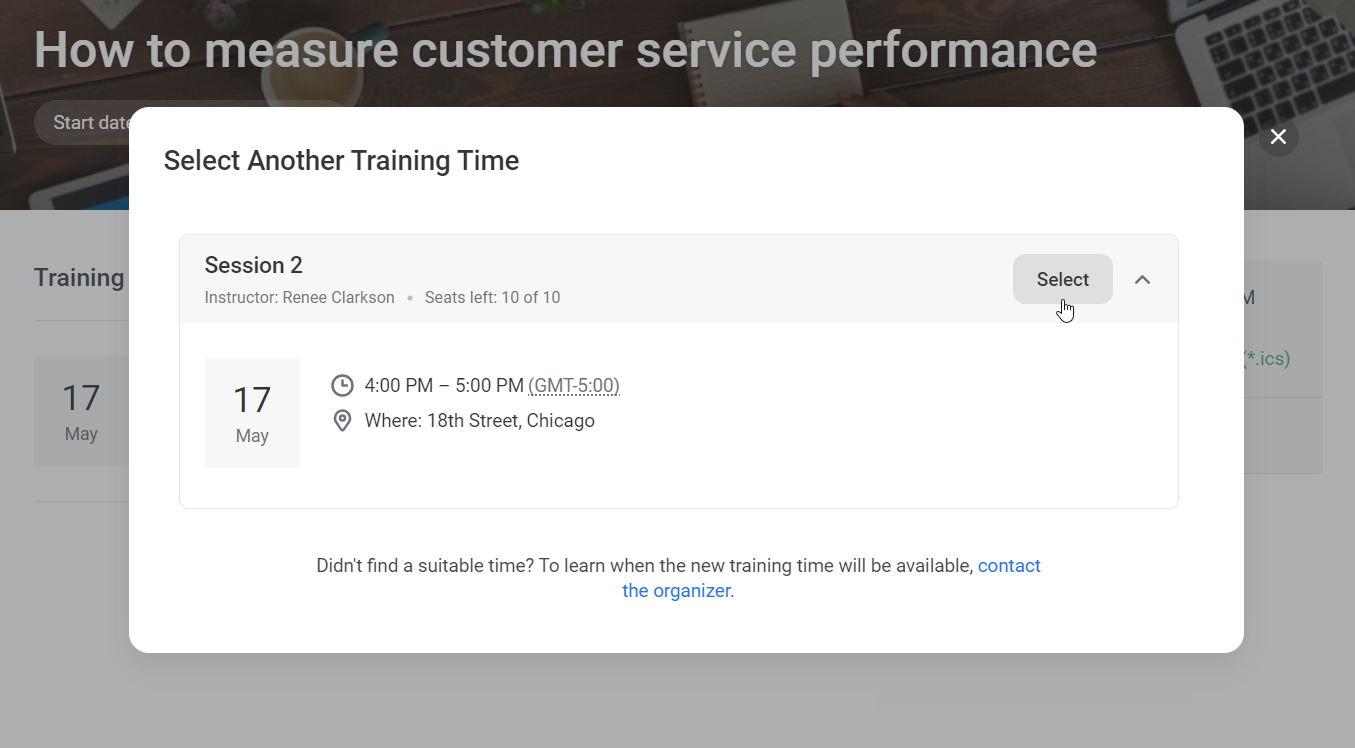
Users can unenroll from training events for which they selected a session themselves.
In the Availability section you can set a deadline after which participants will not be able to unenroll from training.