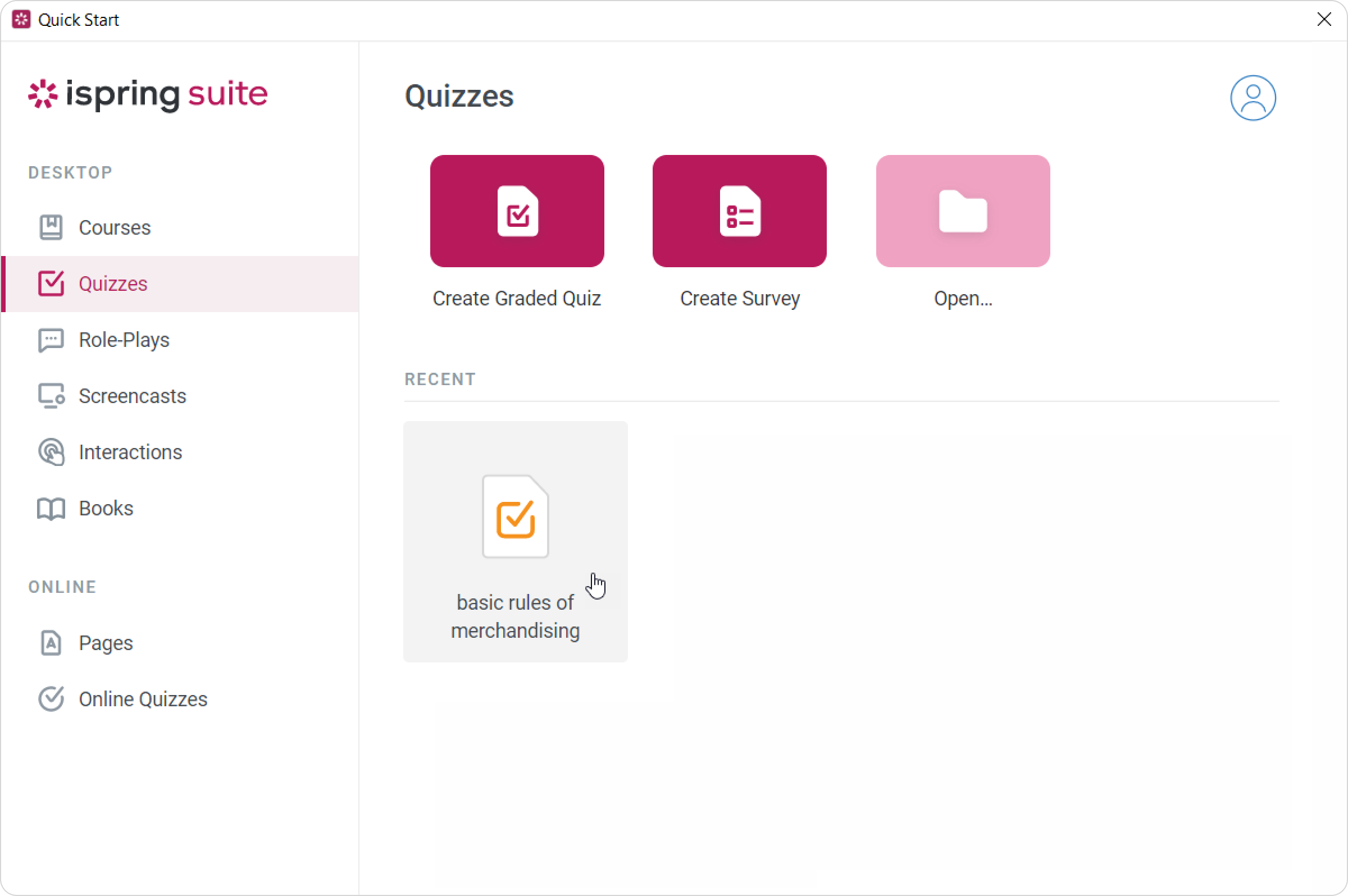
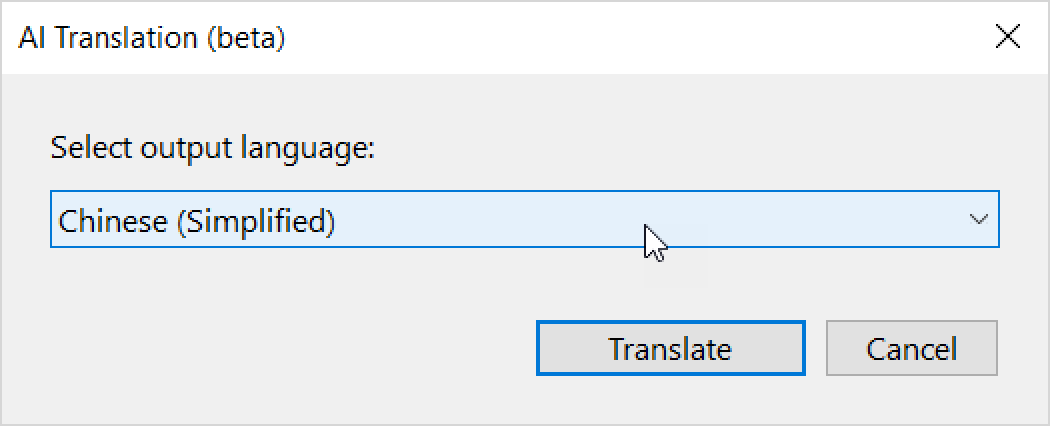
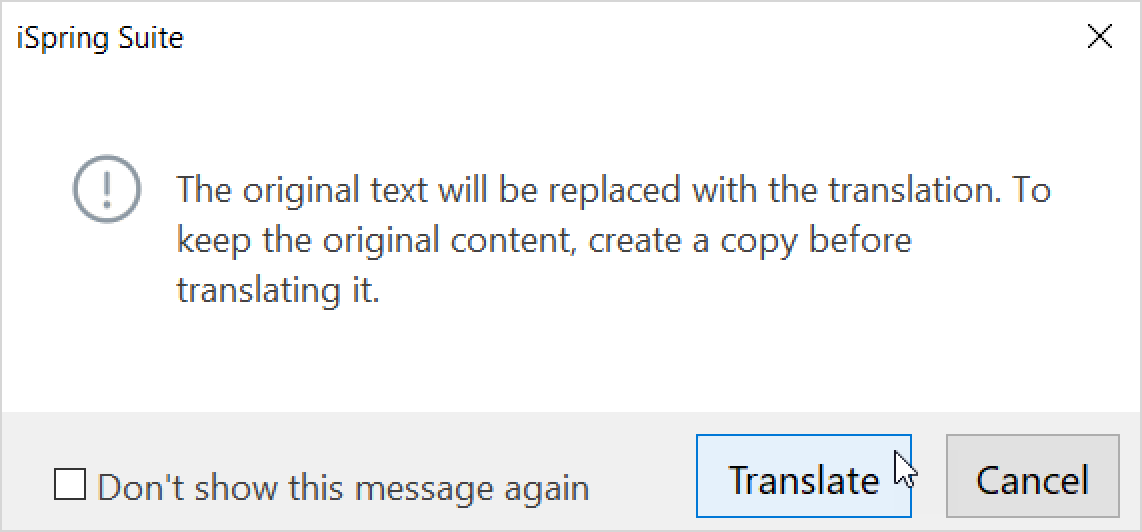
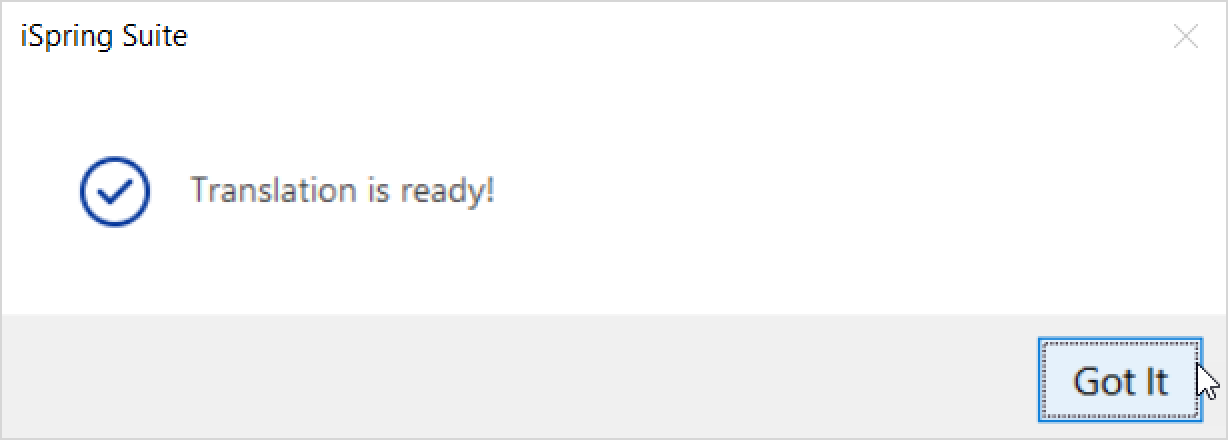
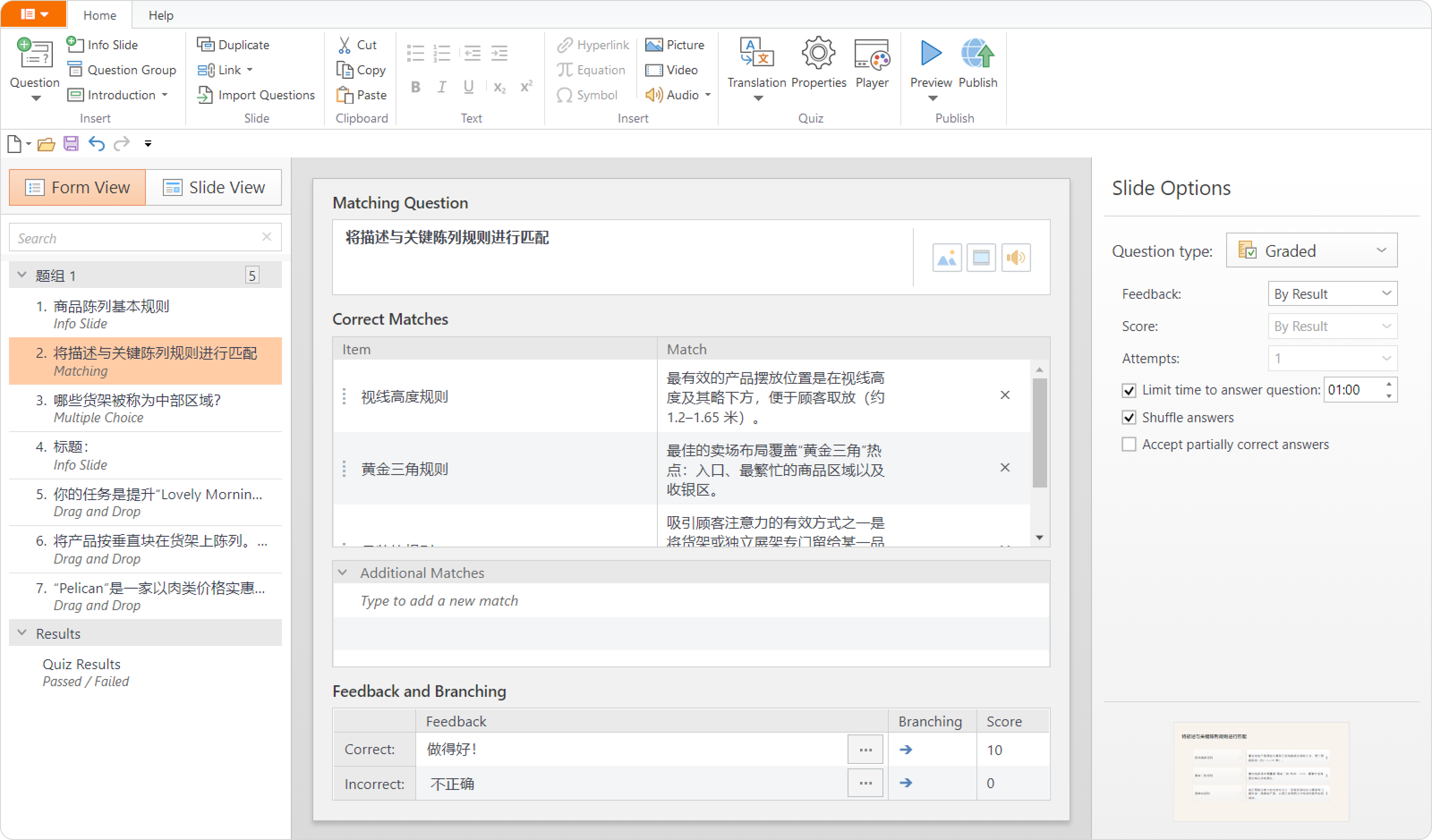
iSpring QuizMaker Current: AI-Powered Quiz Translations AI-Powered Quiz Translations You can translate quizzes in no time with the built-in AI Translator. The AI Translator skips player elements, text formulas, and images.If your quiz includes voice-over, set up new narration. You can quickly generate it with text-to-speech in the target language. Open a quiz. Click on Translation > Translate with AI (beta).Next, select the output language and click on Translate.You'll be notified that the original texts will be deleted during the translation. Click on Translate once again. If you need to keep the original texts, make sure to save a copy in advance. When translation is finished, click on Got It. That's it! You've translated the quiz using AI. If you want to translate a course, read on Course Translation with AI. ×