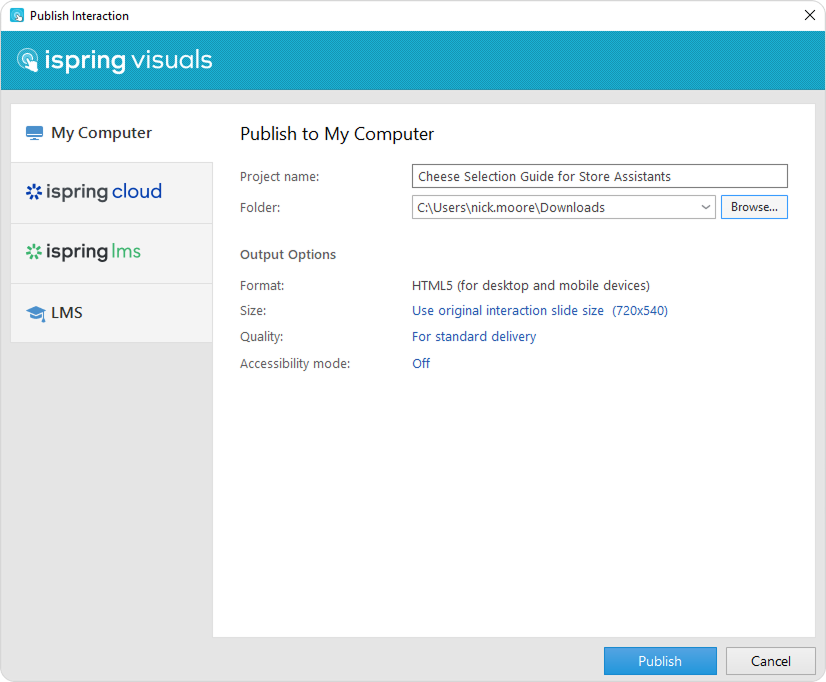
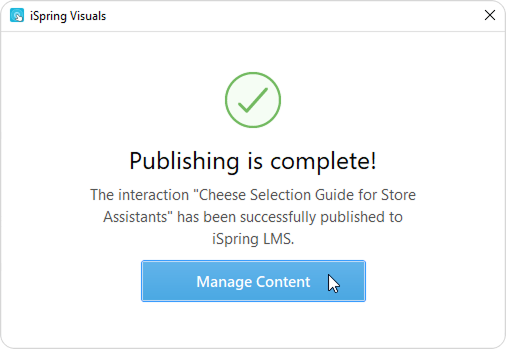
iSpring Visuals Current: Publishing Interactions Publishing Interactions To publish a finalized interaction:Click the Publish button on the iSpring Visuals toolbar.In the opened window, select a publishing destination.My ComputerPublish an interaction on your computer.iSpring CloudPublish an interaction to iSpring Cloud, a service for creating and storing content.iSpring LMSPublish an interaction to your iSpring LMS account.LMSPublish an interaction to SCORM, AICC, Tin Can, or cmi5 format for subsequent upload to any LMS.Configure output options and click Publish.The interaction has been successfully published. Select what you would like to do with it next: view it, send via email, upload it to a server, or archive it. ×