- Open the Cam Pro project and click Text to Speech.

- Then, select the language and voice.
- Now insert the text you’re going to convert and check SSML Editor.
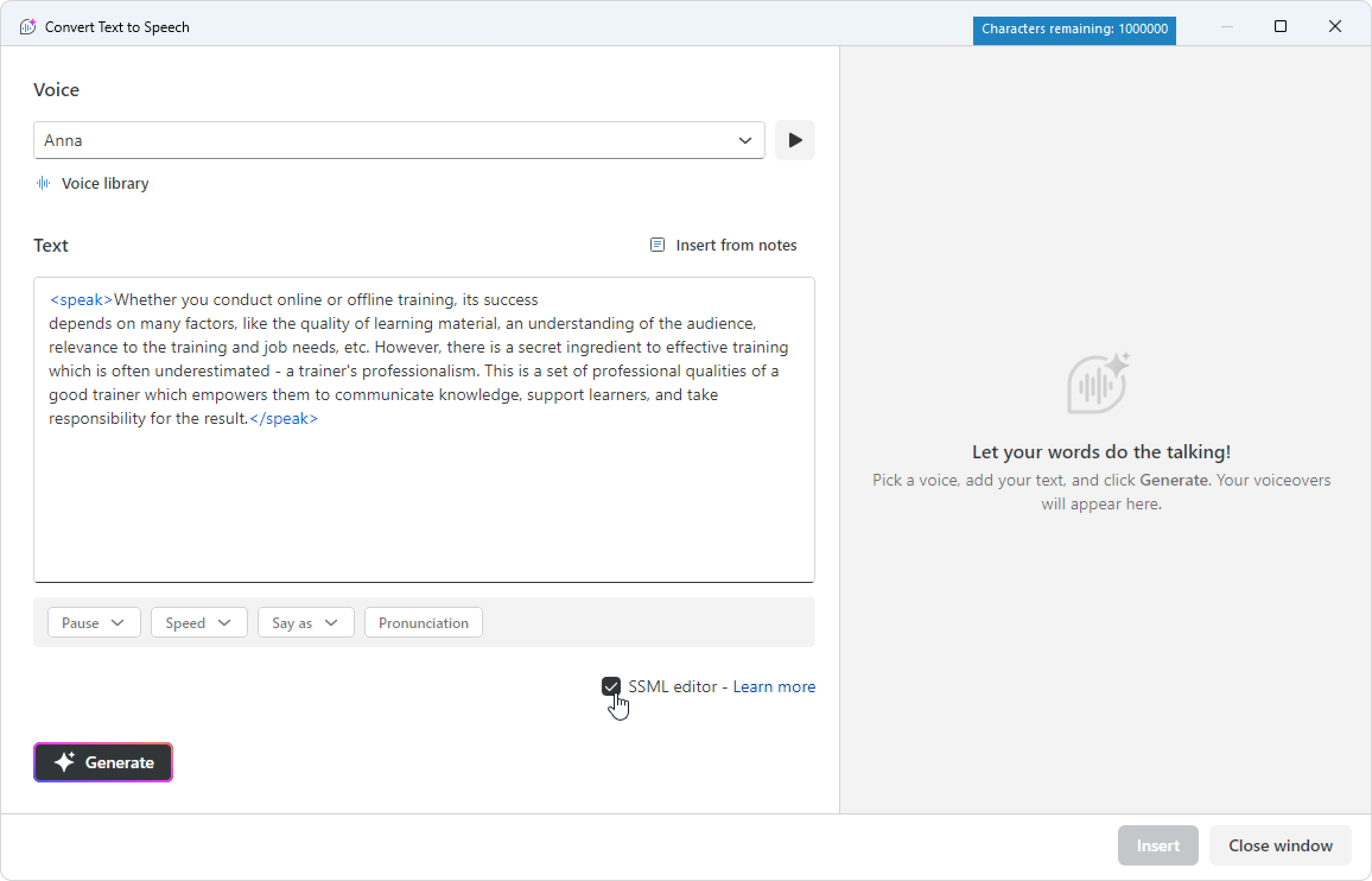
The <speak> ... </speak> tags will appear at the beginning and end of the text.
This is a required pair tag for SSML to work. If you want to add text, paste it in between the tags.
Great! You've enabled SSML.