If you no longer need Zoom meetings, you can remove the iSpring LMS application from your Zoom account.
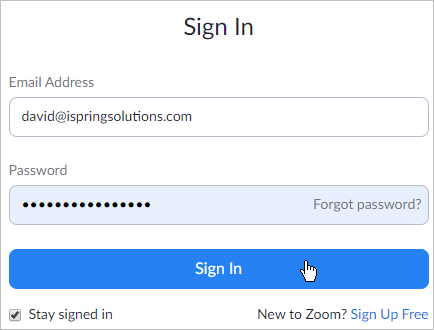
- First, log in to your Zoom account.
- Unfold the Advanced menu and select App Marketplace.
- Search for the iSpring LMS app among the published add-ons and click on it once it's auto-populated.

- Now that the application is opened, select the Manage tab and click Uninstall.
- The iSpring LMS add-on is now removed from your Zoom account.