• Only the Account Owner and Administrator can enable and manage Learning Goals in iSpring LMS.
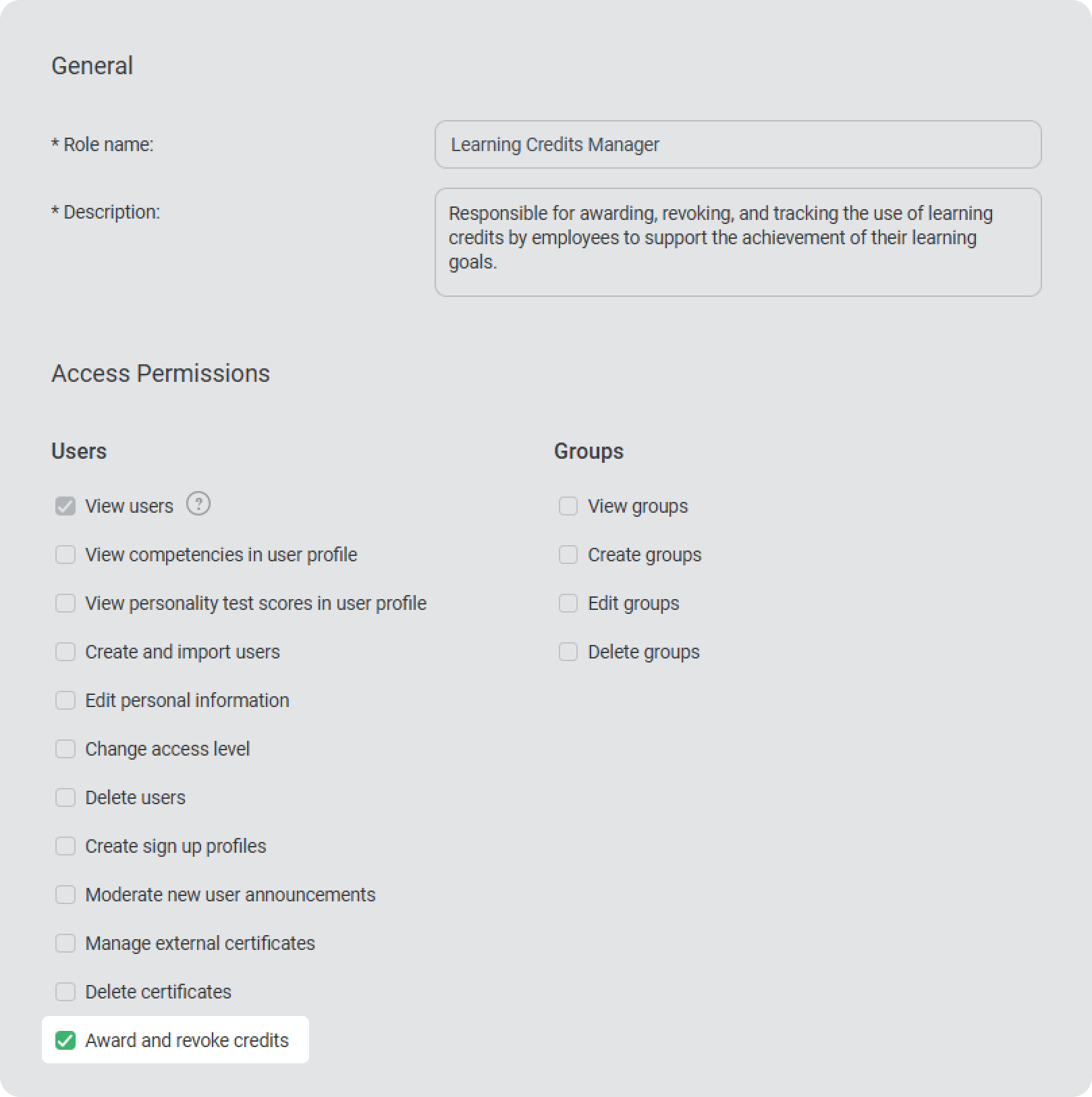
  • The Account Owner and Administrator can also award and revoke learning credits. You can also add a custom role with permission to award and revoke credits.


  • Supervisors can view information about learning goals and the number of earned credits under the My Team section in the User Portal.

Here’s a detailed overview of the roles in the Learning Goals section and the functions available to each.

Standard Roles

Permissions / Role

Account Owner and Administrator

Department AdministratorSupervisorLearners
Enable and disable the “Learning Goals” section +---
Manage learning goals+---
Award and revoke learning credits+---
Open “Learning Goals” and “Learner progress on the goal” reports++--
Set up learning credits to be awarded when a course is completed++--
Set up learning credits to be awarded when a training is completed++--
View the learning credits earned upon completing a training++--
View information in the user’s profile card++--
See user’s learning goals information in the My Team section--+-

Custom Roles

Permissions / Role

Permission to view user

Permission to view and assign content itemsPermission to view trainingsPermission to edit trainingsPermission to view user reportsAwarding and revoking learning credits
Enable and disable the “Learning Goals” section ------
Manage learning goals------
Award and revoke learning credits-----+
Open “Learning Goals” and “Learner progress on the goal” reports----+-
Set up learning credits to be awarded when a course is completed-+----
Set up learning credits to be awarded when a training is completed---+--
View the learning credits earned upon completing a training--++--
View information in the user’s profile card-----+
See user’s learning goals information in the My Team section------