Learning Goals reports show who is steadily moving toward their goals and who is behind schedule.
How to open the “Learning Goals” report
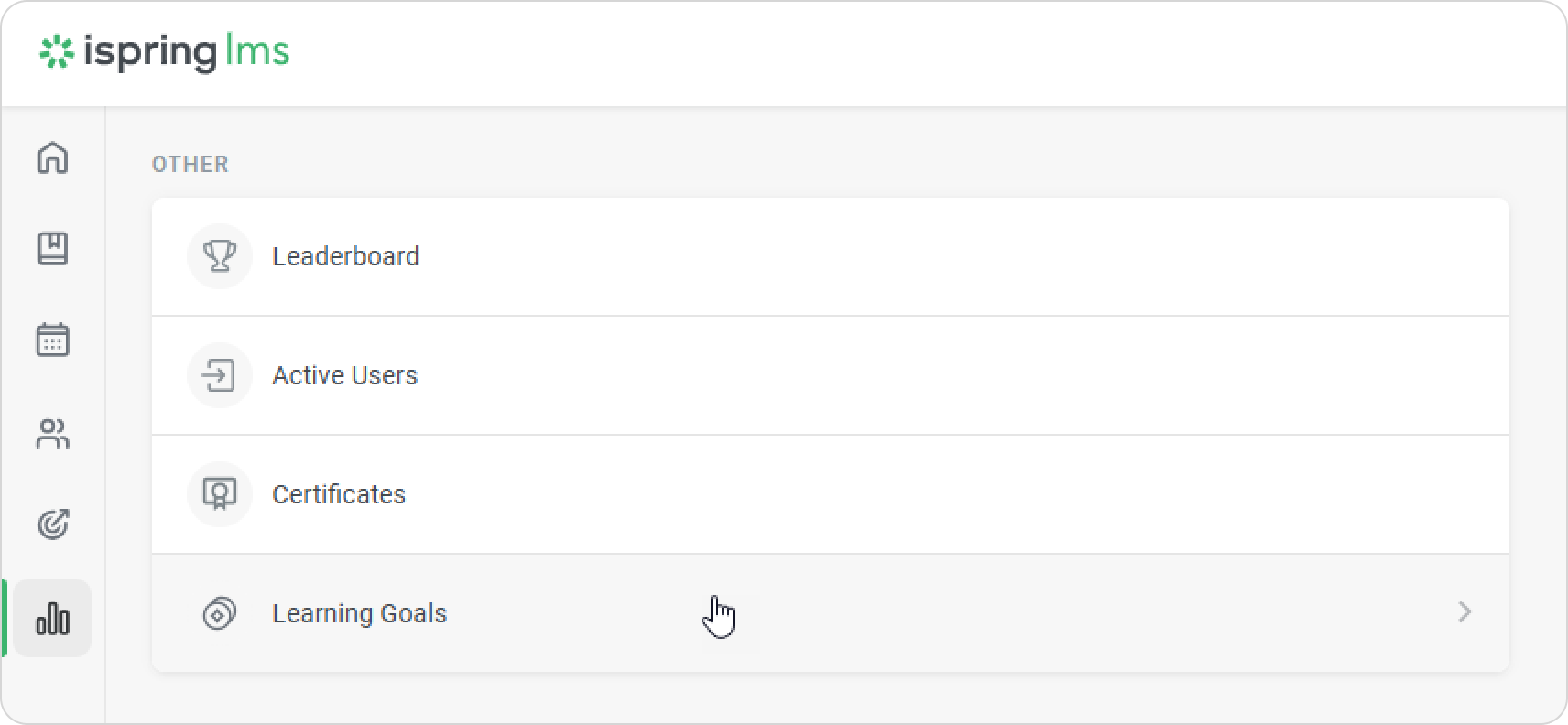
- Go to the Reports section and scroll down to Other. Select the Learning Goals report.
- Use the filters to choose the learning goal and the period for the report.
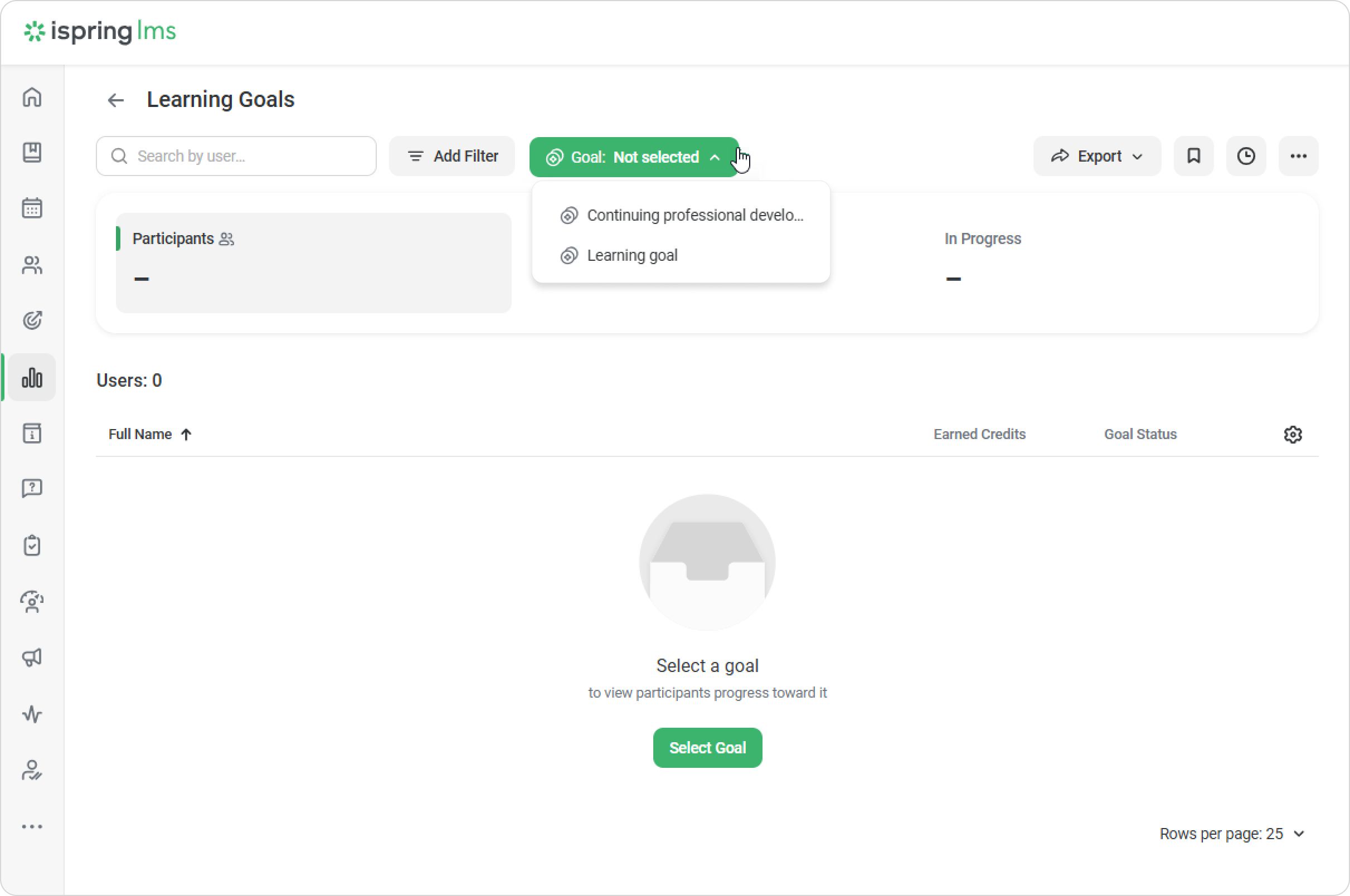
The report clearly shows:- The number of participants involved in the learning goal
- Who has achieved the goal
- Who is still working toward the goal
- You can export the report in XLSX or CSV format.
How to open the “Learner progress on the goal” report
You can see how each employee is progressing toward a learning goal through courses and training. Select an employee and click on Learner Results.
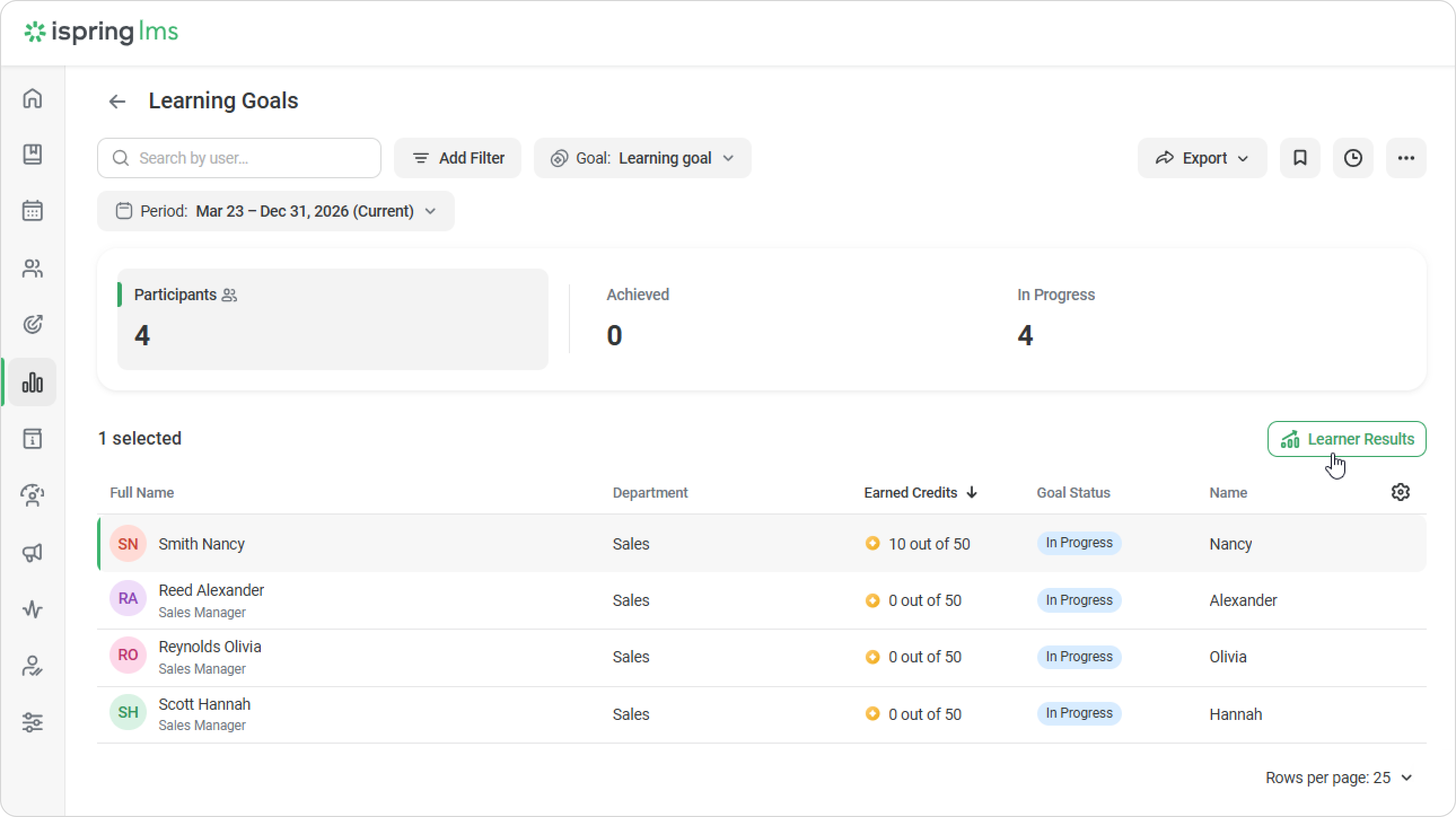
Based on the selected filters, this report shows:
- The employee’s total learning credits for the selected learning goal and time period.
- Any credits manually added by the administrator, including the reason for the change.