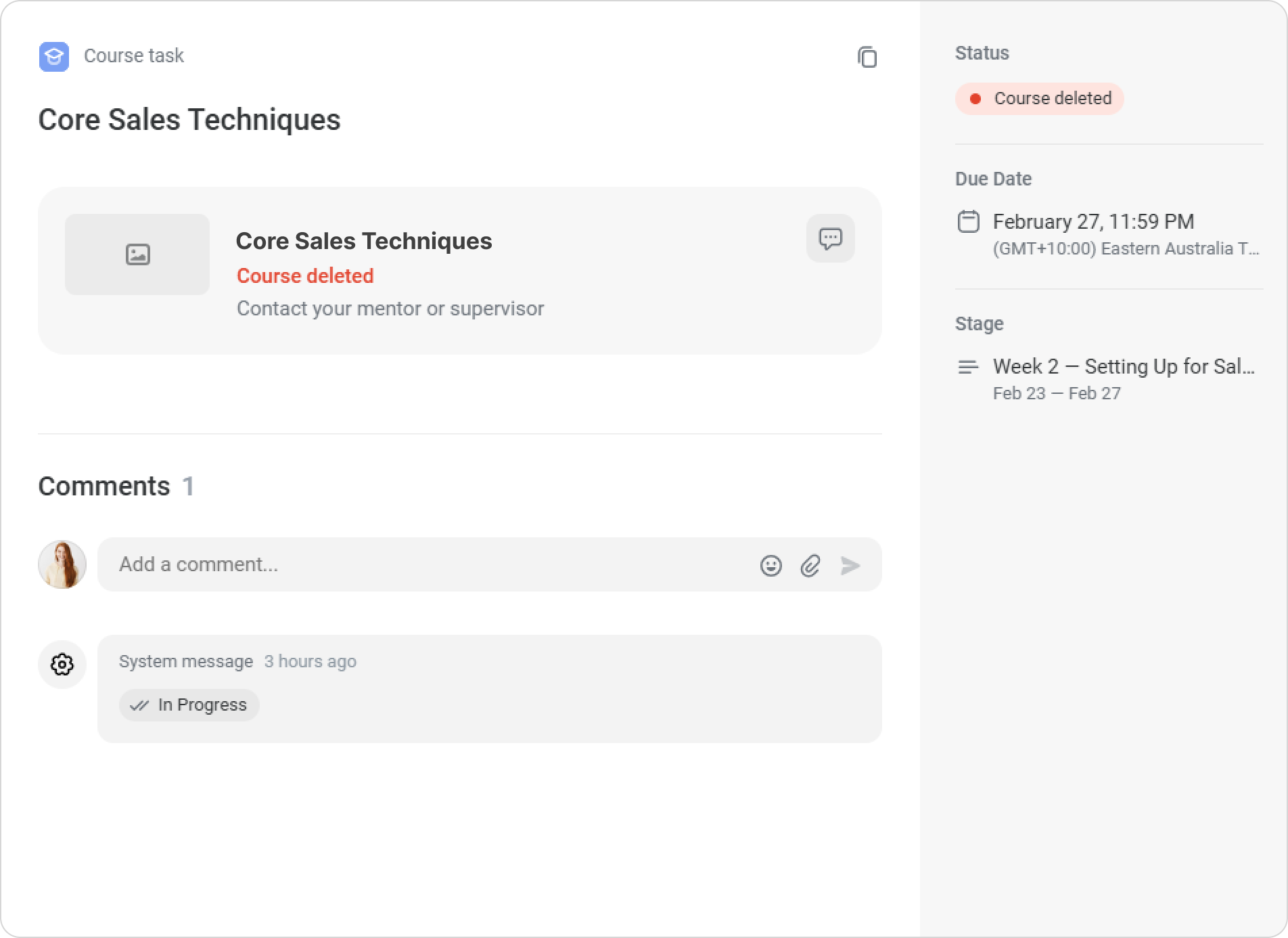
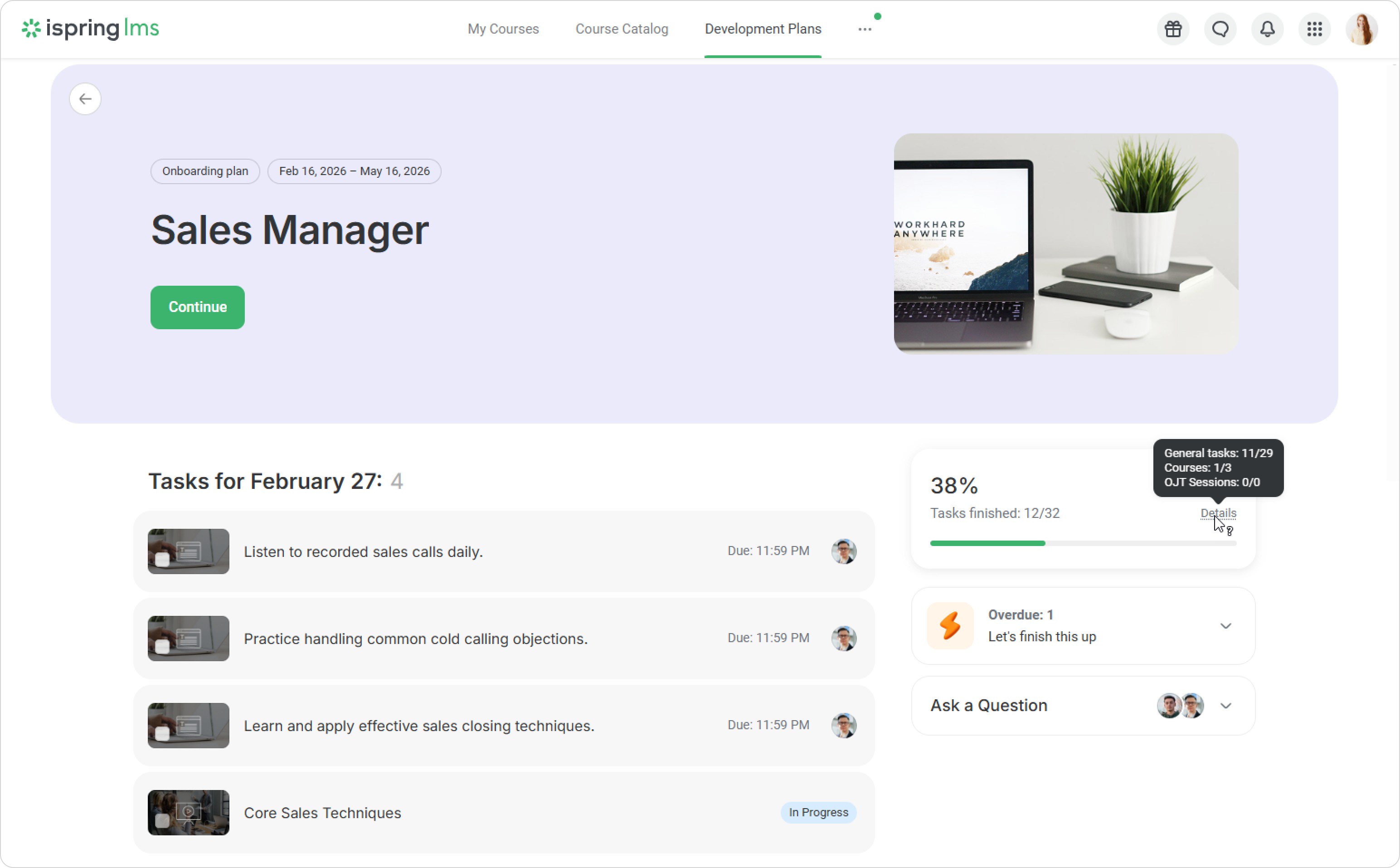
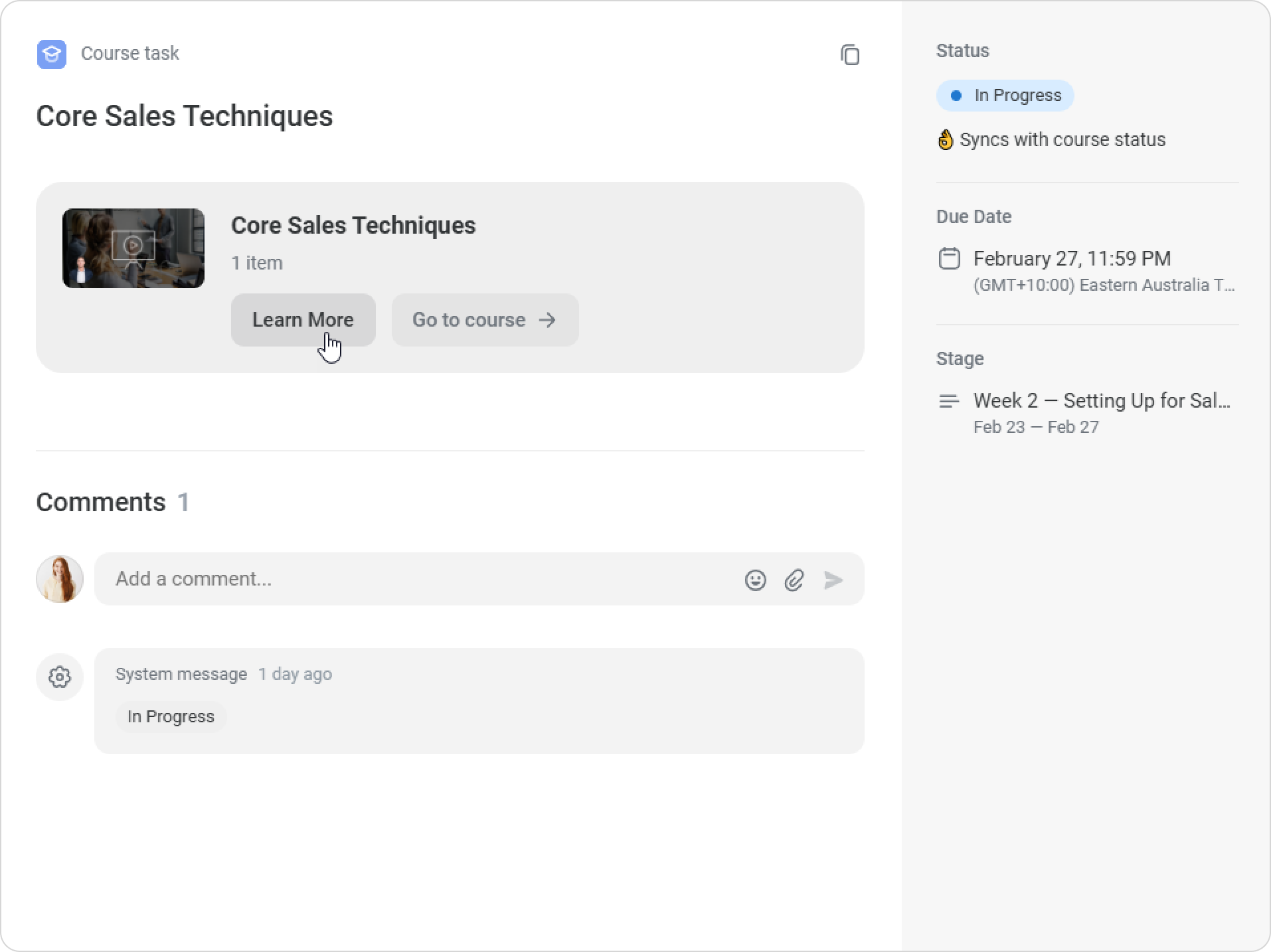
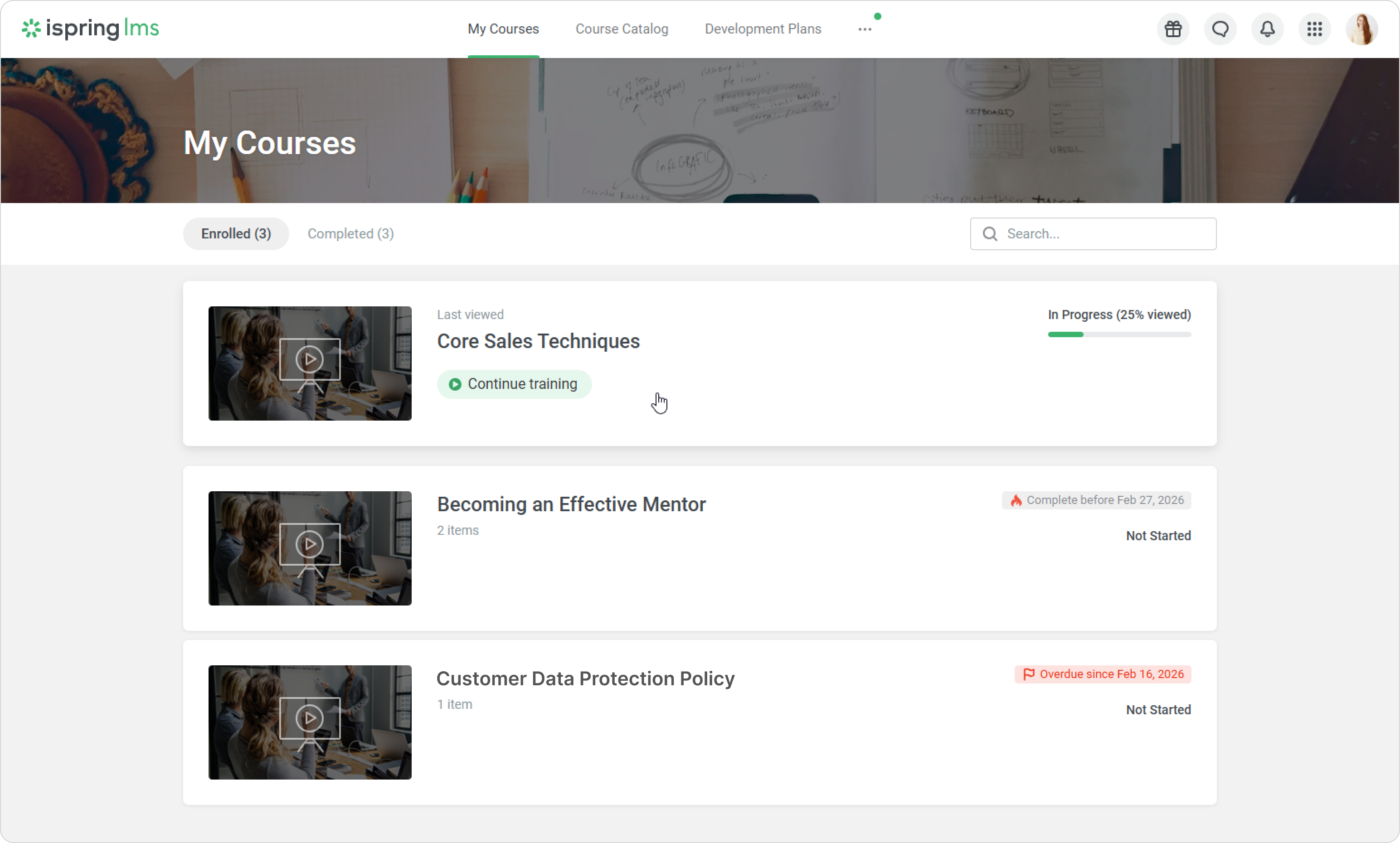
iSpring LMS Development Plans How to Create a Development Plan How to Fill Out a Checklist Courses in Development Plans Current: Completing Courses in Development Plans Completing Courses in Development Plans Go to the Development Plans tab in iSpring LMS and choose the plan you’re enrolled in.On the right, you’ll see task statistics. In Details, you can check how many tasks of each type are included and track your progress.For example, in this plan, the employee still needs to complete two courses.Find the course task assigned for the current stage. It has a distinct cover image and is labeled Course.Click on Learn More to view information about the course instructor, reward points, and other details.When you’re ready to start, click on Go to course.Go through the course content.If you pause your learning, there are two ways to return to the course:From the task, by clicking on Go to courseFrom the My Courses section in the User PortalOnce you complete the course, the task will be checked off in your plan, and its status will change to Completed. If a course has been deleted and you’re unable to access it, please contact your mentor or supervisor for assistance. ×