Only Account Owner has access to billing settings.
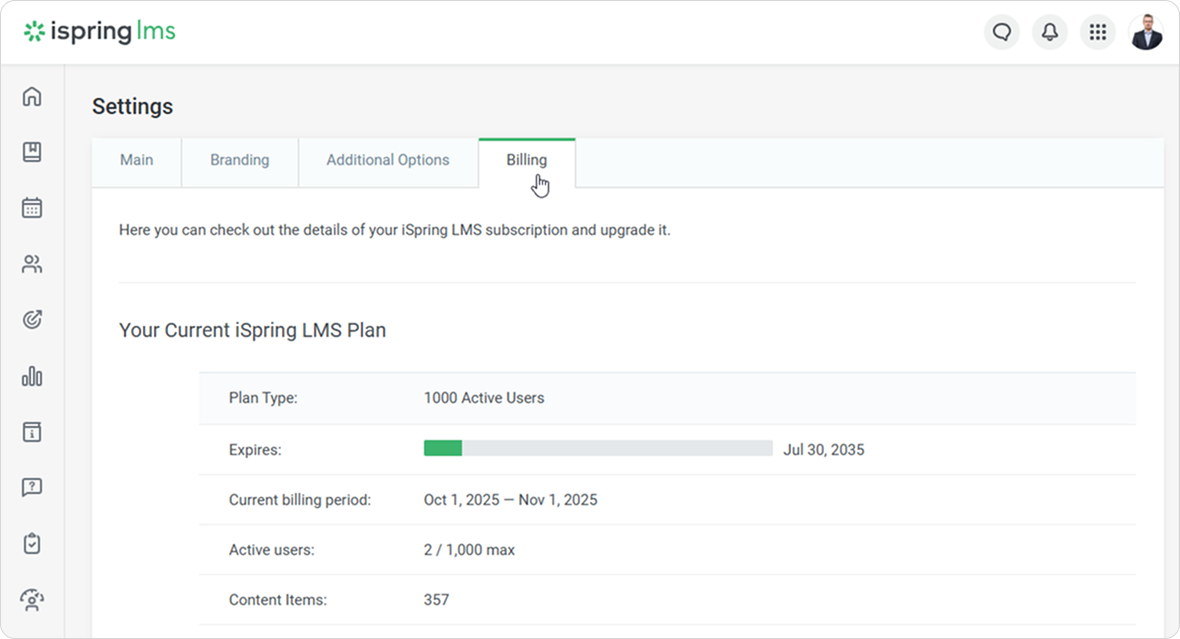
Under the Billing tab, you can:
- view the plan type, the number of available active users, the subscription expiration date, and the maximum number of users
- check how many Active Users your account has in the current billing period
- find out how many content items were added to the account
- upgrade to a new plan
- request an individual offer from iSpring Sales Department
To find out which users are classified as active, refer to the Active Users article.