You can reward users with digital badges for earning points and completing educational milestones, such as quizzes, courses, learning tracks, and trainings. For example, you can award a badge for every 100 points earned or assign the title of Best Negotiator after completing a course on cold-calling techniques.
To add a new badge:
- Go to Settings > Additional Options > Gamification.
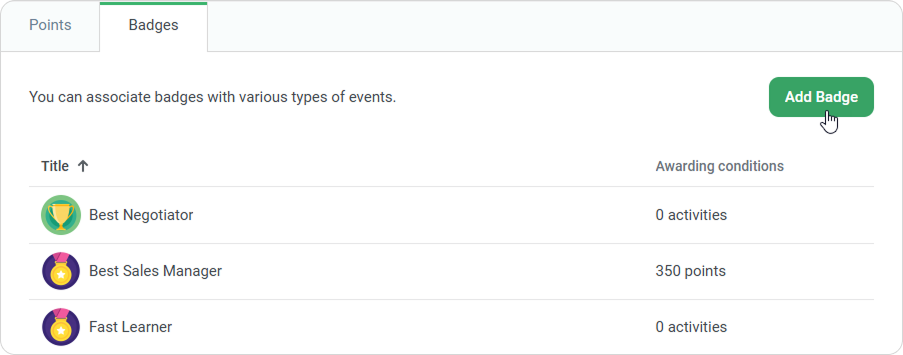
- Select the Badges tab and click Add Badge.
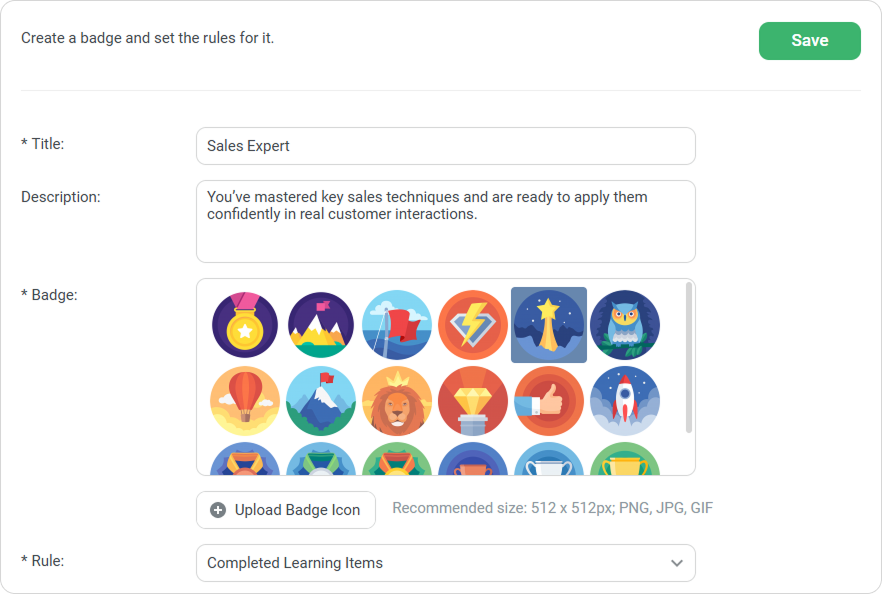
- Fill in the fields and click Save.
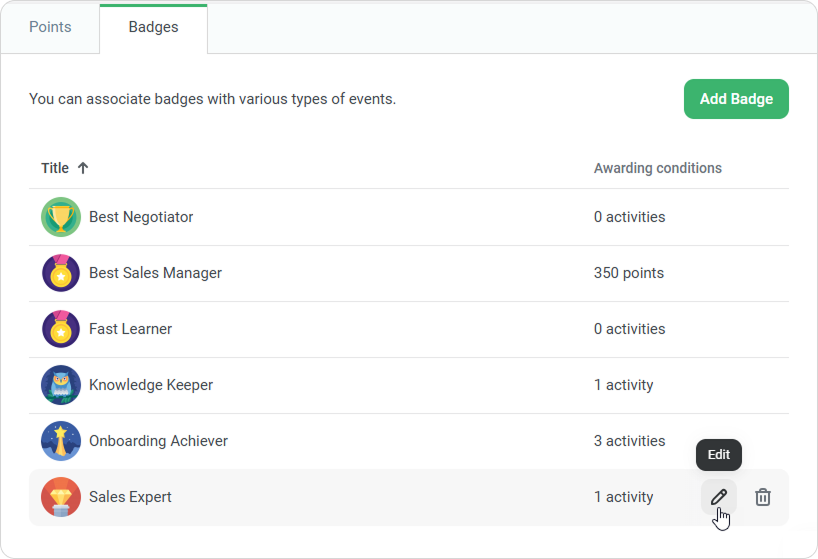
The badge will be added to the list. You can edit or delete it there.
- Only the Account Owner and Account Administrator can manage badges.
- Badges are awarded only for training completed after the badge is created.
- If you change the award criteria, previously granted badges might be revoked.
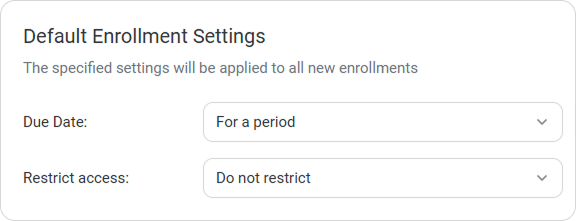
- Badges can be awarded for overdue content if users are allowed to access it after the due date in the access settings.
- You can add a user to a past training and mark them as having attended. If a badge is associated with the training, it will be awarded.