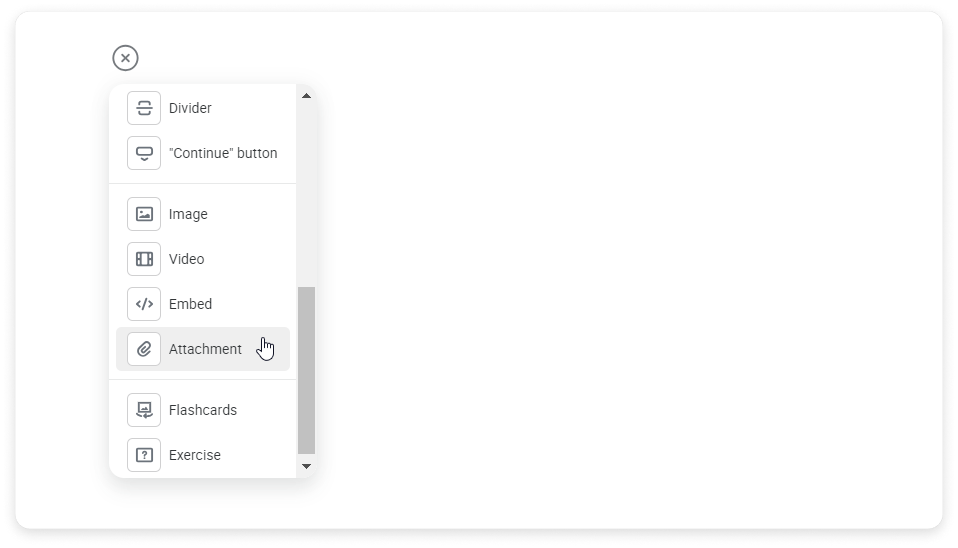
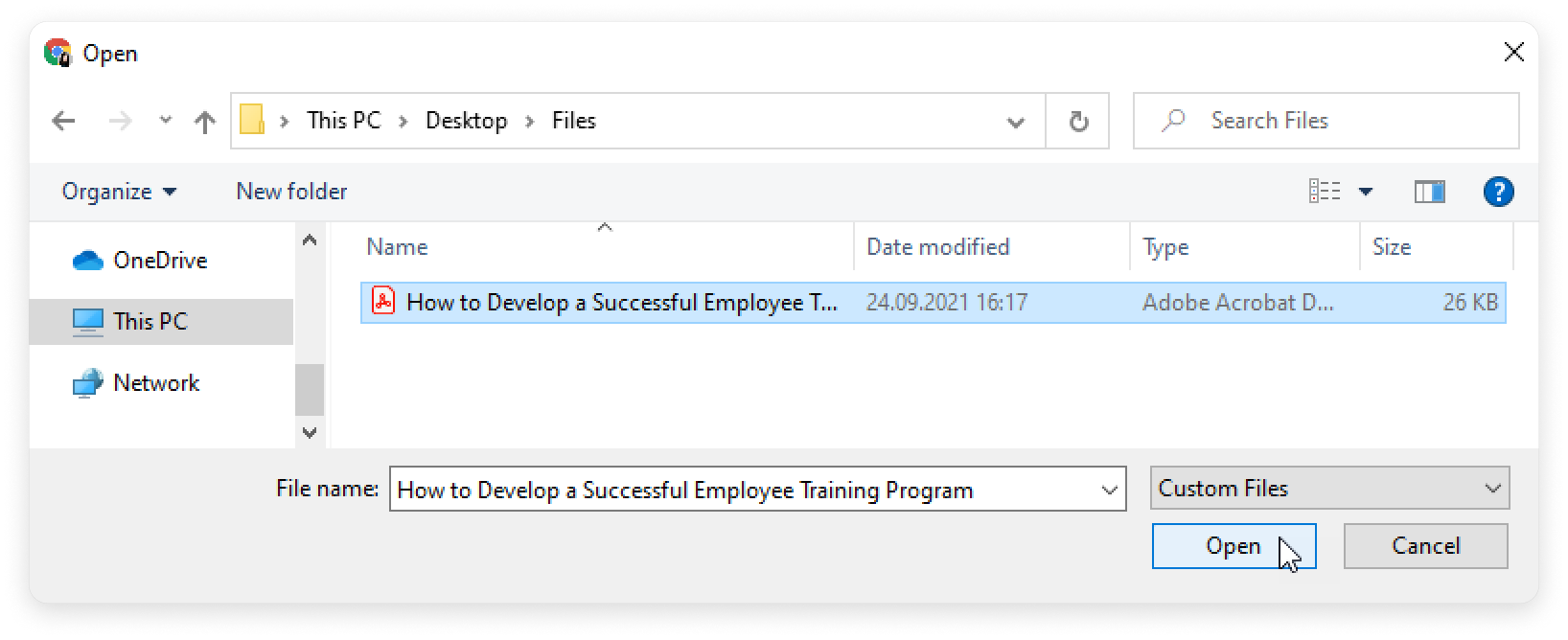
iSpring Cloud Learning Content Creating a Page Adding Elements to a Page Current: Attachment Attachment How to add an attachment You can add attachments directly to the page. Users can then download attached files and study the content.Click and select Attachment. Choose a file on your PC and click Open.You can also drag and drop files.Done! You have attached the file to the page. Account Administrators can add up to 20 attachments and images together at once.Supported formats are DOC, DOCX, PPT, PPTX, XLS, XLSX, and PDF.The maximum attachment size allowed is 250 MB. ×