If your work on a course has been disrupted with an error message saying that “There's no Internet connection,” you can follow these steps to resolve this issue and continue creating your eLearning content.
First, check your Internet access. If you're connected, but the error still occurs, proceed to the next step.
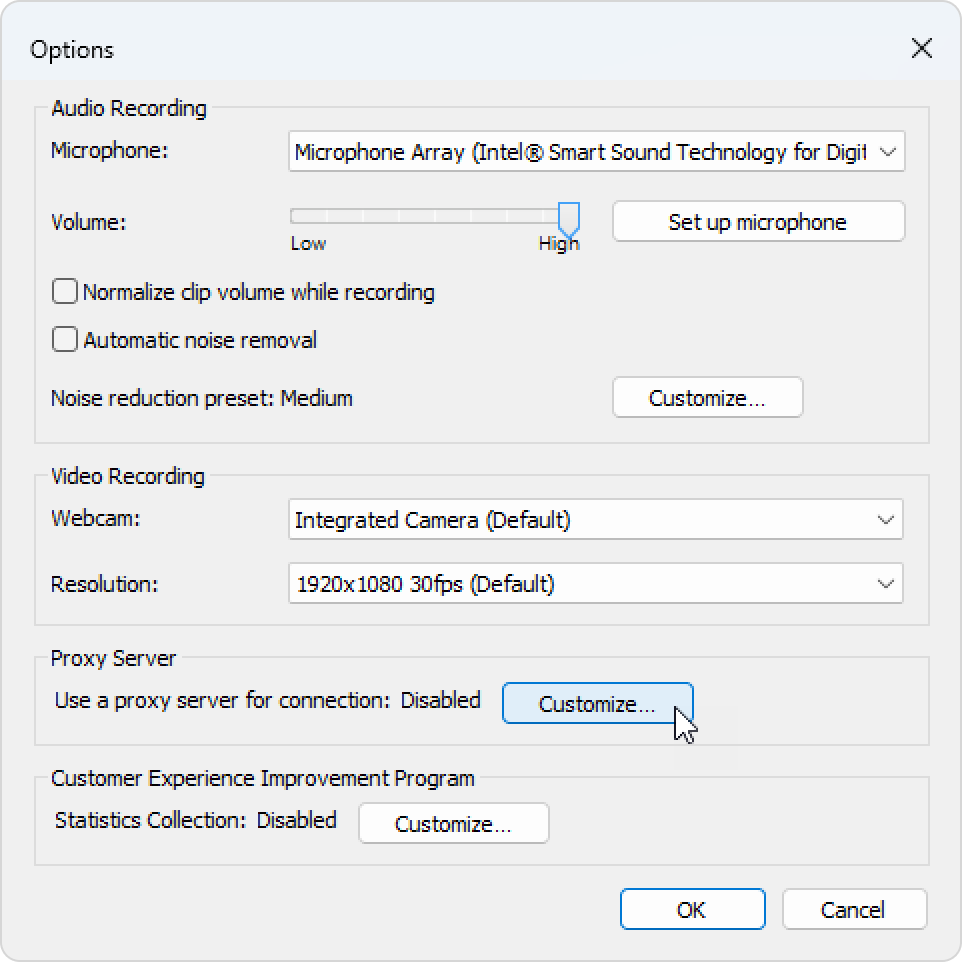
Contact your IT administrator to find out whether your company network uses a proxy server. If it does, you need to configure the iSpring Suite settings. Click on Options on the iSpring Suite toolbar.
In the window that appears, locate the Proxy Server option and click on Customize.
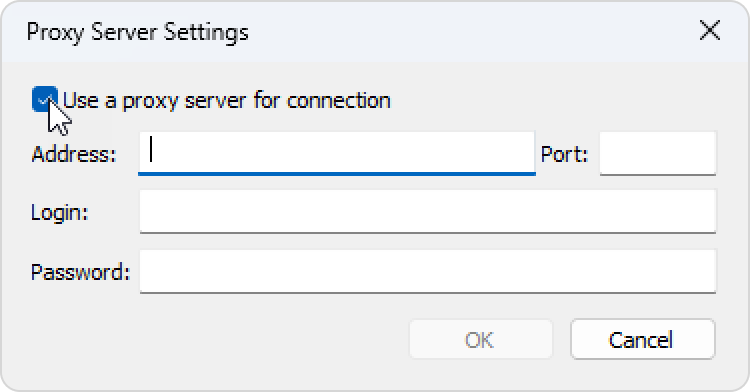
Select Use a proxy server for connection.
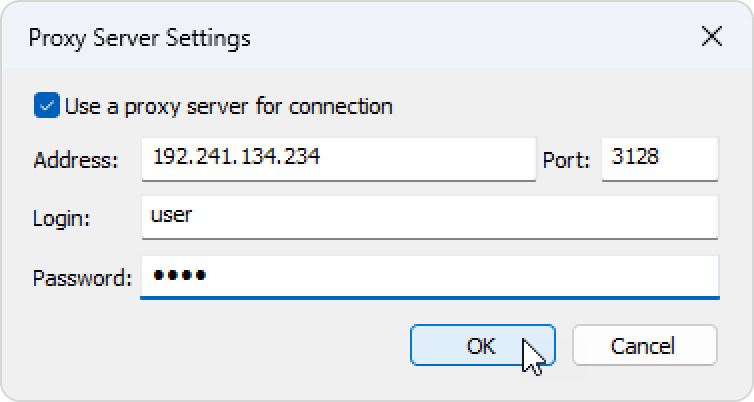
Enter your proxy server details and click on OK. The details below are an example.
If your company doesn’t use a proxy server and iSpring Suite still isn’t working, ask your system administrator to check your firewall and antivirus settings and allow access to the following web addresses: