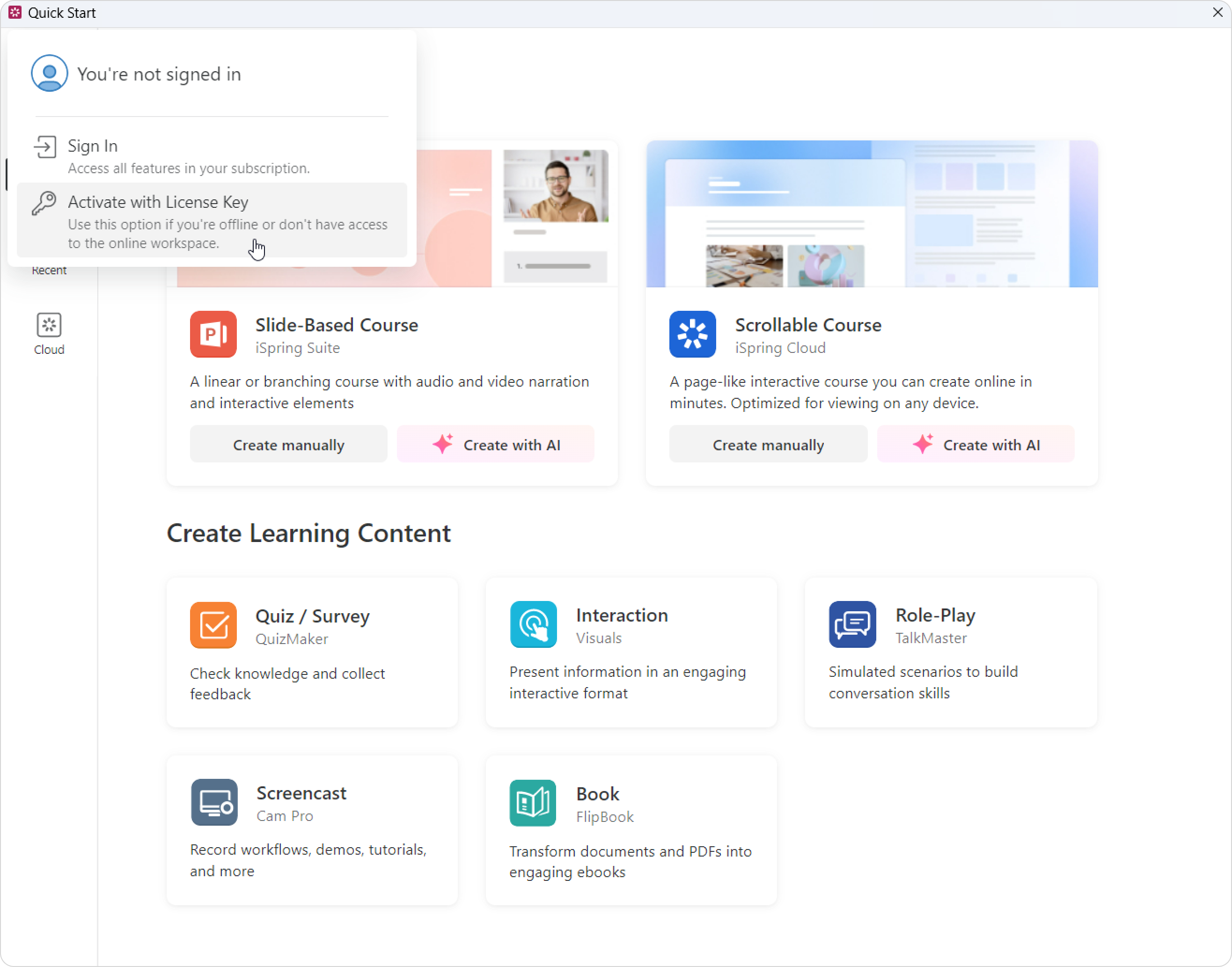
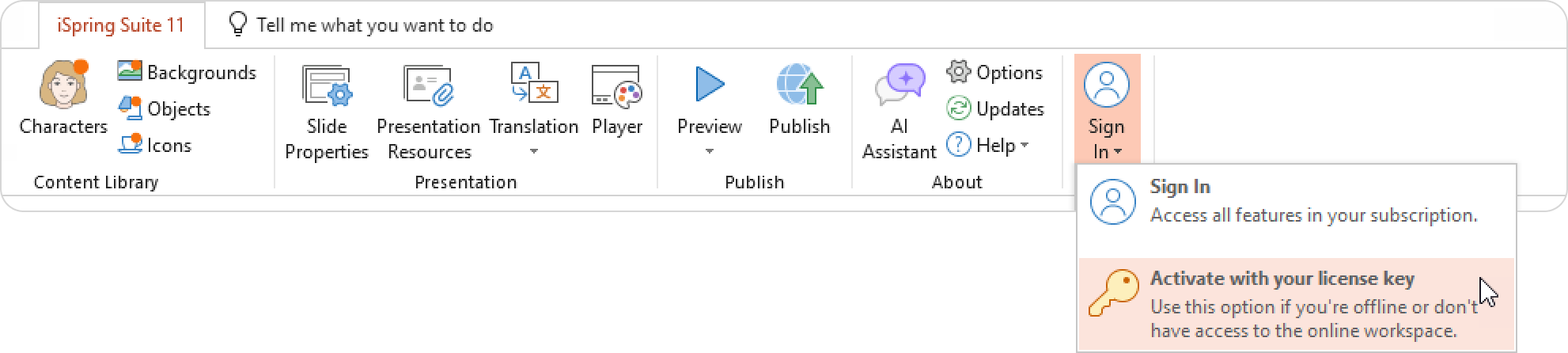
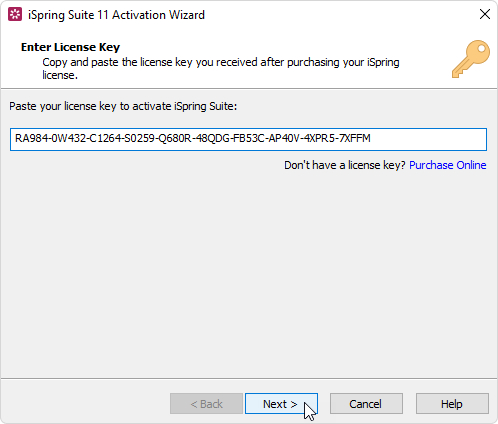
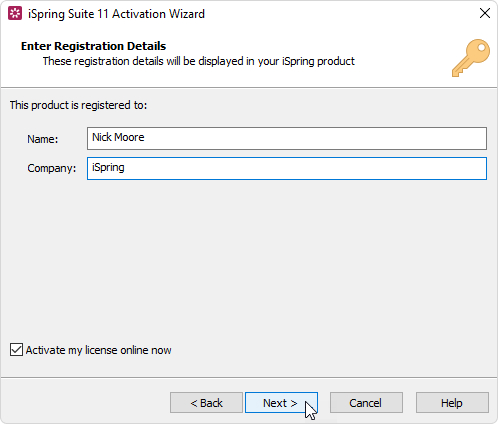
iSpring Suite 11 Signing in to iSpring Suite Current: Activating with a License Key Activating with a License Key Once you purchase and install iSpring Suite, activate your license with a license key.Launch iSpring Suite 11 and click Activate with License Key.Or you can open PowerPoint and activate your license there.Insert your license key and click Next.Enter your name and company name and click Next.This information will appear later in the About window.Select one of these methods to activate your license: • Online activation • Offline activation ×