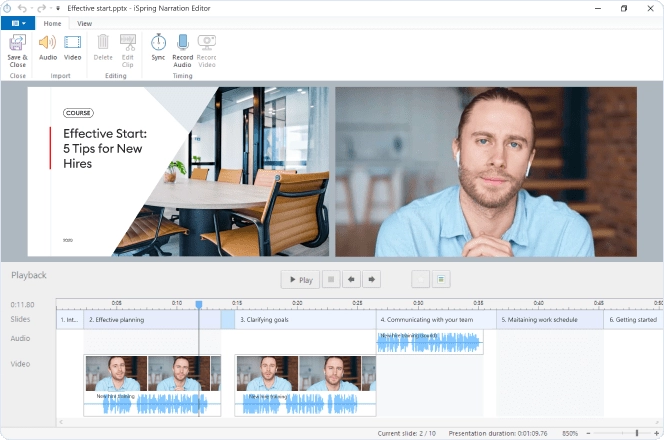
With iSpring Presenter, you can record audio and video narration for your course. To do this, use the Record Audio and Record Video buttons on the iSpring Presenter toolbar.

To edit a recorded narration and synchronize it with slides, use iSpring Narration Editor. Click the Manage Narration button on the iSpring Presenter toolbar to access all its functions.