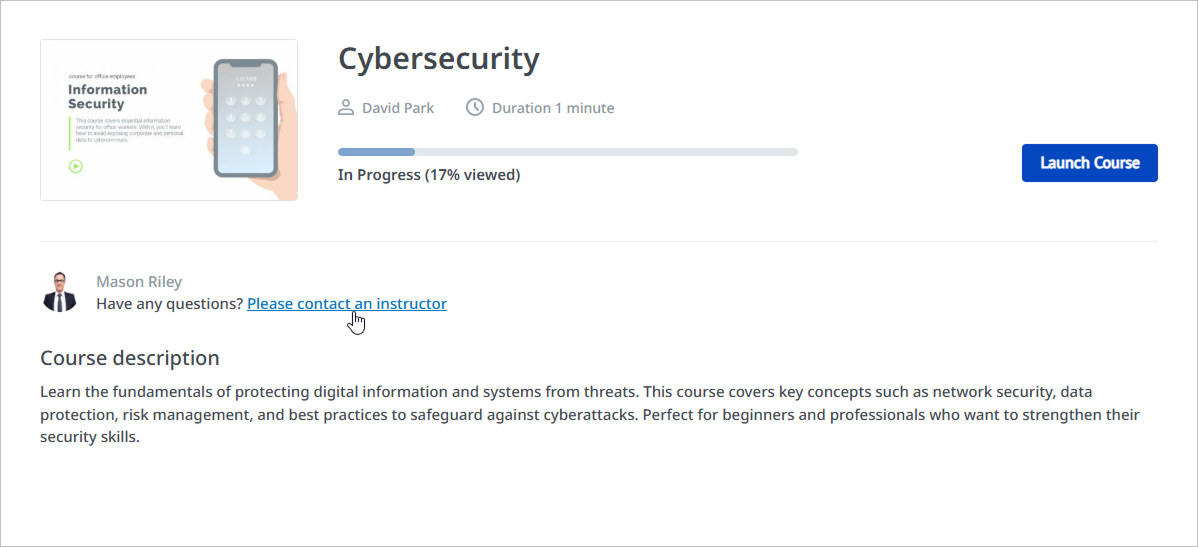
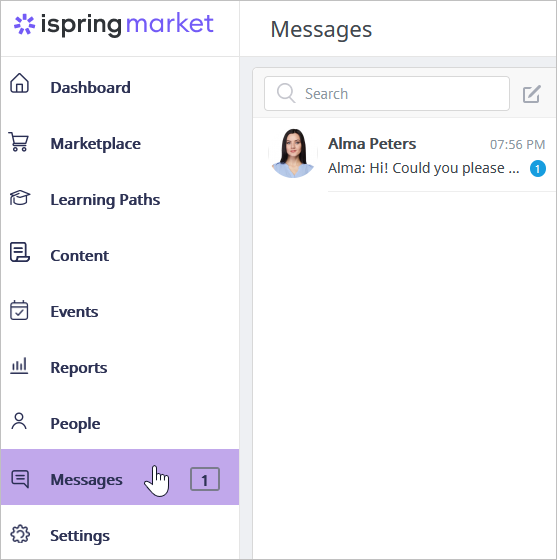
iSpring Market Users Instructors Current: Exchanging Messages with Instructors Exchanging Messages with Instructors You can message your instructor directly from the platform and get feedback on your course progress.Open the course and click the Please contact an instructor. Make sure that private messaging is enabled in the Main settings. Otherwise, the instructor won't be displayed on the course page. On the Messages page, type your text and send it.The instructor will see a notification about a new message in the Messages section of their account.Now the instructor can reply to the inquiry and/or delete the chat. Learn more about messaging in iSpring Market in the Messages article series. ×