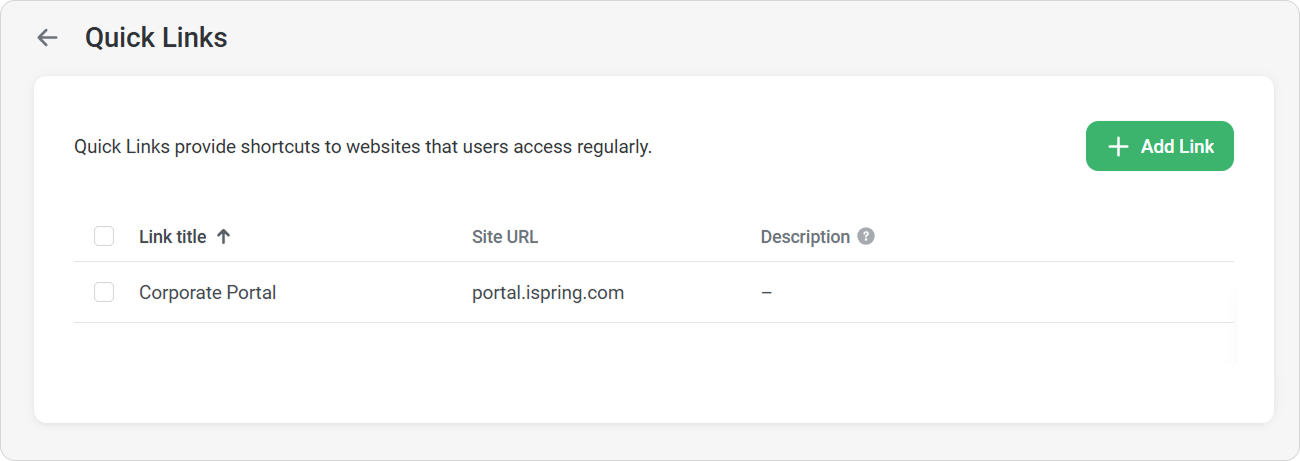
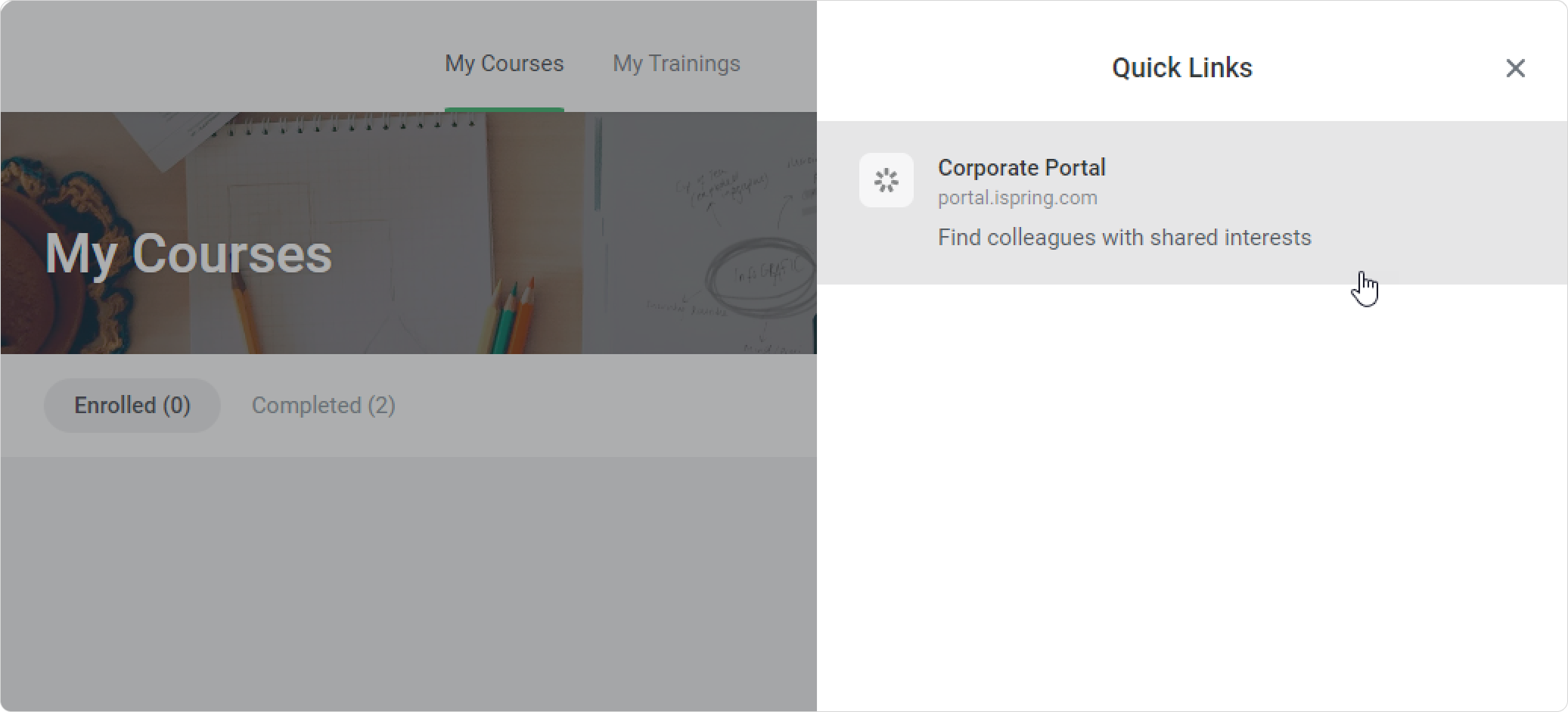
Employees can quickly get access to all corporate apps and external websites they use regularly from the Quick Links section in the User and Administrator Portal.
How to Add Quick Links
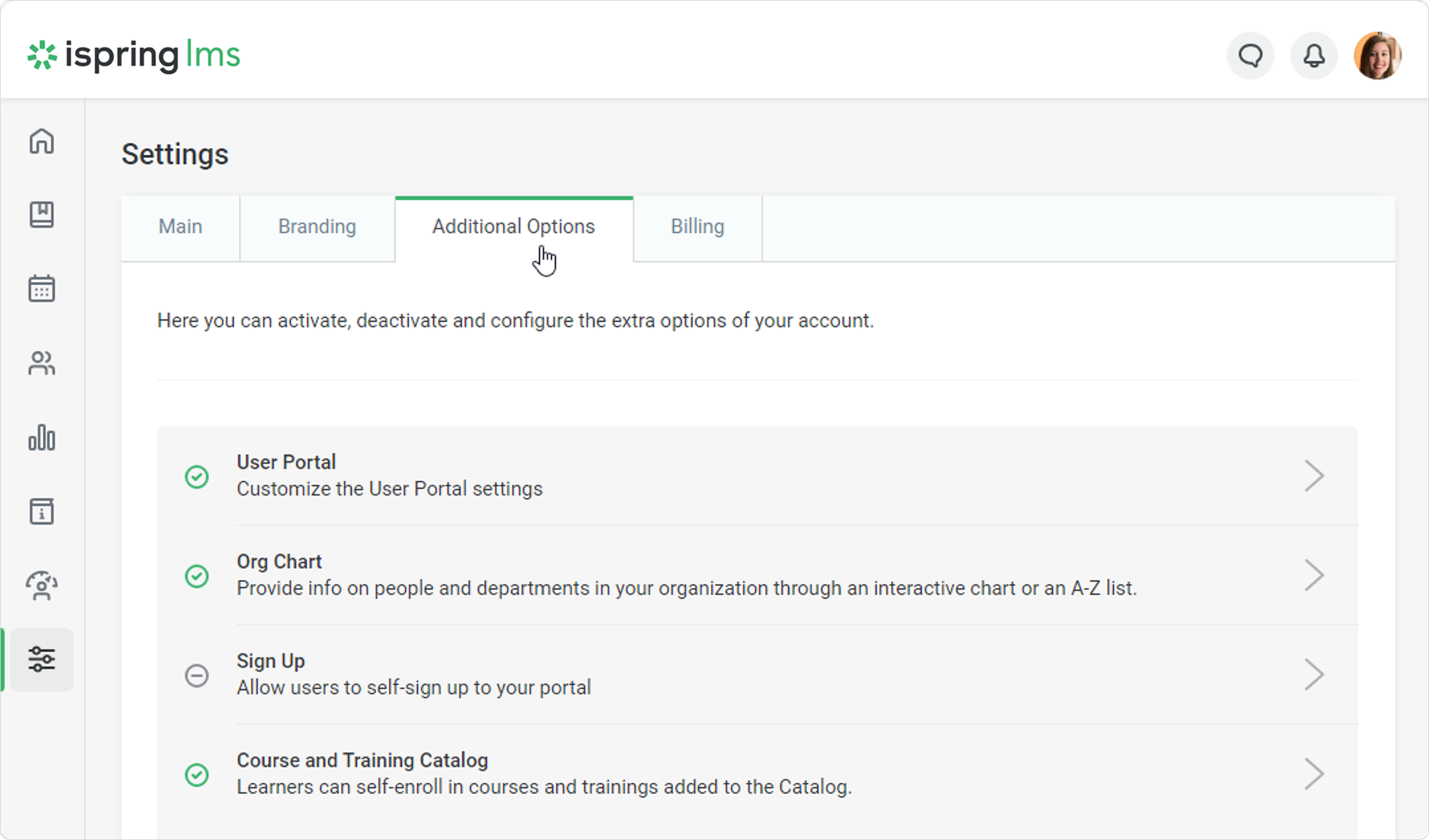
Go to Settings > Additional Options.
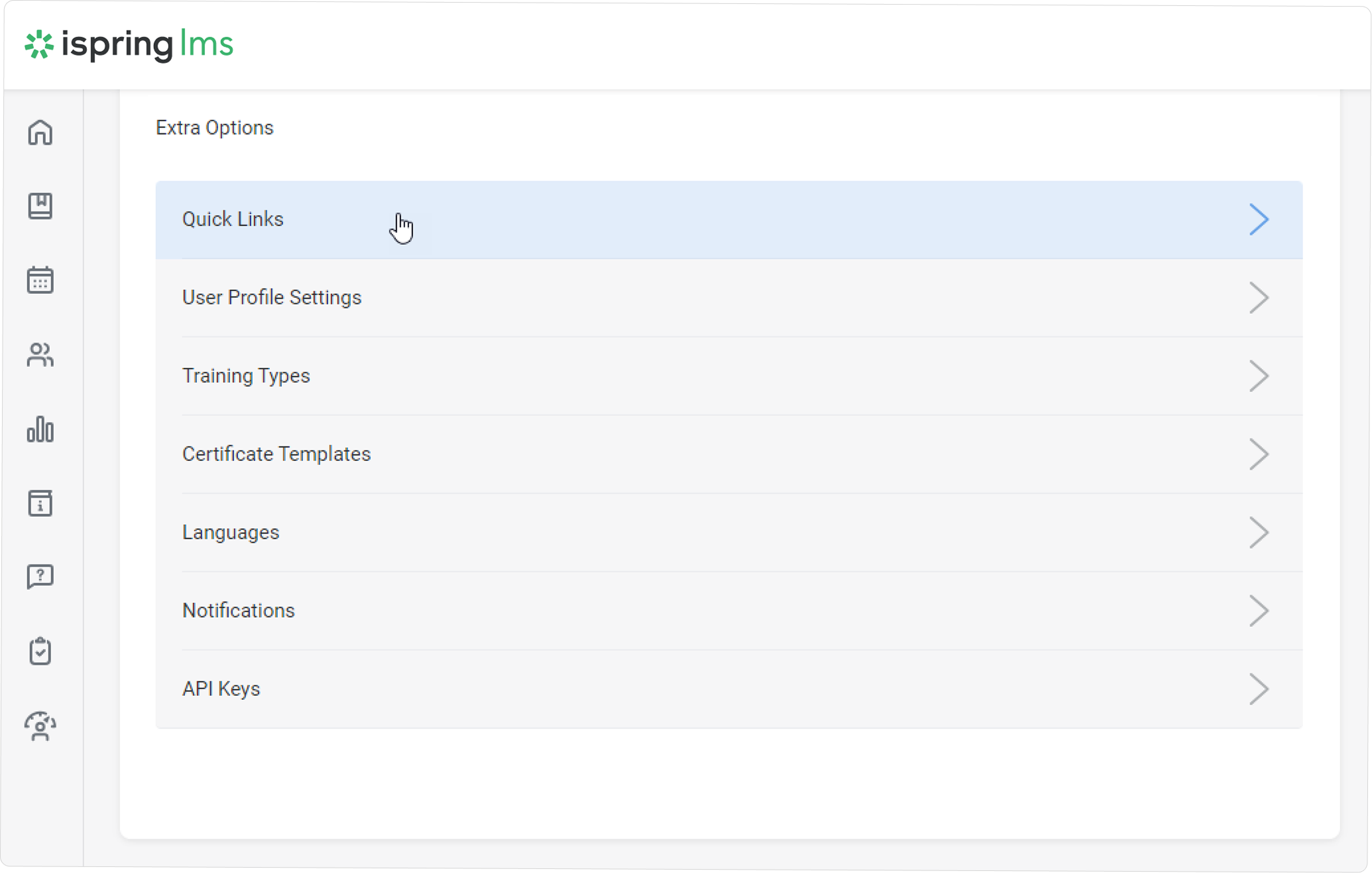
Scroll to the Extra Options section and click on Quick Links.
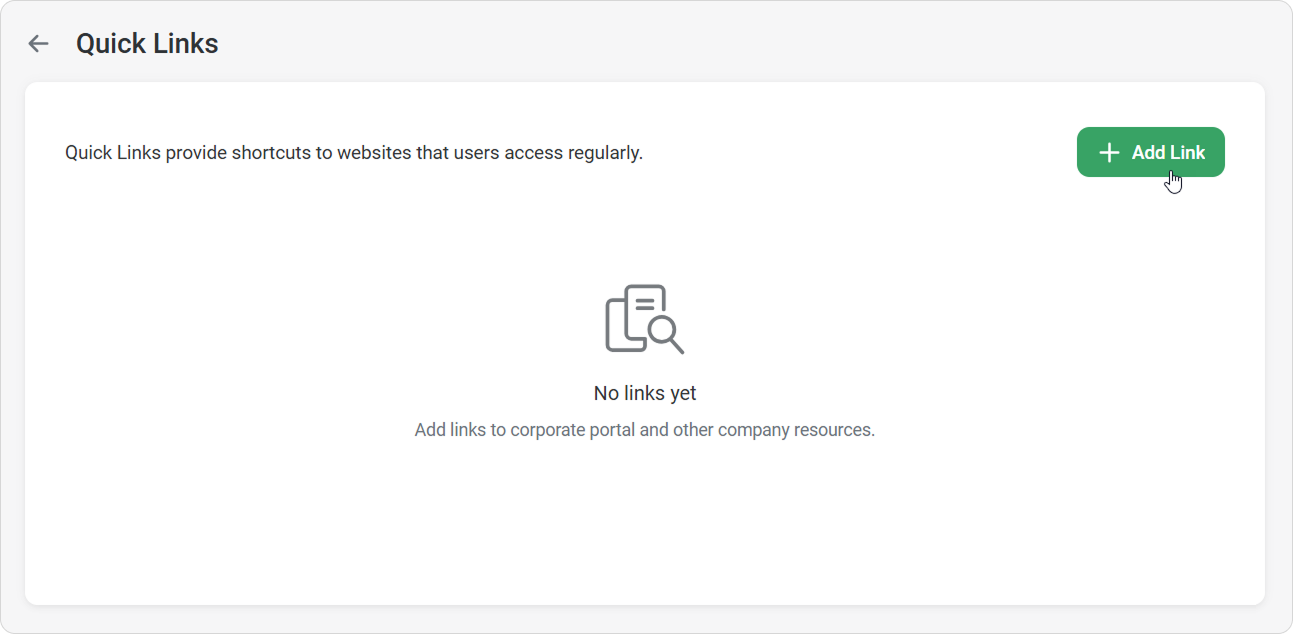
Next, click on Add Link.
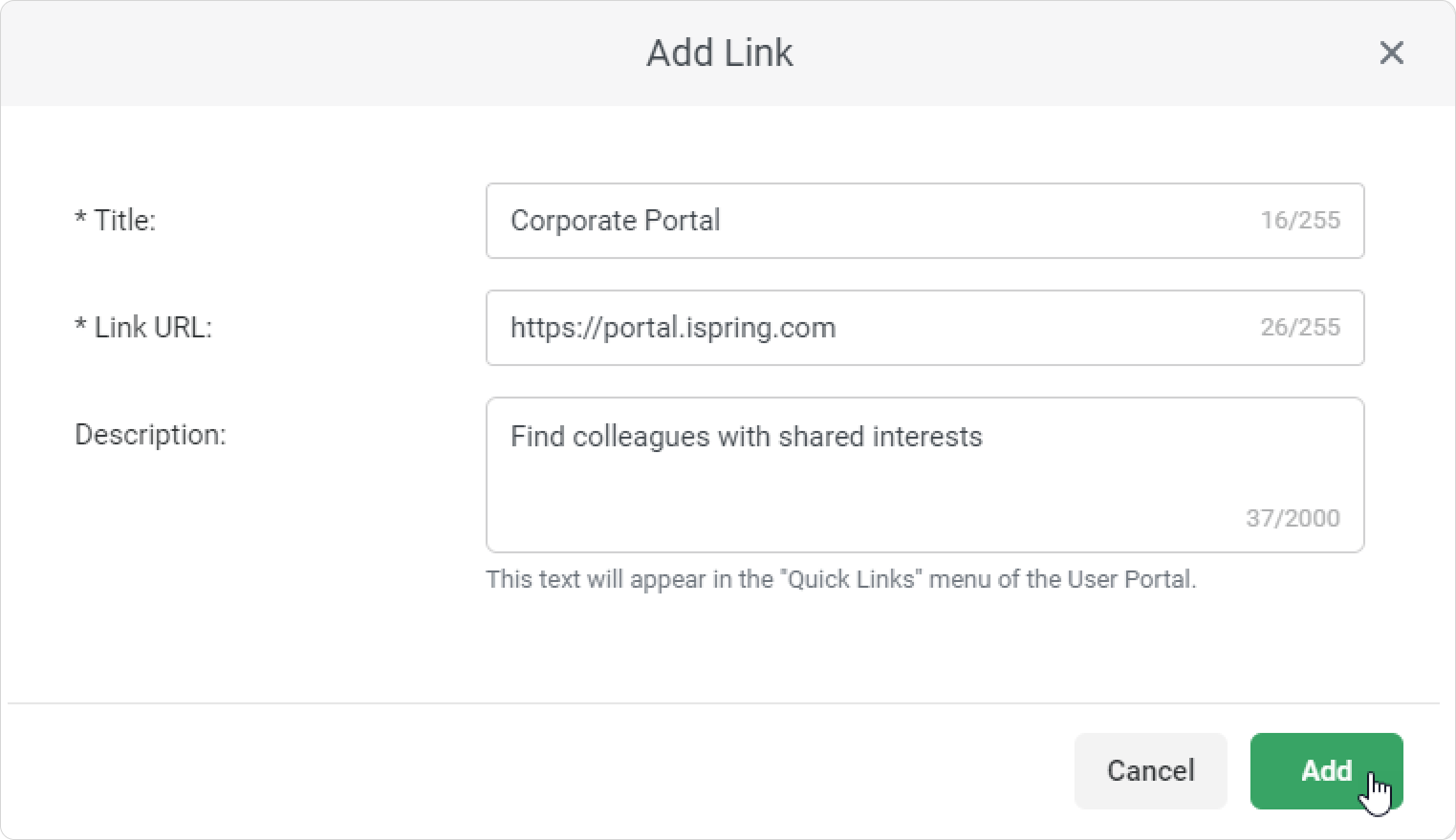
In the Add Link window, paste the link, and then add a title and description. Finally, click Add.
Done! You’ve added a quick link. It will appear on the Quick Links page in the Administrator Portal.
If you have several links, drag and drop them to change the order in which learners see them.
Learners can access all corporate apps and websites quickly from the Quick Links section.
Now accessing corporate resources and external web services is easier than ever!