Before publishing a page and assigning it to your students, you’d rather look at it from a user perspective.
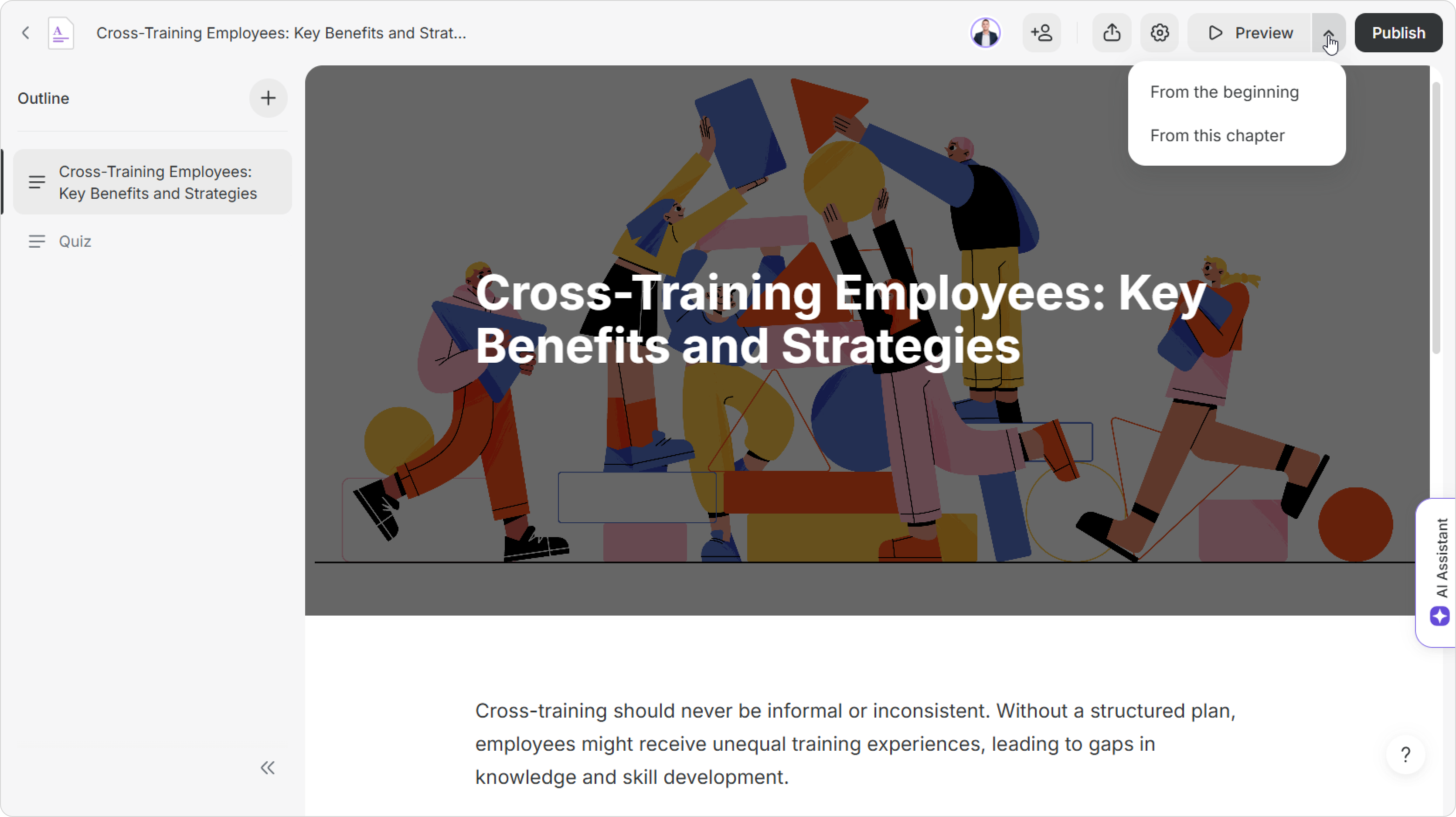
- Click on the Preview tab:
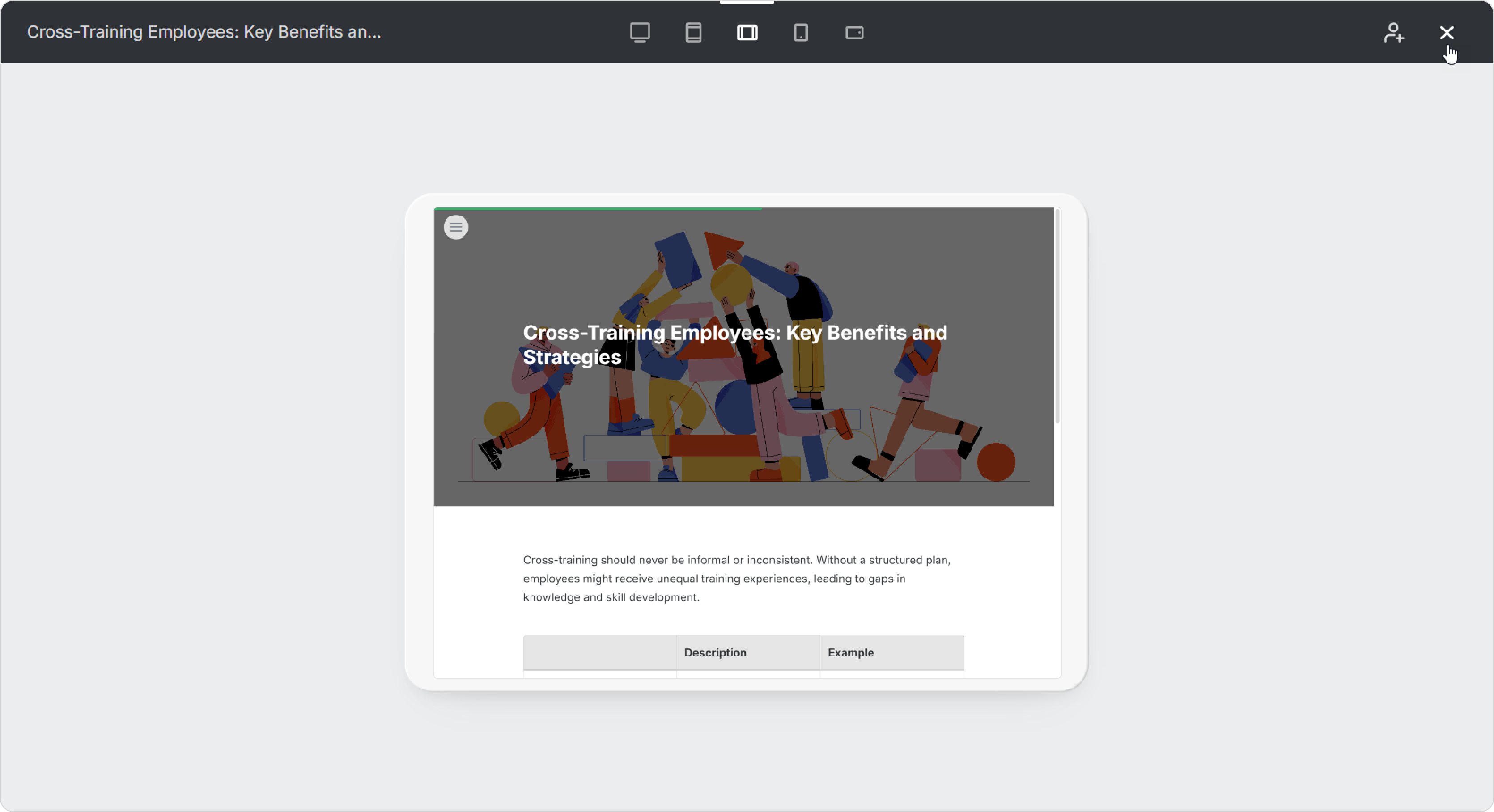
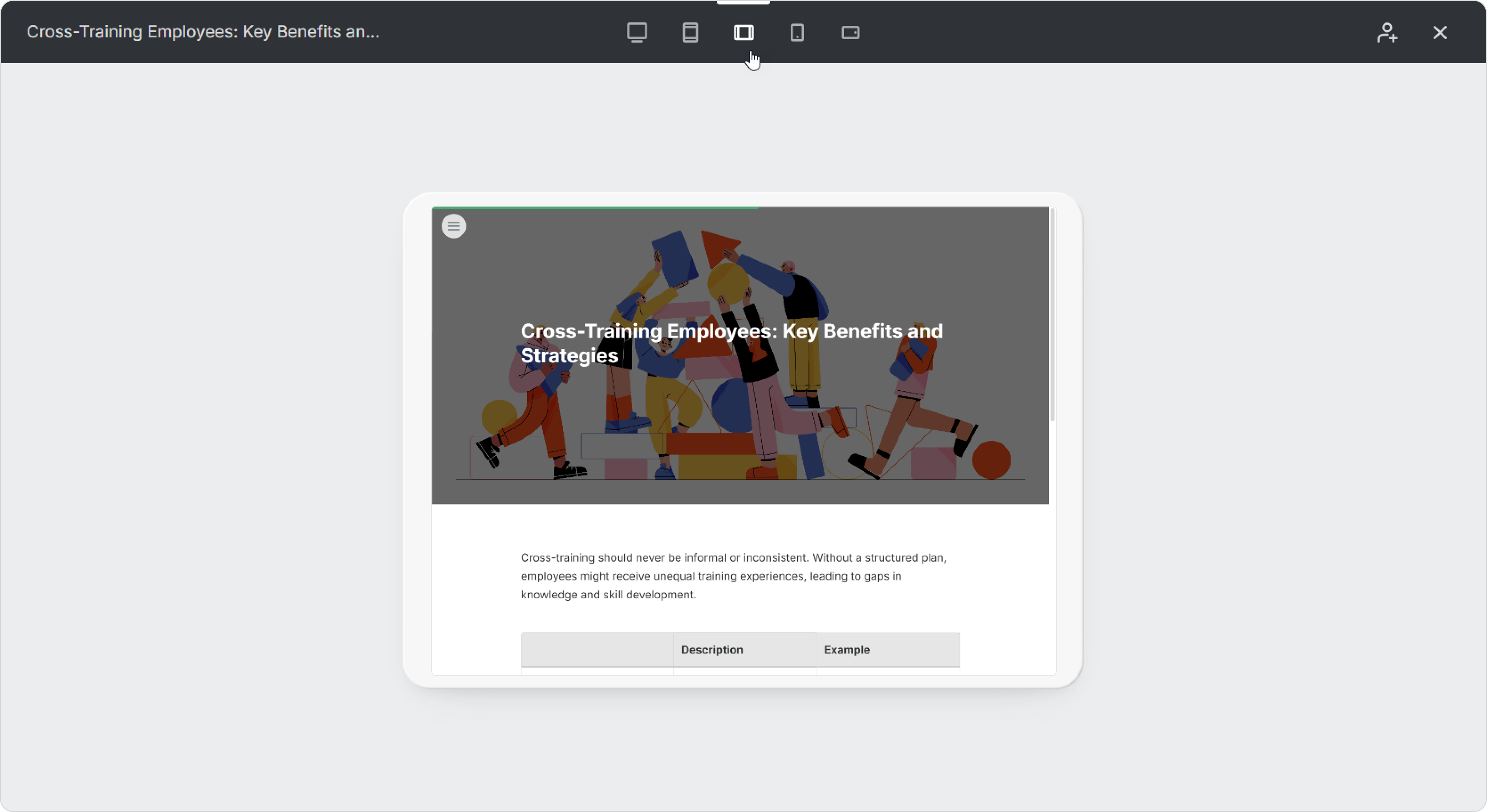
- You’ll enter preview mode and see how the content will appear to users on a computer, smartphone, or tablet.
- Click the X icon to exit preview mode and return to editing.