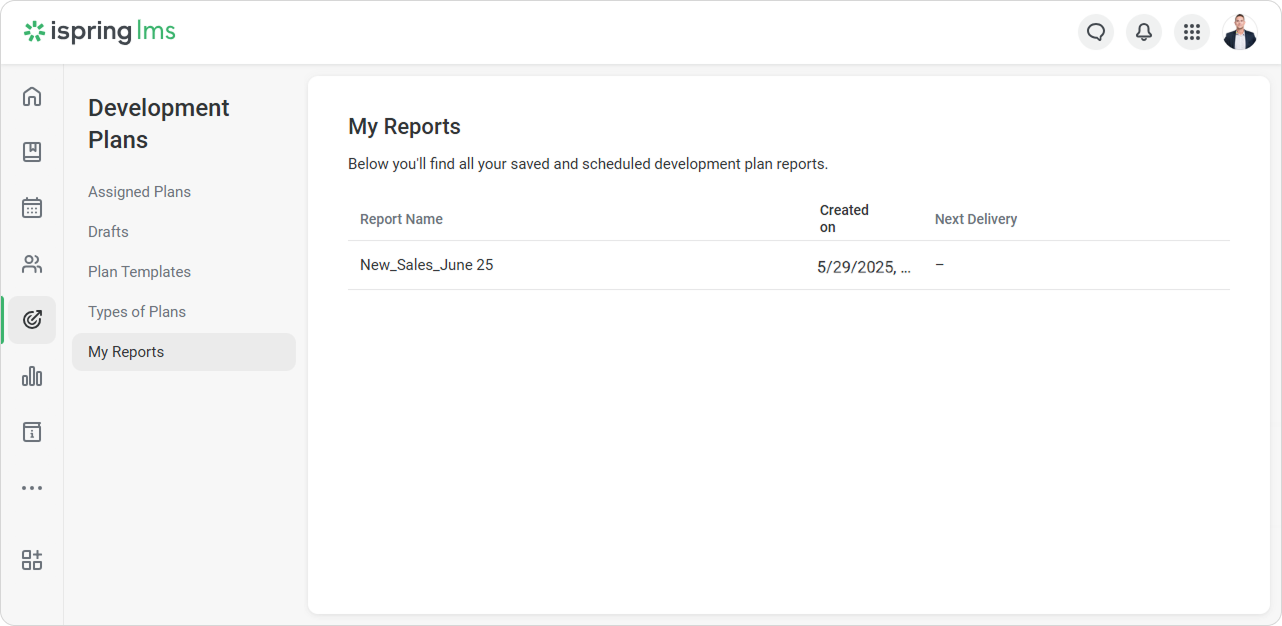
The "My Reports" tab contains your ready-made report templates for development plans. You can quickly open the needed report without reapplying filters.
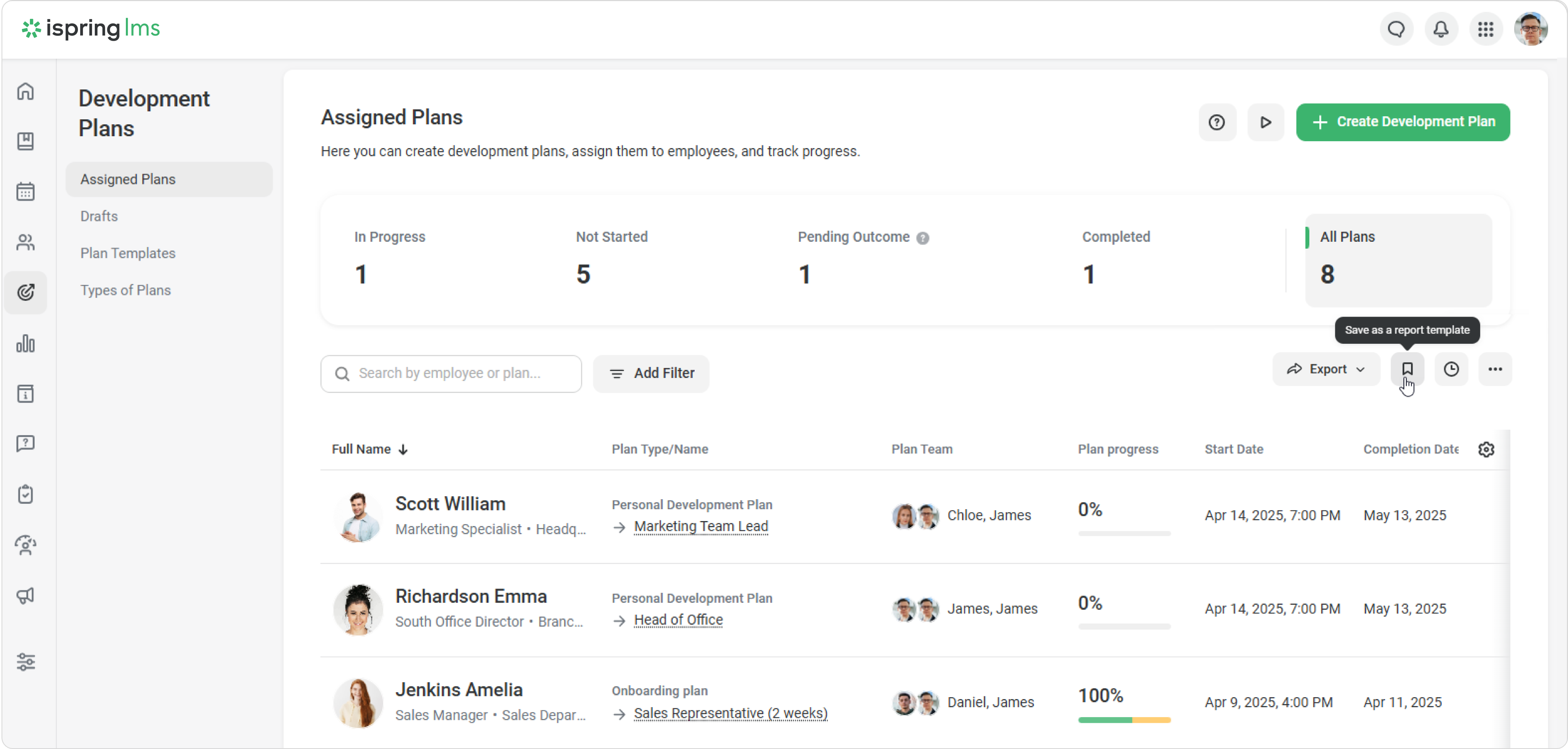
Here's how to save a report template:
Click on Save as a report template.
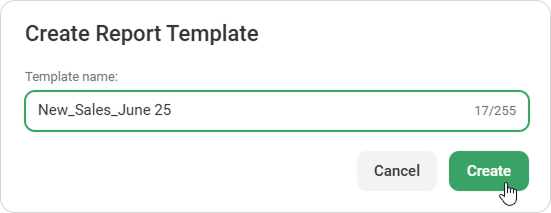
Enter a name and click on Create.
All set! You can access the template in the “My Reports” section.
The "My Reports" tab will only appear if you have at least one template saved.
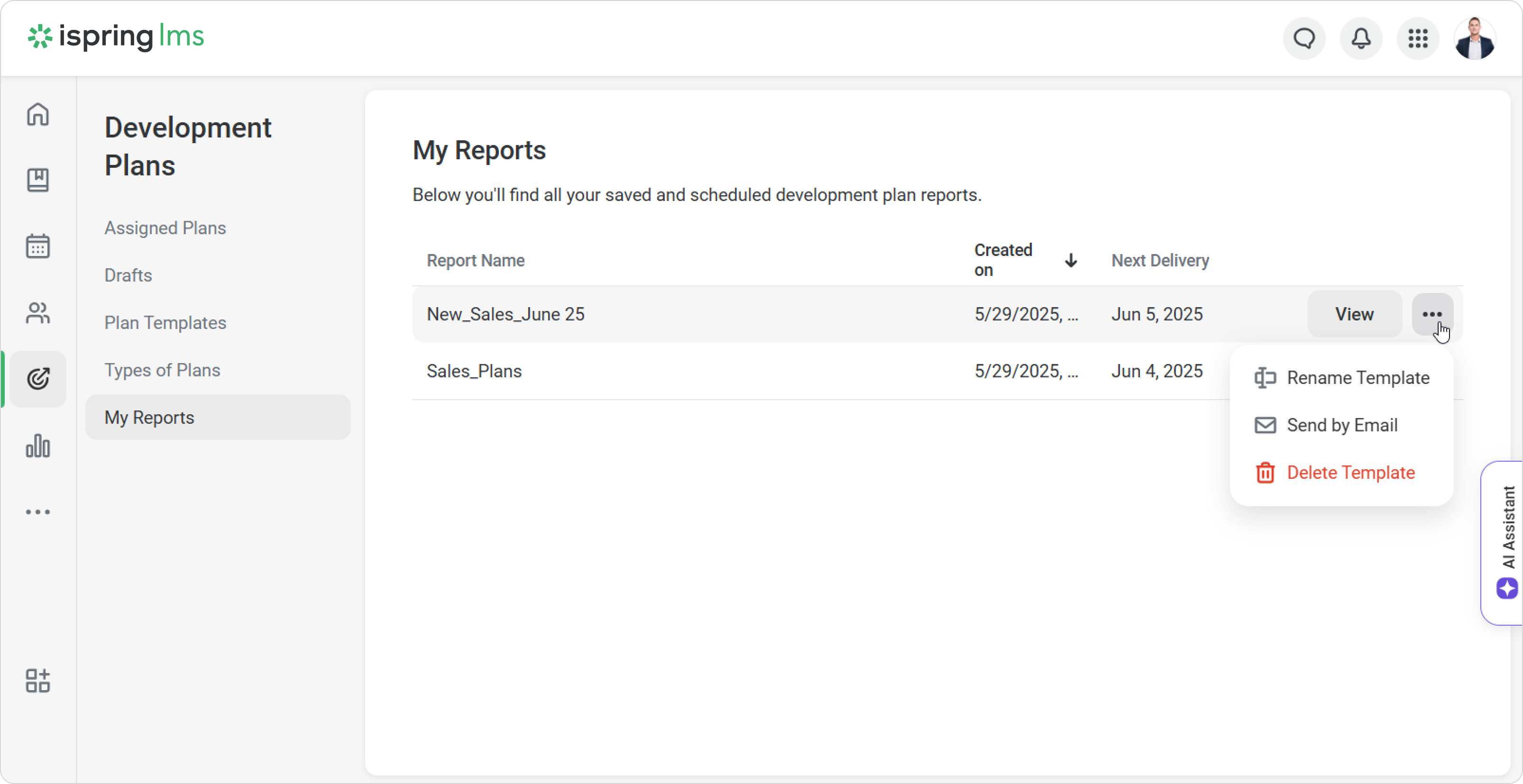
Each template includes a name, creation date, and the time of the next scheduled delivery. Click on View to edit the template—for example, to set a new delivery date.
You can rename the template, send it by email to teammates, or delete it.