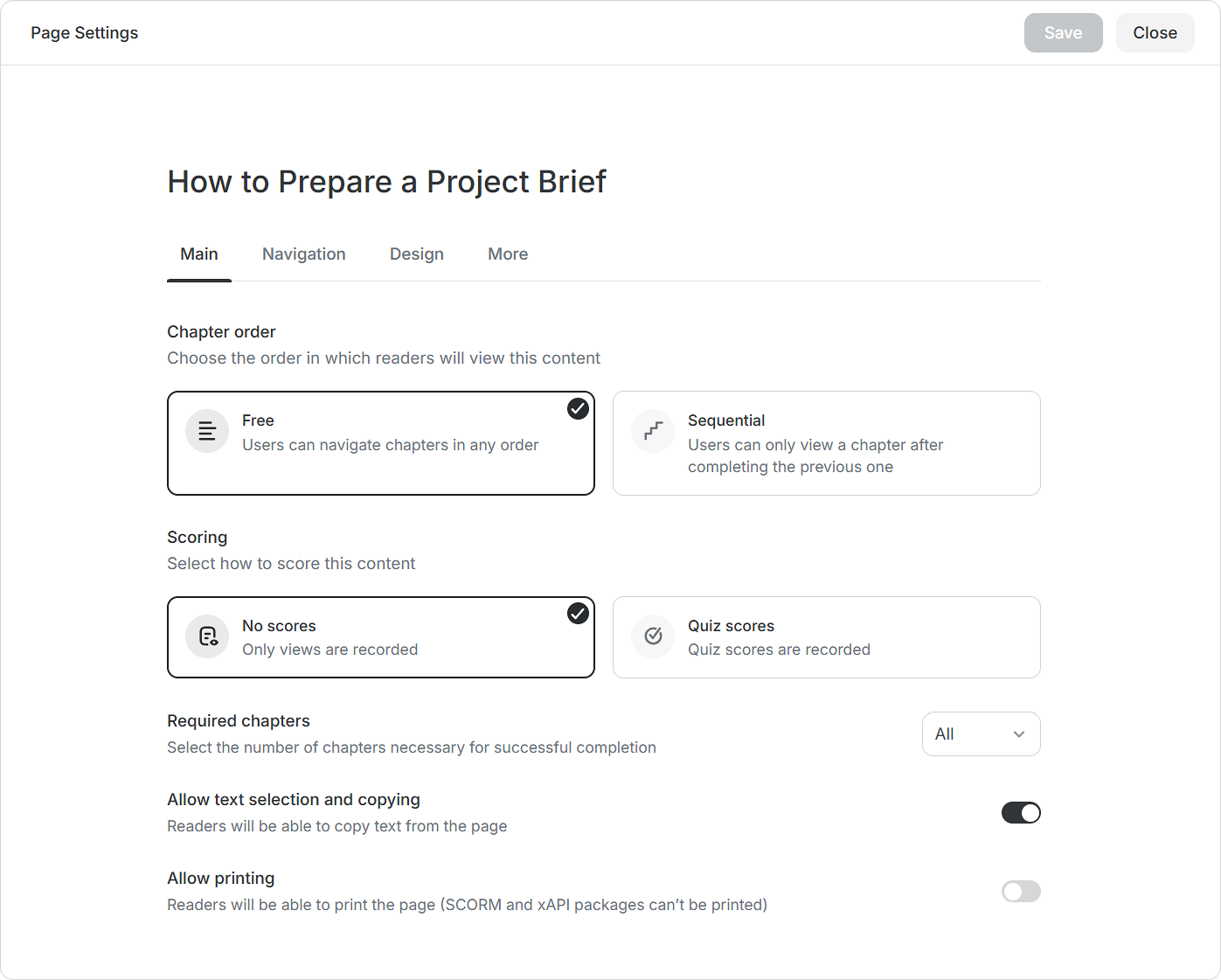
On the Main tab, you have the option to arrange the sequence in which learners will go through the page, select how to score the content, and specify the number of chapters they need to complete. You can also disable text selection and copying from the page.
Chapter order
Readers can view the content in a flexible or sequential order.
Scoring
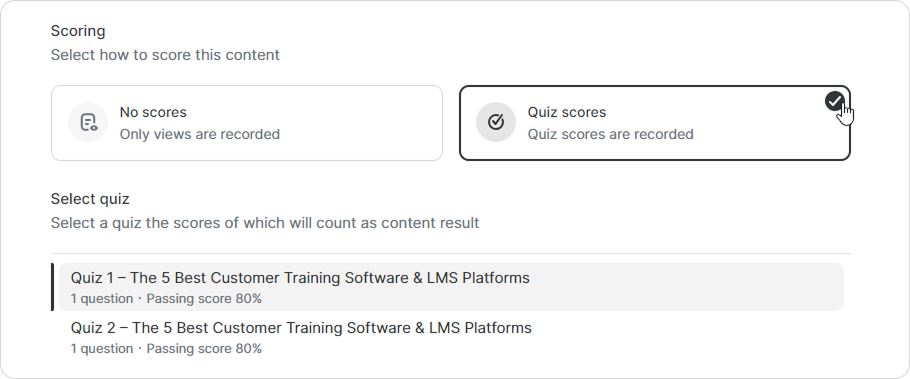
You can choose to leave the page unscored, but if it has quizzes, you can select a quiz, and its scores will be considered as the result of that content.
Required chapters
Choose how many chapters learners need to read for the page to be considered completed.
Allow text selection and copying
Enable this option to let learners select and copy text from the page. Disable it to restrict copying.
Allow printing
Enable this option to let learners print the page or save it as a PDF. If this option is disabled, the Print button won’t appear in viewing mode.