Turn your ideas into compelling pages with iSpring AI! iSpring AI can write and edit text, offer ideas for courses, write questions in quizzes, and also enhance the visual course design itself – highlight important fragments, create lists and select headings, etc.
- ChatGPT does not use data, inputs, and outputs from iSpring AI assistance for training. Data sent to the OpenAI API will not be used to train or improve OpenAI models.
- Our AI tools are powered by trusted third-party AI technologies. We do not use your data or content to train AI models.
- iSpring AI is available by subscription and in a trial version of iSpring LMS.
In the trial version, you can send up to 50 requests. This limit is shared across the whole account, not per individual author.
Please note:- AI can make mistakes, so be sure to check generated content for accuracy.
- Do not enter personal or confidential information.
- By clicking Continue, you confirm that you have read and agree to our AI Usage Policy and Privacy Policy.
How to Create Content With iSpring AI
There are three ways to get started with the AI assistant:
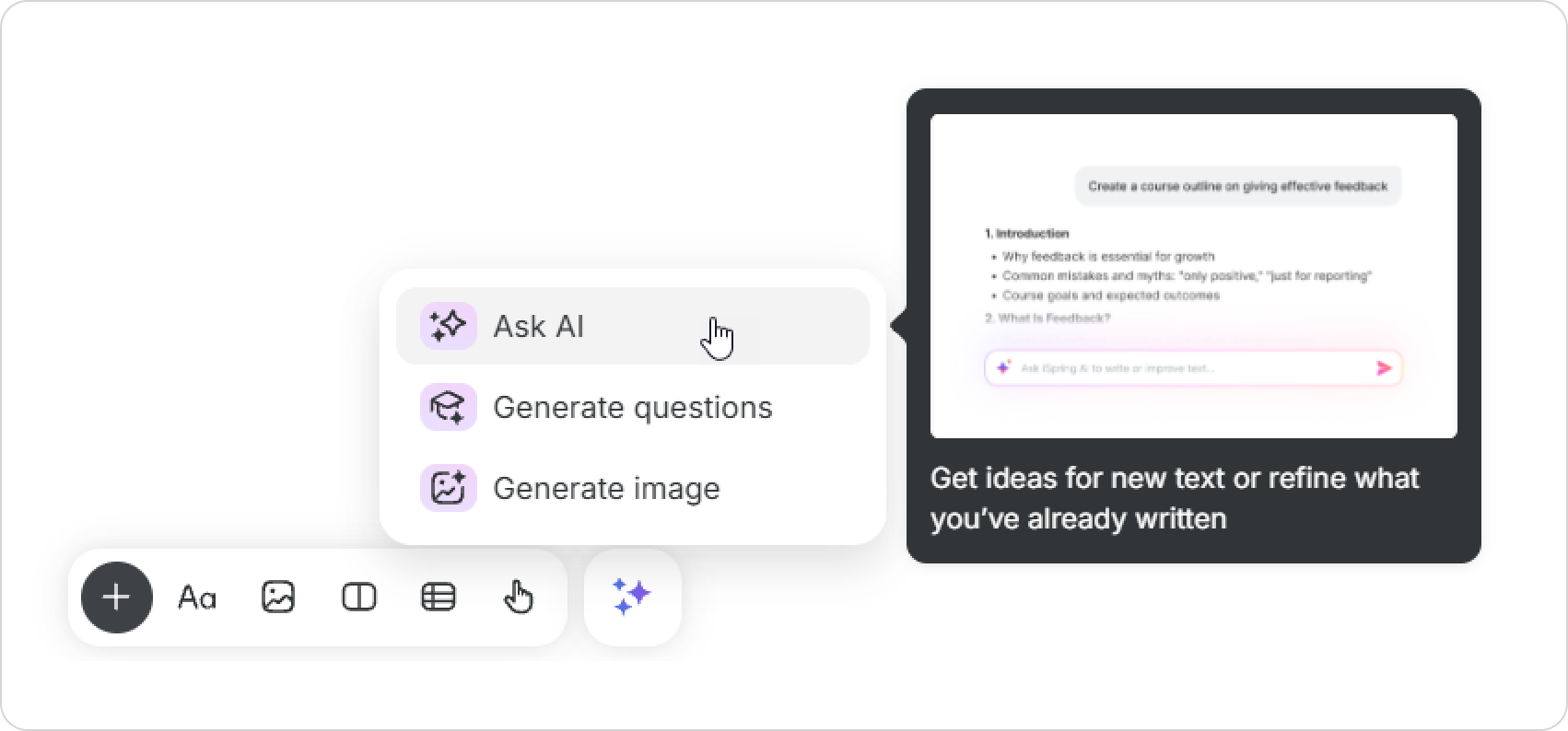
- In the toolbar, select AI tools > Ask AI.
- Select text > Ask AI.
- Press the spacebar.
Let's look at the first way:
- In the toolbar, select AI tools > Ask AI.
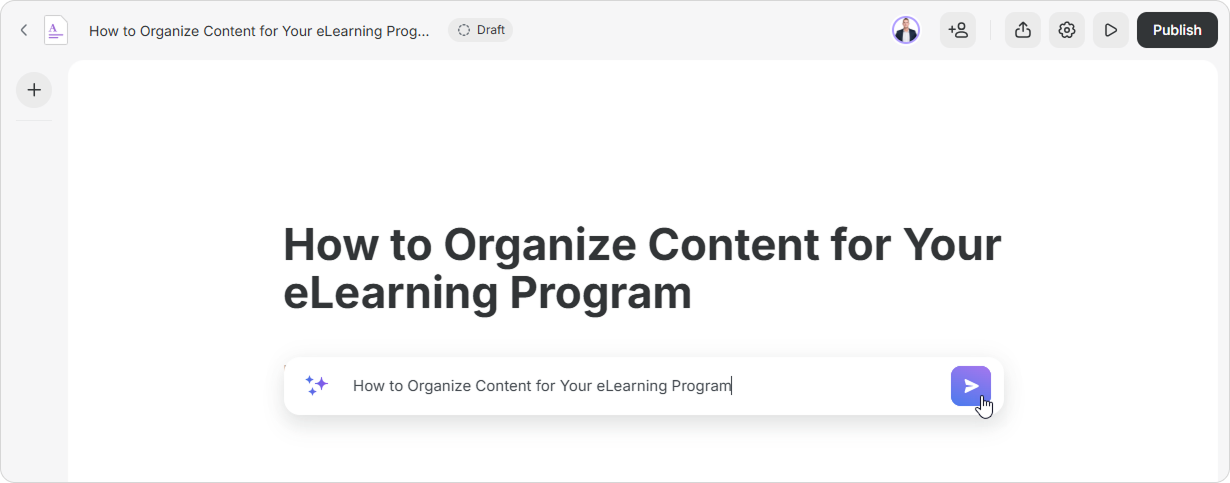
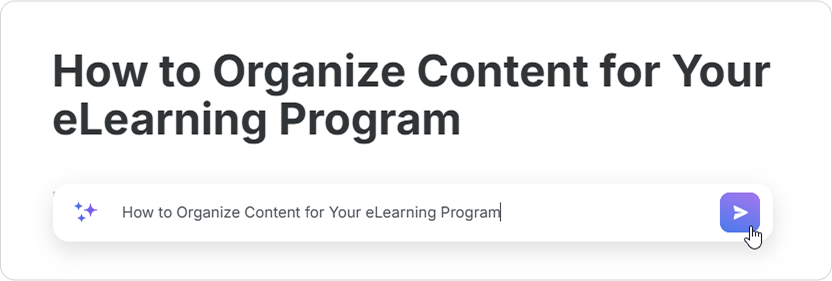
- Next, enter and submit your request.
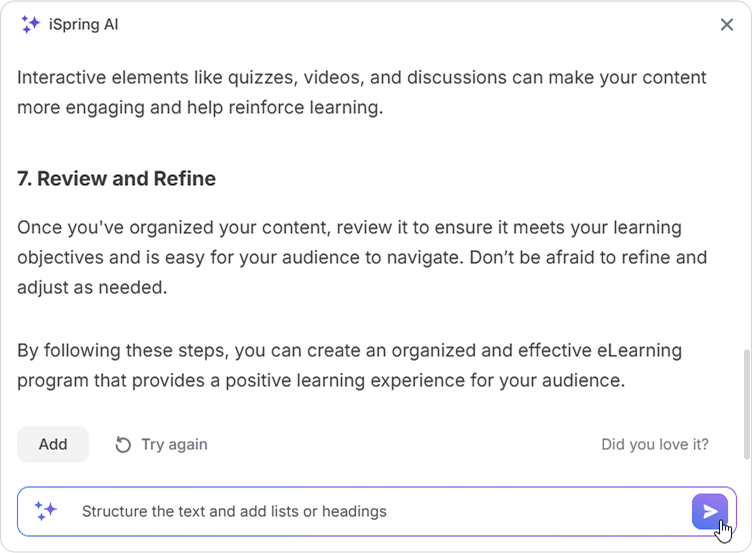
- The AI assistant will offer its suggestion. You can add text or ask for additional results by clicking on “Try again.”
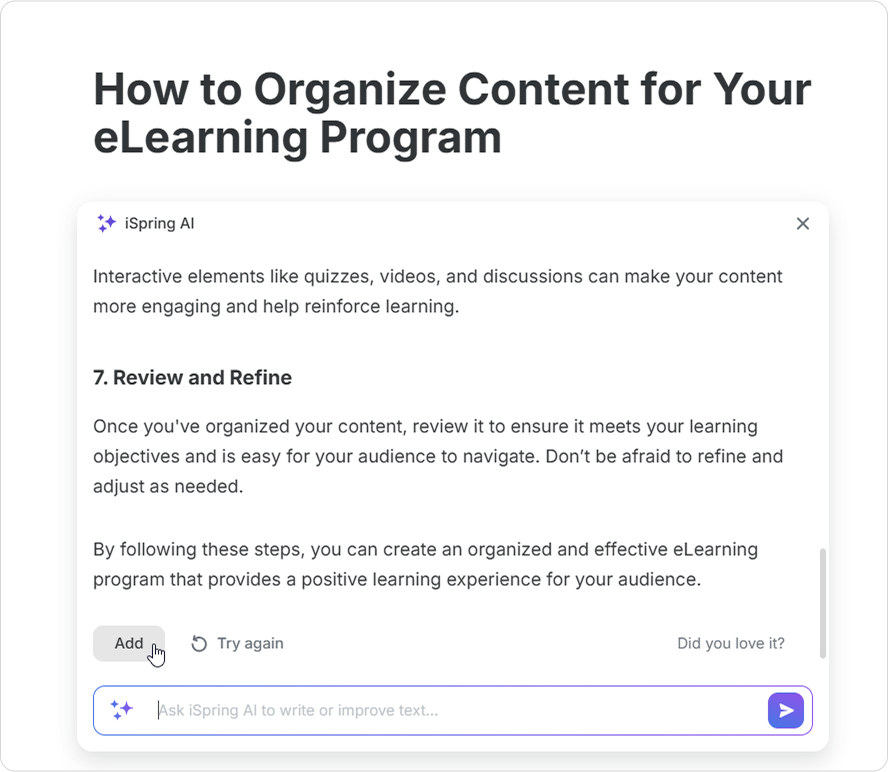
If you need to add text formatting, continue to dialogue with the AI assistant. For example, ask it to structure the text and add lists or headings.
You can’t copy previous requests or suggested texts. You can only paste the final result.
Done! Together with iSpring AI, you've created a beautiful and informative page.
