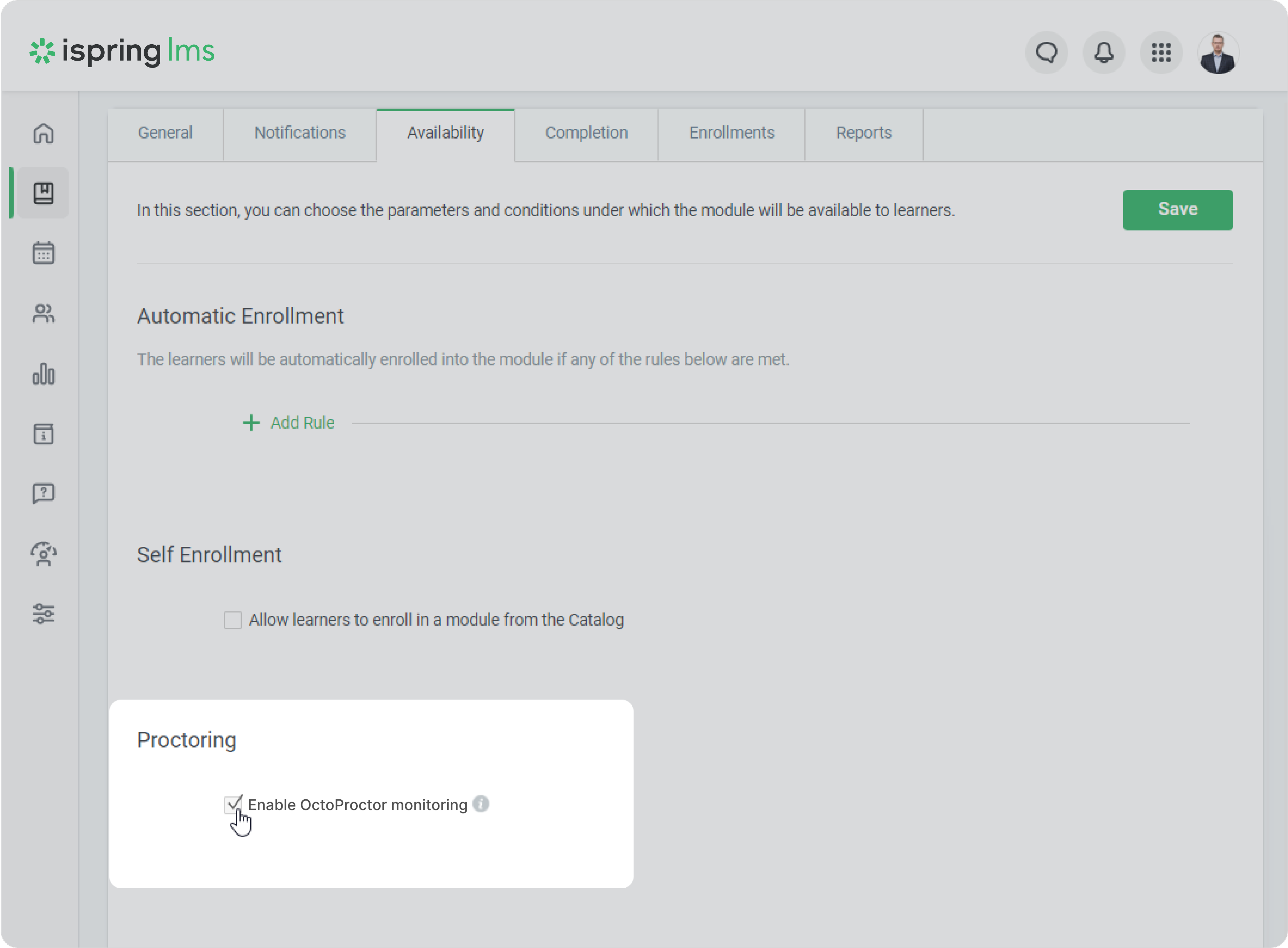
This guide will walk you through the process of setting up proctoring for standalone content items.
A standalone content item is a piece of content that is not part of a course or a learning track such as individual quizzes or PowerPoint presentations.
You can enable proctoring for only the following standalone content items: