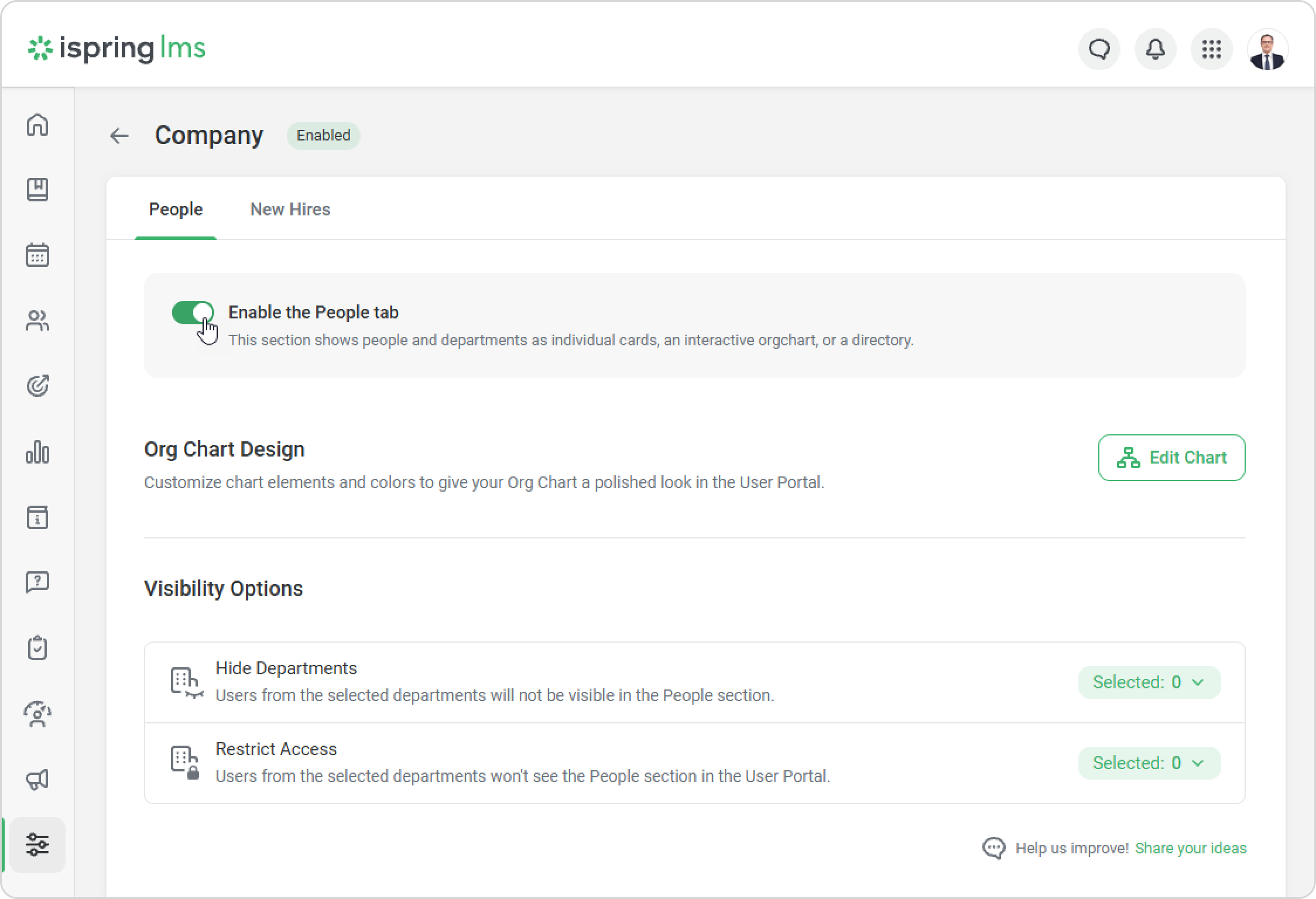
iSpring LMS Settings Additional Options Company People Current: How to Enable the “People” Section How to Enable the “People” Section The Account Owner and Account Administrators can enable and set up Org Chart. Go to Settings > Additional Options > Company > People. Click on Enable the People tab.Great! Employees will now be able to see the “People” Section in the User Portal. ×