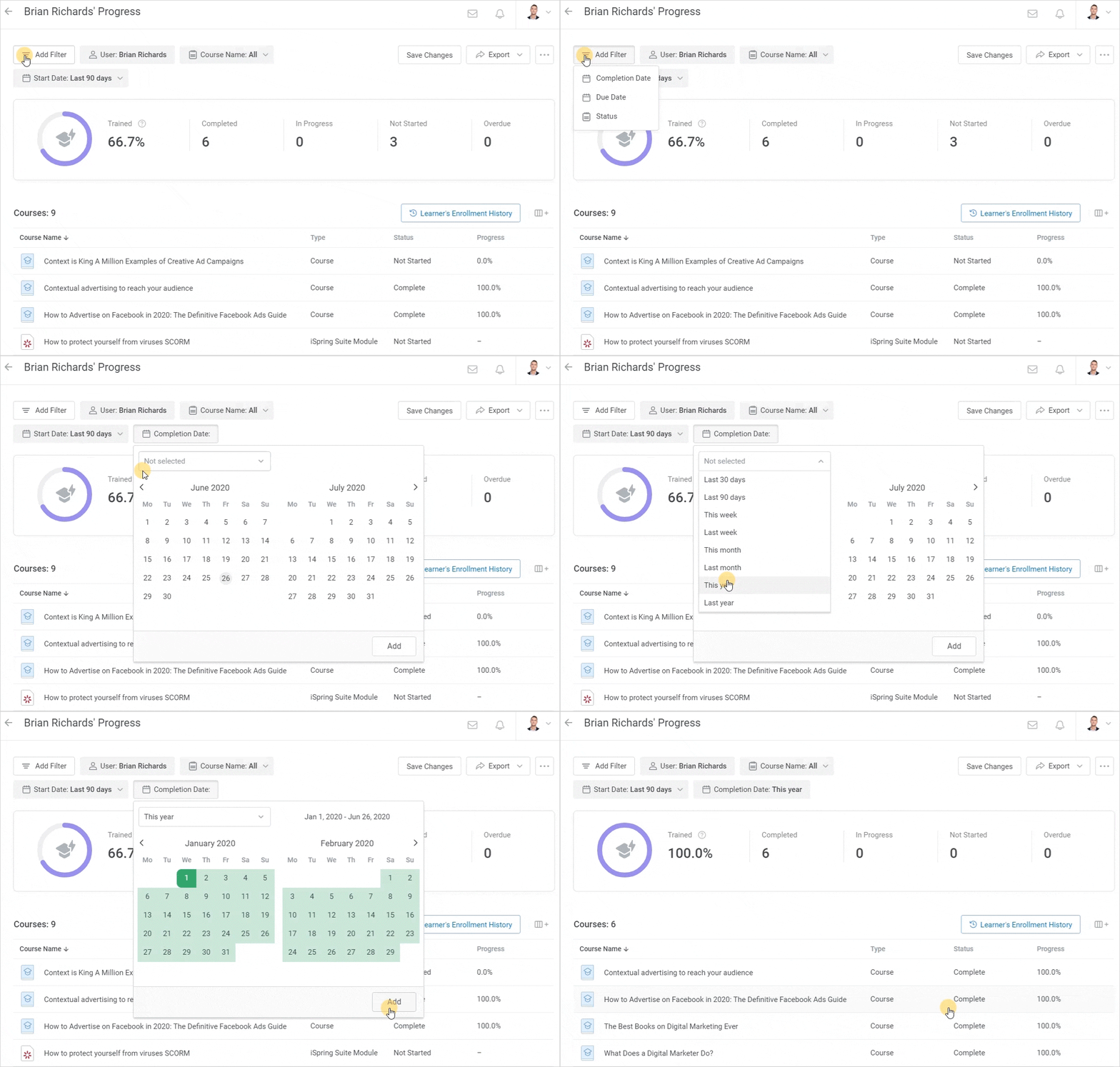
AVAILABLE WITH BUSINESS SUBSCRIPTION
Renaming a Template
To rename a report template:
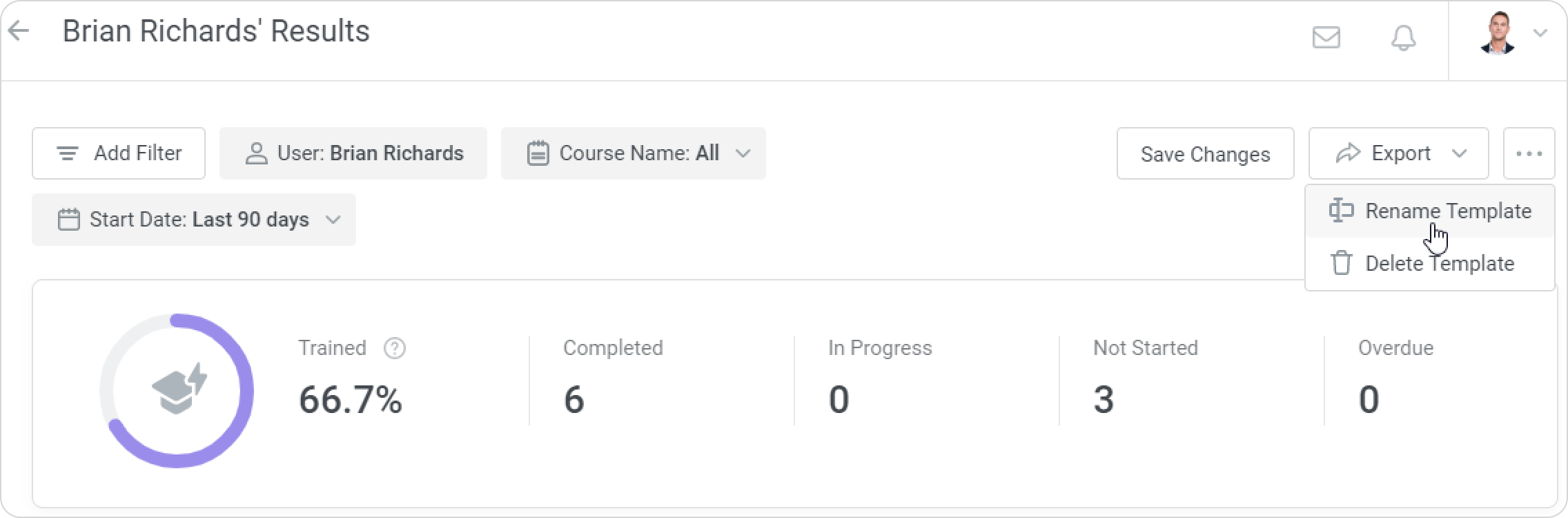
- Open the template, click
 , and select Rename Template.
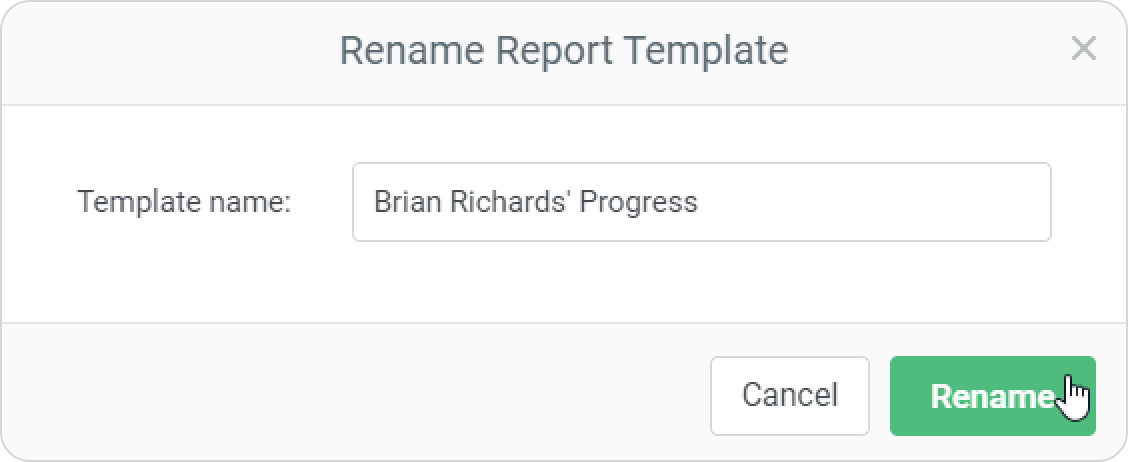
- Enter a new title and click Rename.
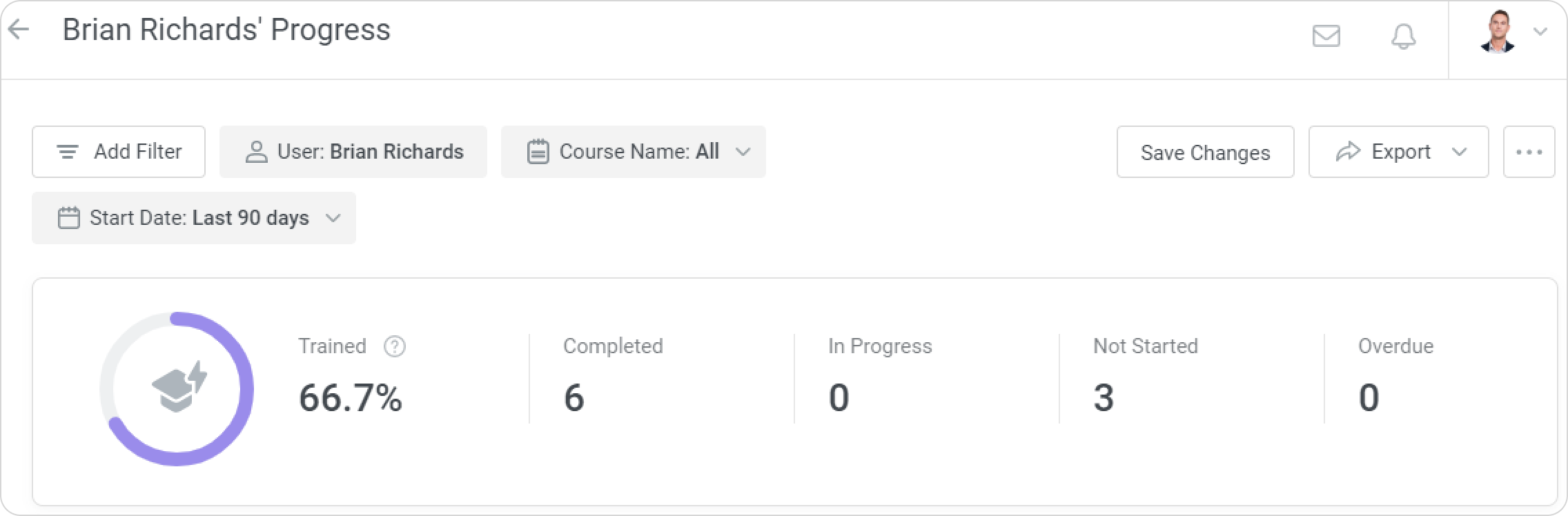
- Your template has now been renamed.
Editing a Template
Change your template's filters, columns, and sorting options.
- Open the report template and make changes.
- Next, make sure you've clicked the Save Changes button. If you don't click this button, the changes won't be applied.