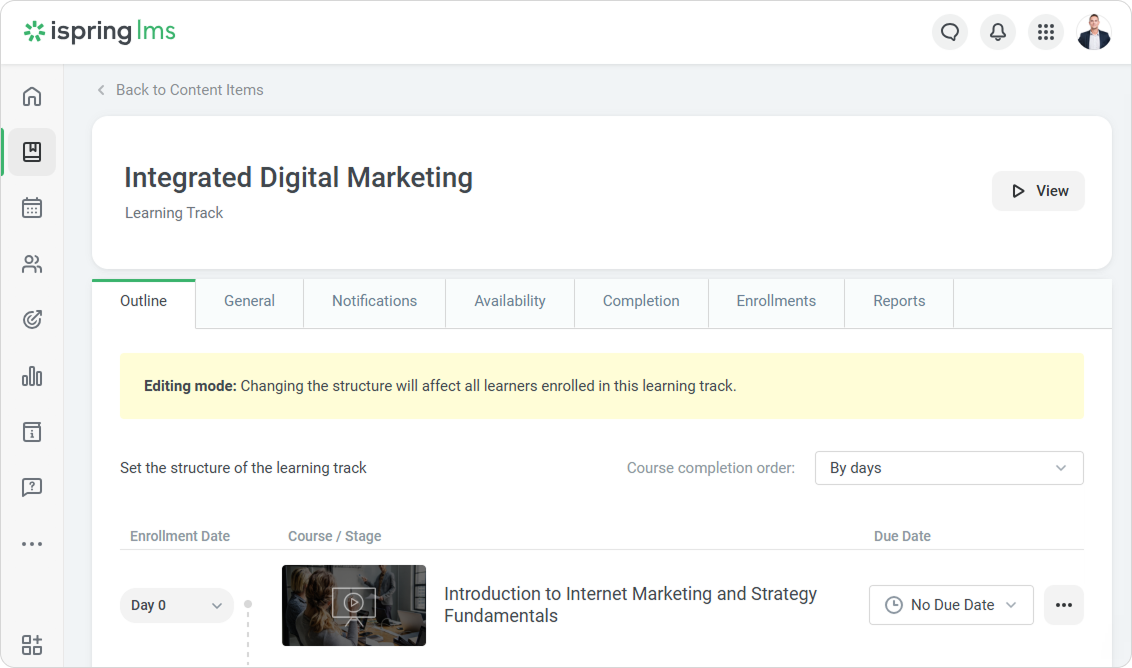
Edit a learning track at any time. For example, add new courses or change the completion settings. You can make changes both before and after the learning track is assigned to learners.

What users can edit depends on their role and permissions.

  • Account Owner, Account Administrators, and Course Authors can:
    • Set the enrollment date
    • Set the due date
    • Restrict access to the course after the due date
    • Edit course settings
    • Set the course completion order
    • Add, move, and delete courses and stages

  • Users with permissions to view users and enroll them in training can:
    • Set the enrollment date
    • Set the due date
    • Restrict access to the course after the due date 
    • Edit course settings depending on their permissions
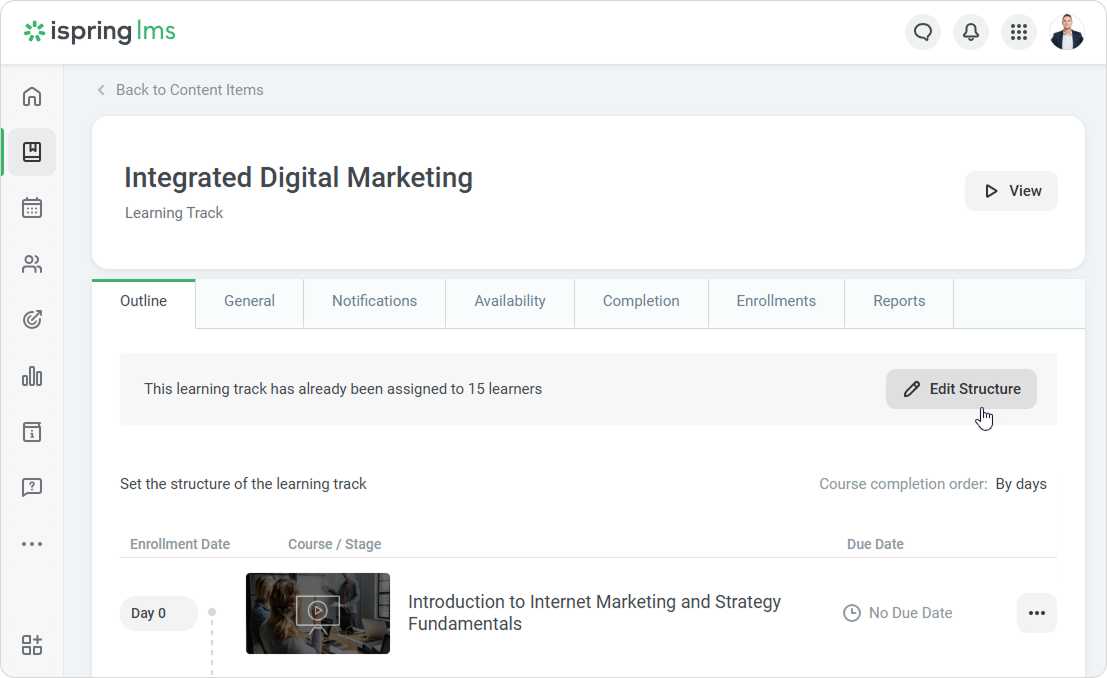
  1. Go to the Outline tab and click Edit Structure. 


  2. Read the warning about changing due dates for all the learners who are enrolled in the track, and click Continue.
  3. In the editing mode, you can add new stages and courses, set up the structure, course due dates, and completion order.

    Any changes will affect all the learners enrolled in the learning track and the enrollment dates which were set up manually.