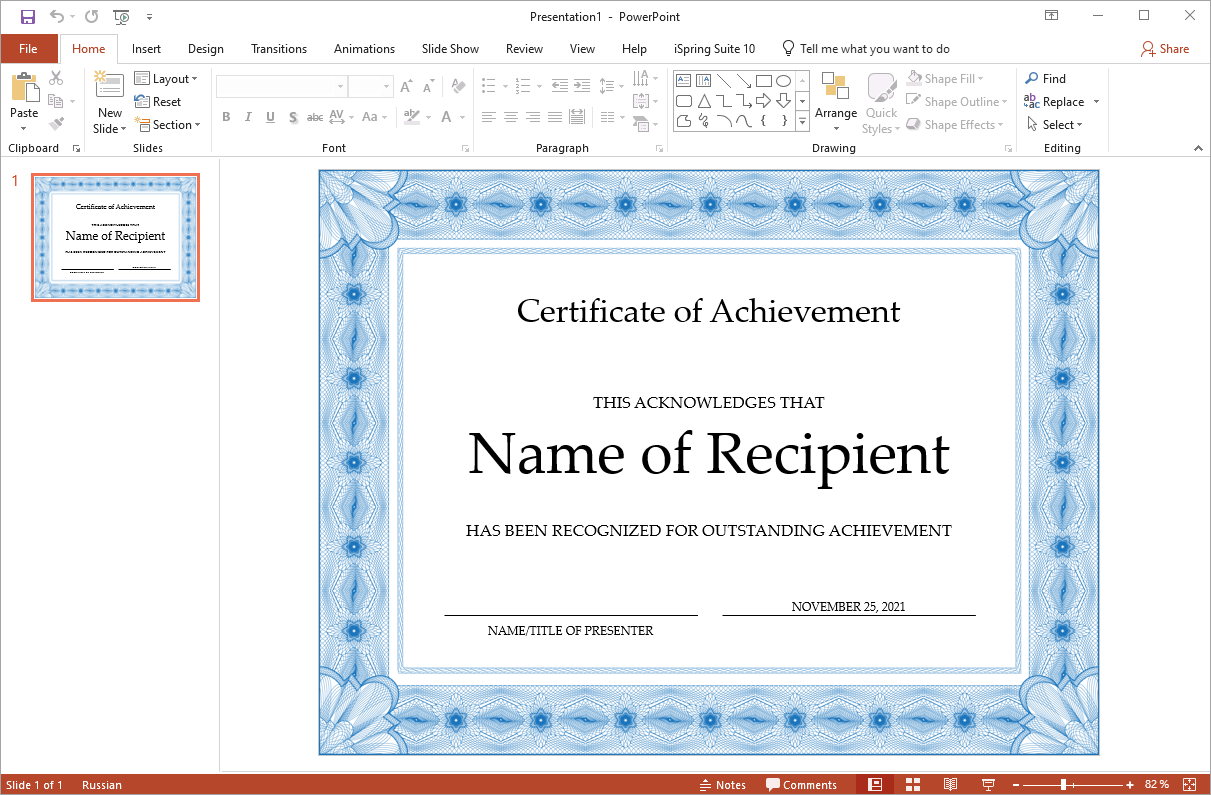
Creating a Generic Certificate in Microsoft PowerPoint
The easiest way to create a generic certificate is to use a Microsoft Office template.
When creating a generic certificate in PowerPoint, variables cannot be used, so all data must be entered manually in advance, resulting in all certificates being identical.
First, launch Microsoft PowerPoint.
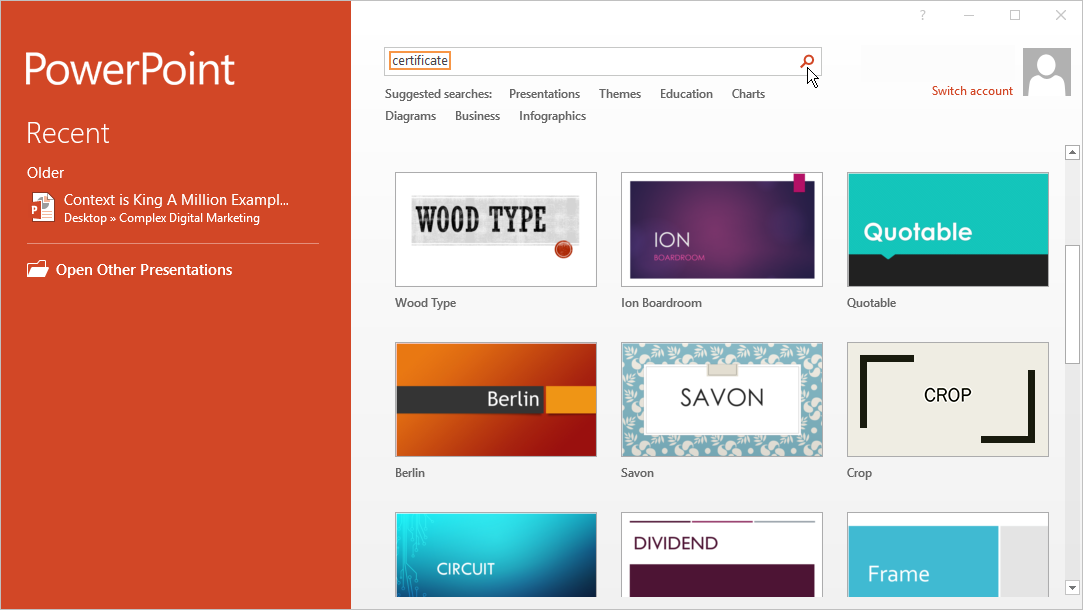
Search for a template by typing “certificate” in the search bar.
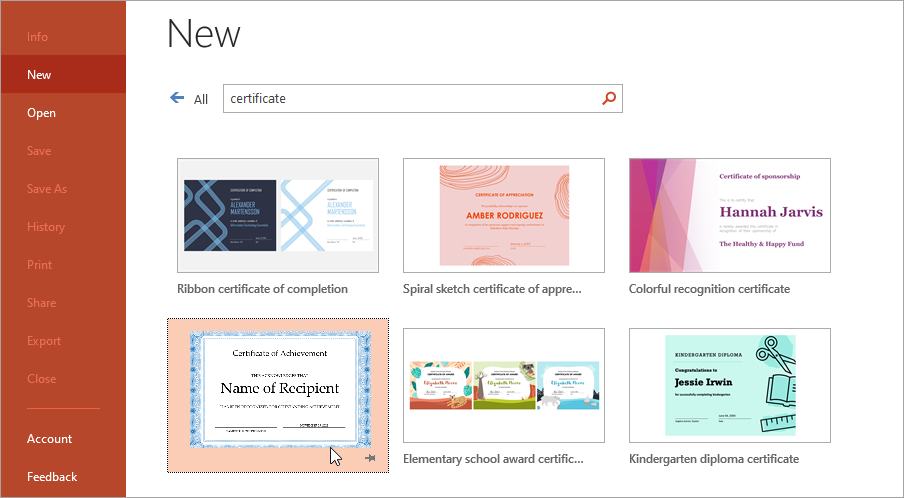
Select the template you would like to use from the available matches.
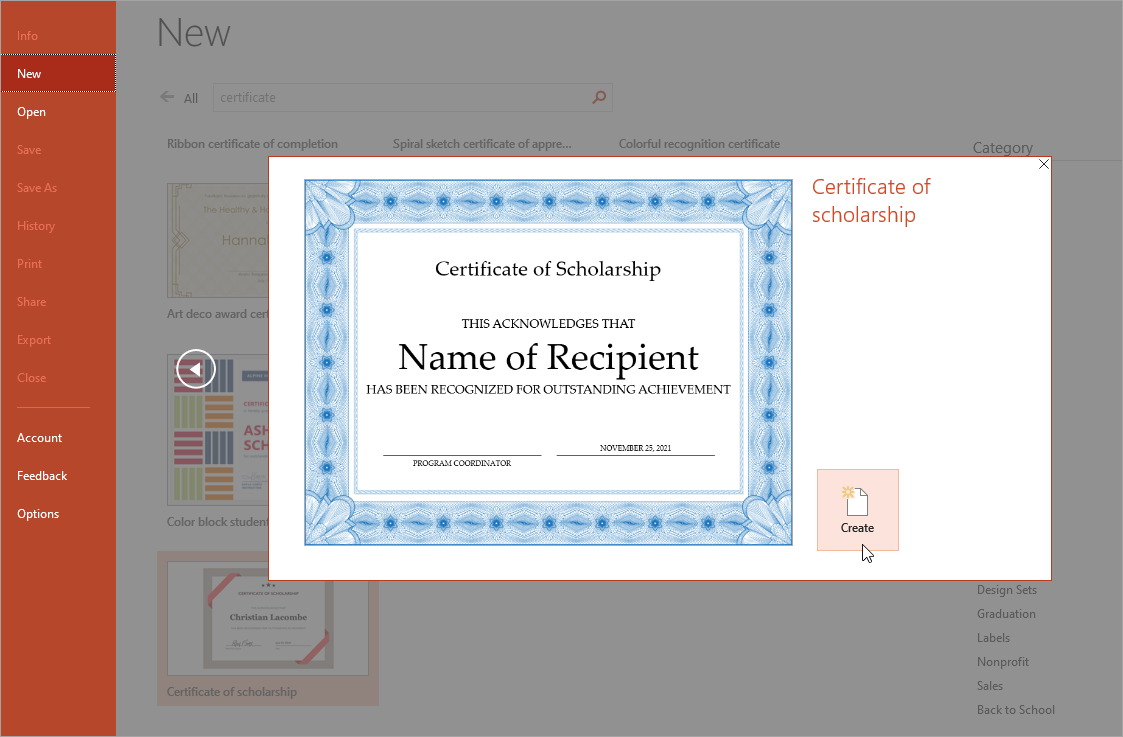
Next, click Create.
That's it! Your certificate will open as a presentation slide and you can proceed to edit it.