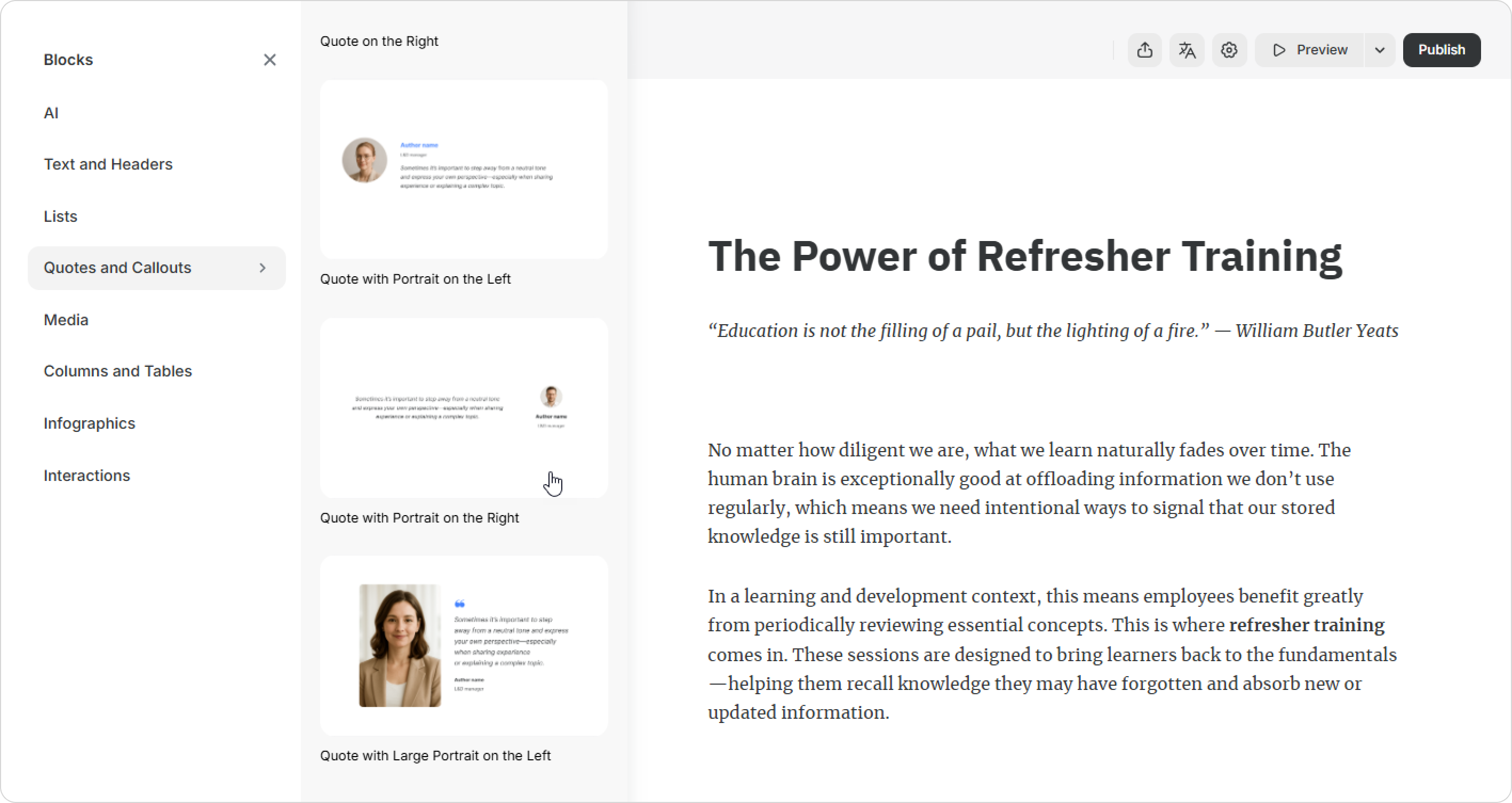
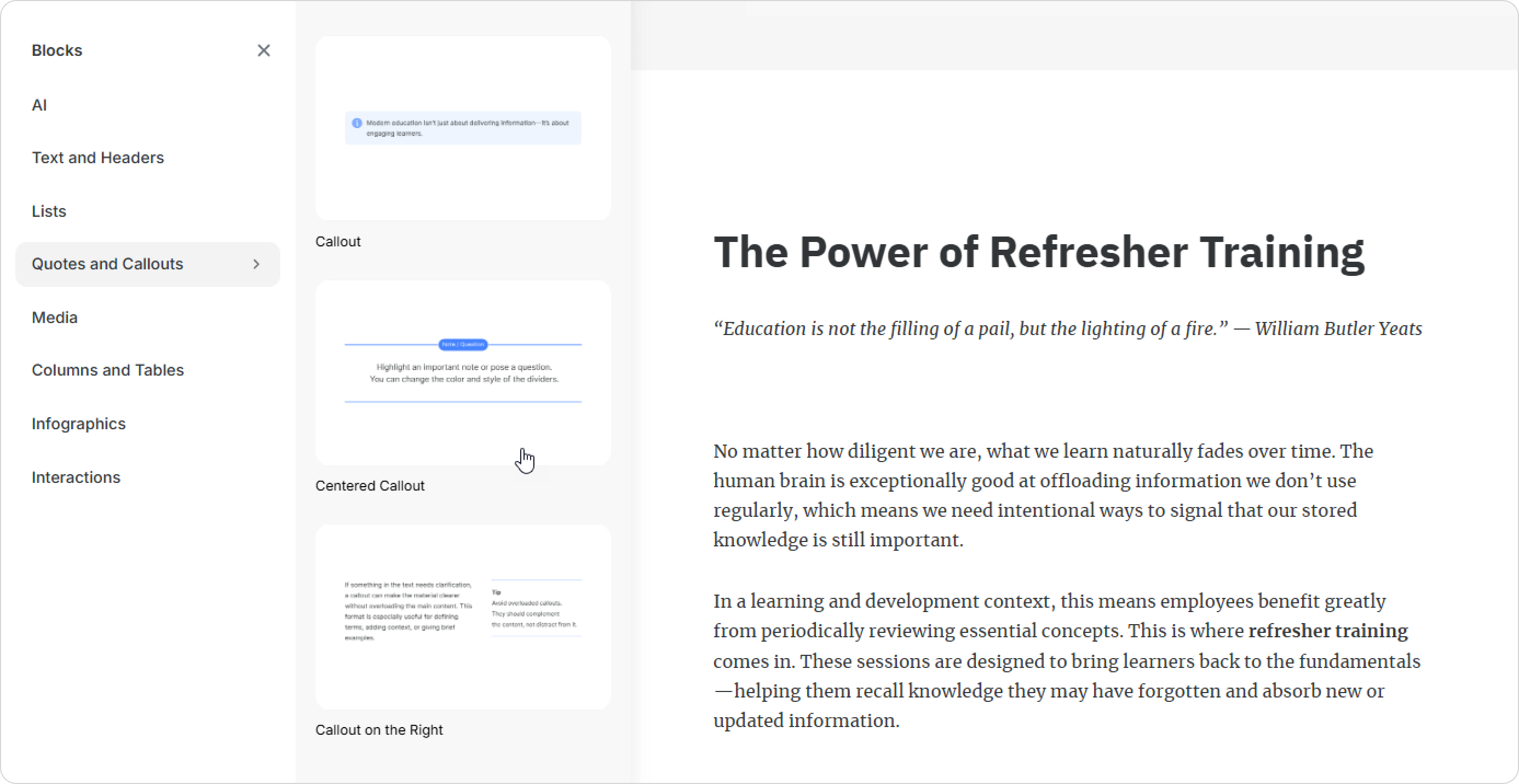
Pages include dozens of sleek, pre-designed block templates. Course authors can craft stunning pages in minutes—no design skills needed. They simply choose a template, then add content, and the page is ready to go!
How to Choose a Block Template
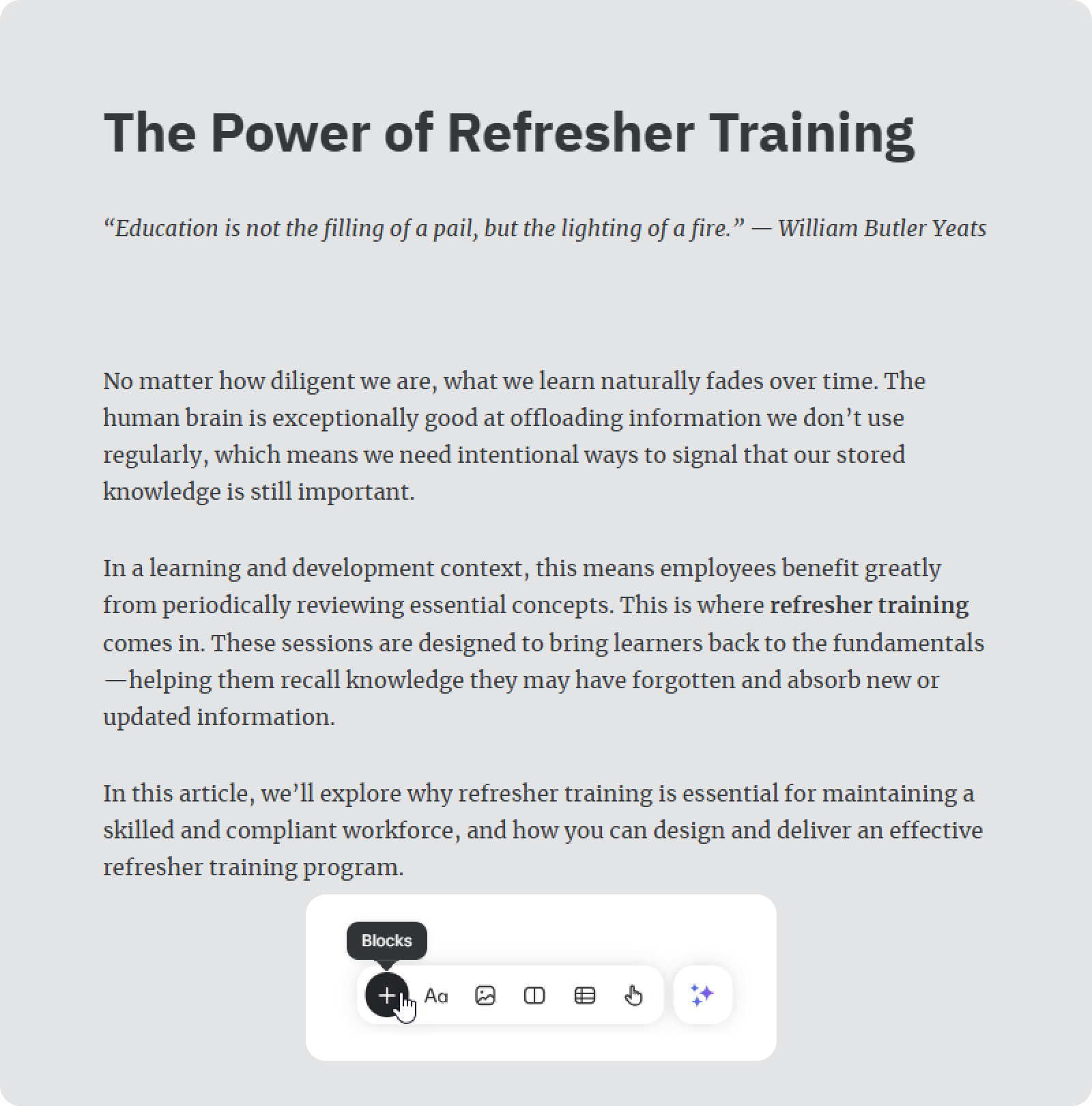
Click the + icon at the bottom of a page.
Choose a block category, e.g., Quotes and Callouts, to see the list of templates.
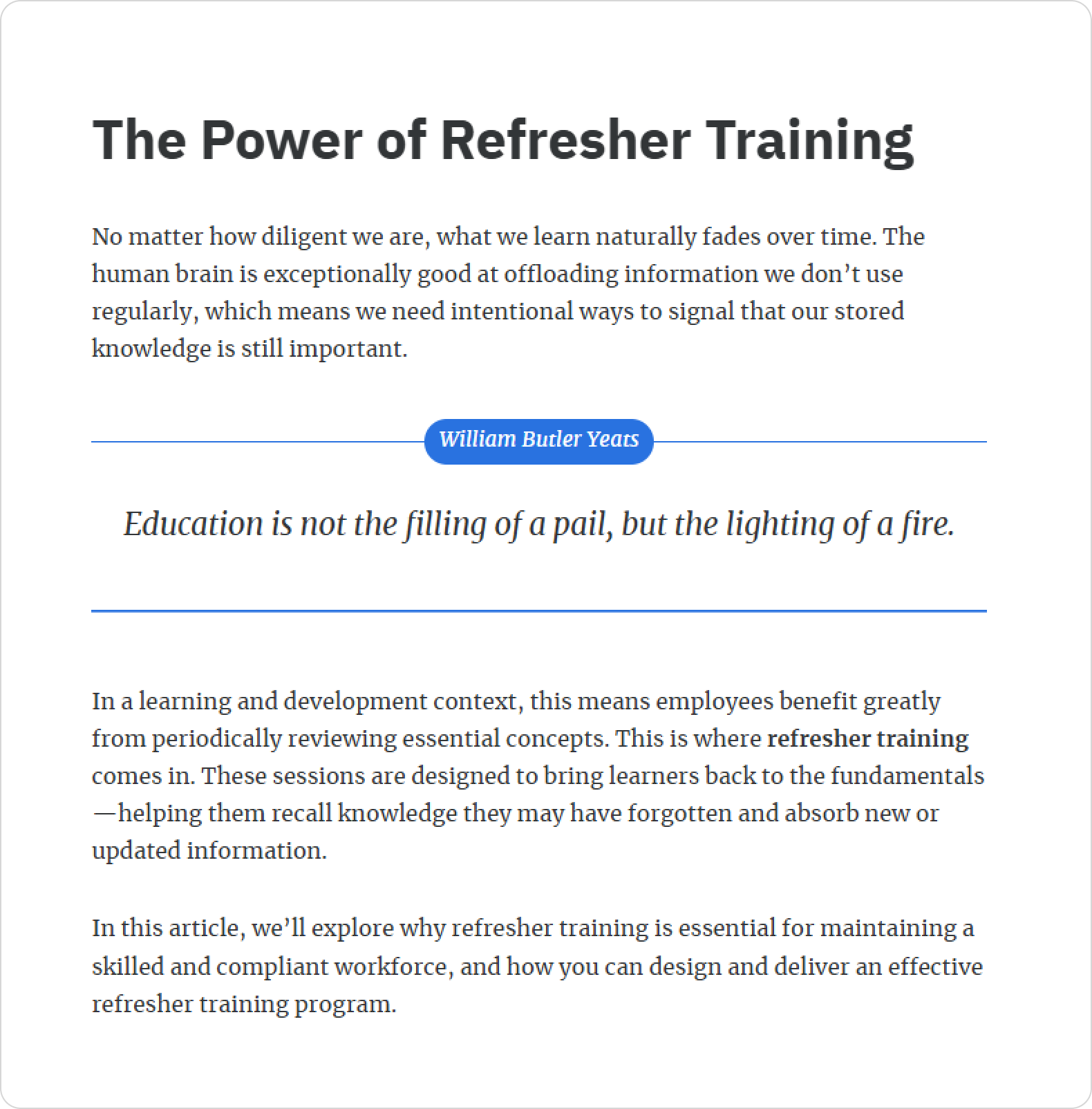
The block appears on your page. Just add your text!