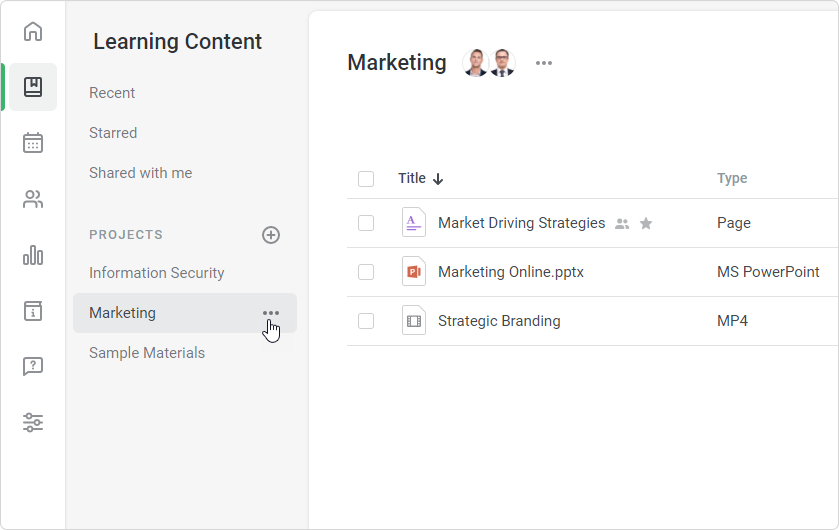
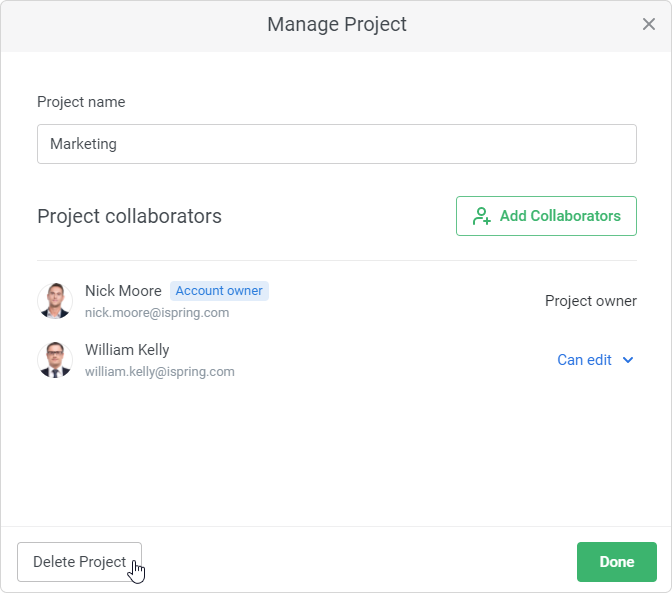
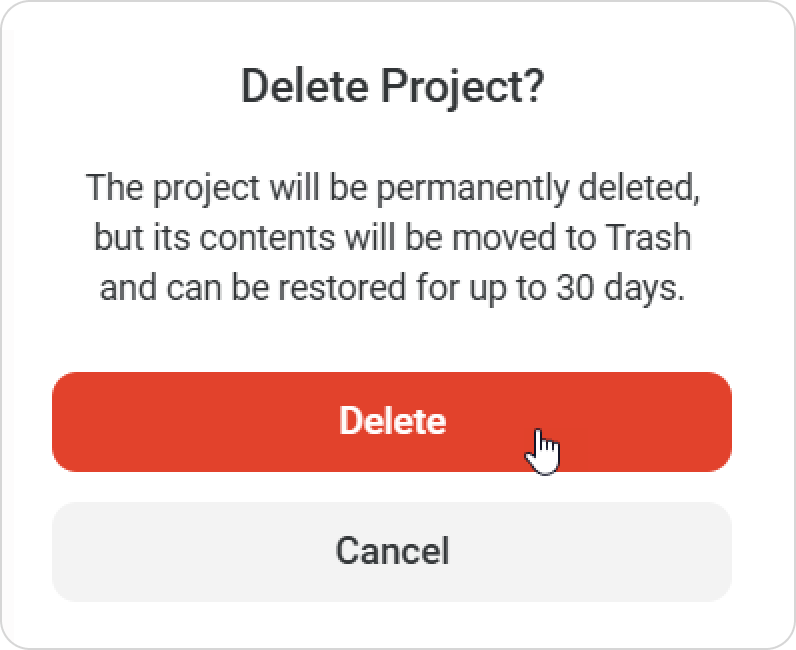
iSpring LMS Learning Content Projects Current: Deleting a Project Deleting a Project You can restore content items from a deleted project within 30 days in the Trash folder. To delete a project:Click ••• next to the project title.In the Manage Project window, click Delete Project.Finally, confirm your choice. The project and all its content have been deleted. ×