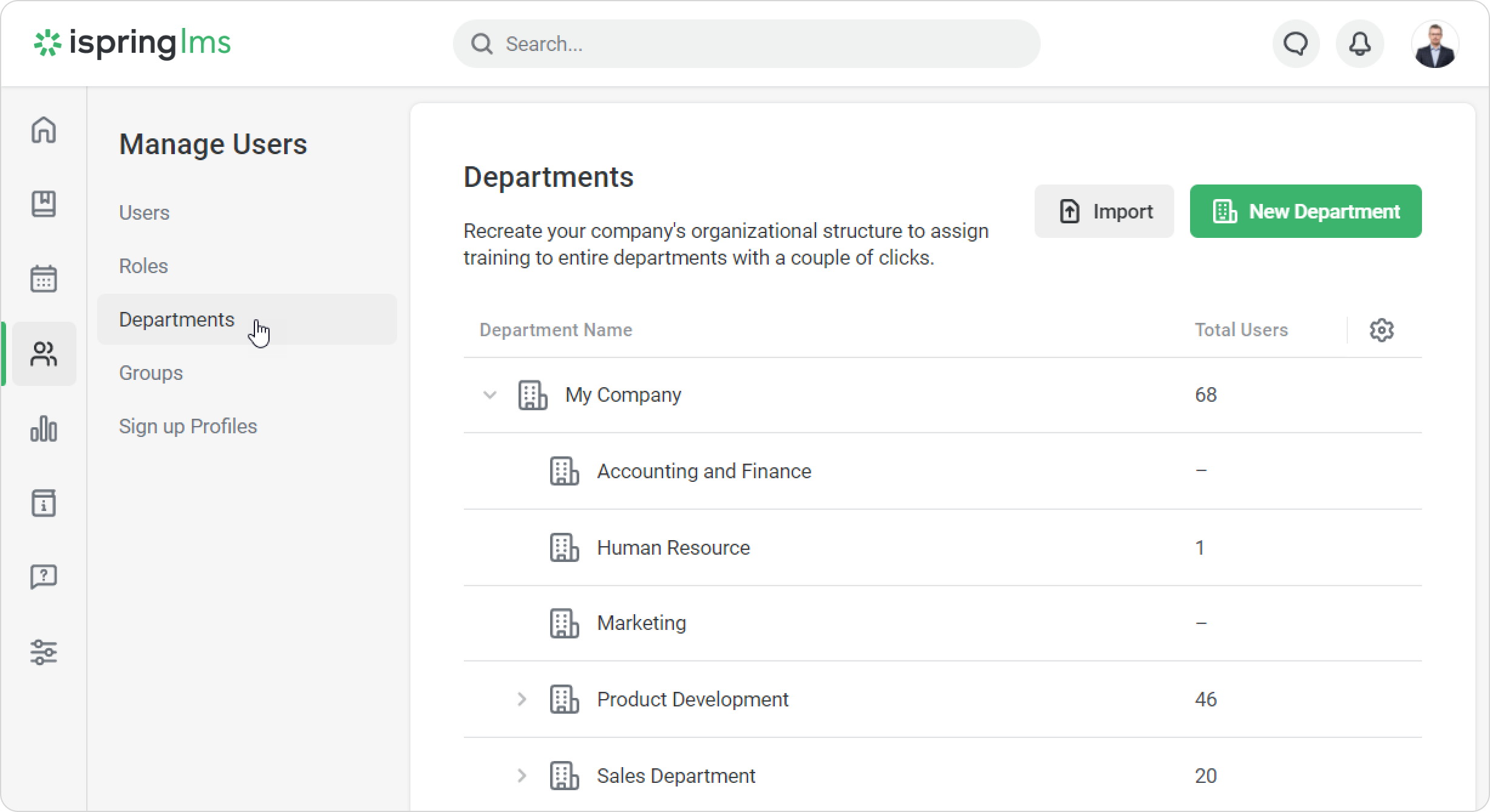
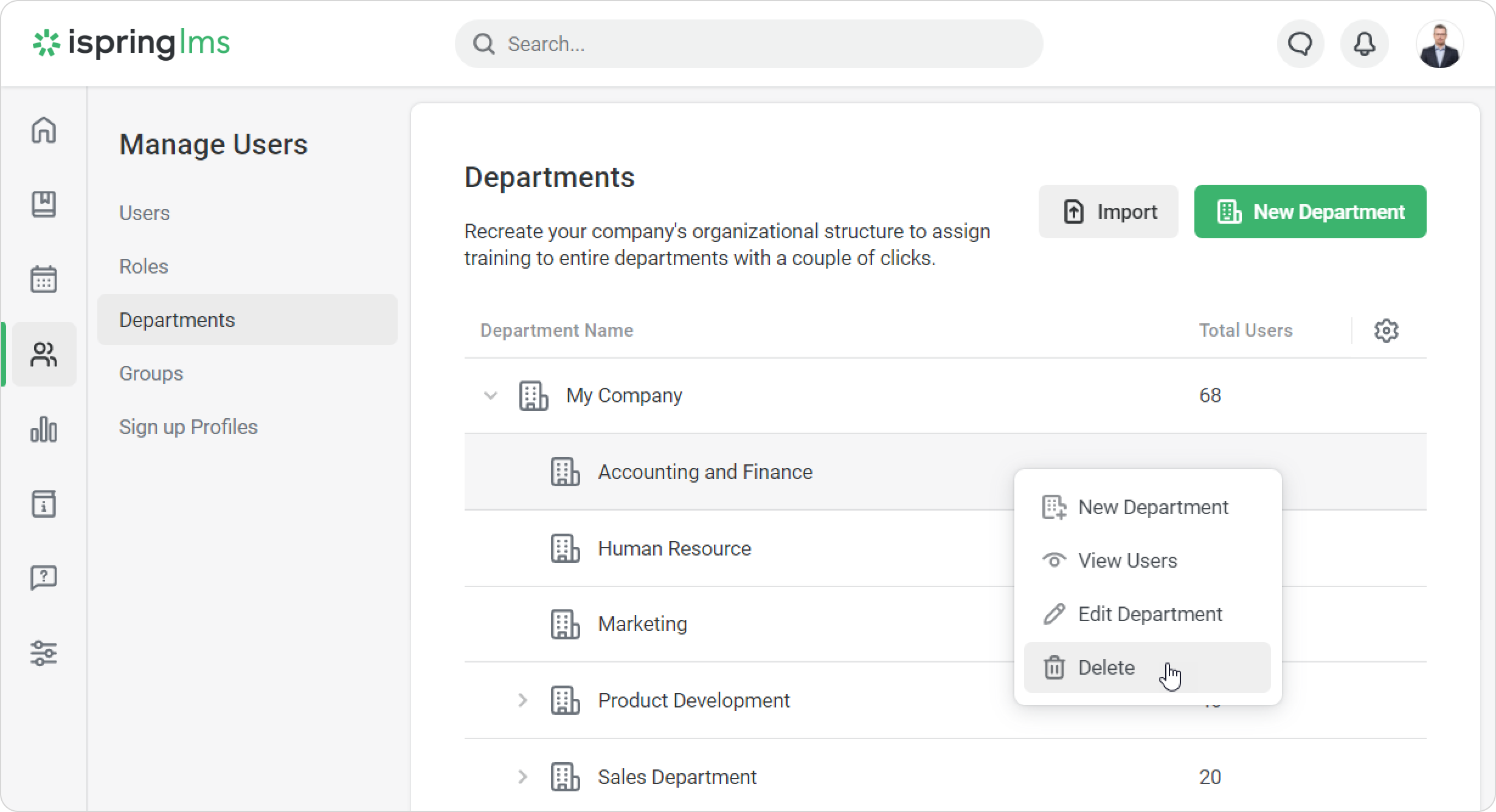
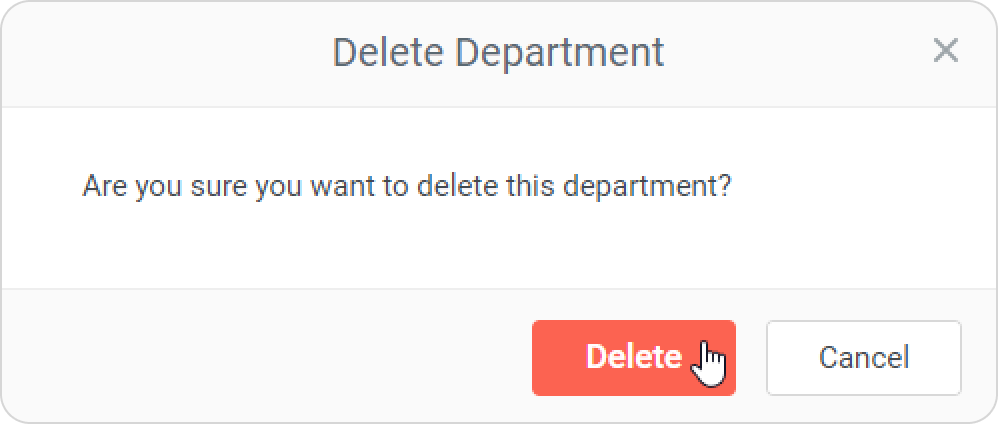
iSpring LMS Users Managing Departments Current: Deleting Departments Deleting Departments To delete a department:Open the Users section and select the Departments tab.Select the department you would like to remove and right-click on it. Then, choose Delete in the context menu. In the Delete Department window, click Delete to confirm.A department can't be deleted if:there are users in the department or its subdepartments;the department or its subdepartments are used in Smart Groups;users in the department are managed by a Department Administrator or a user with a custom role;the department is the root department. If you delete a parent department, all its sub-departments will be deleted, too. ×