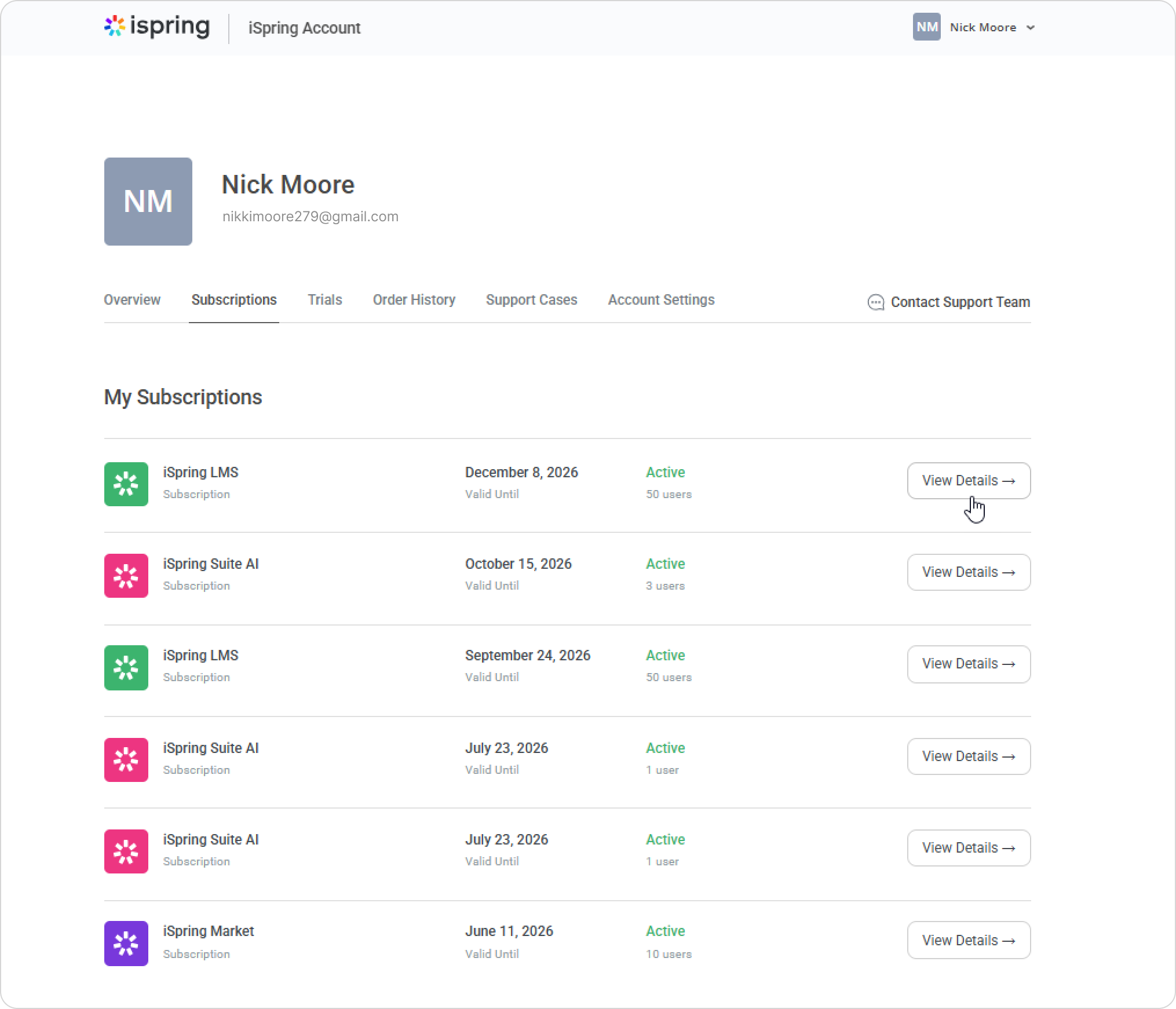
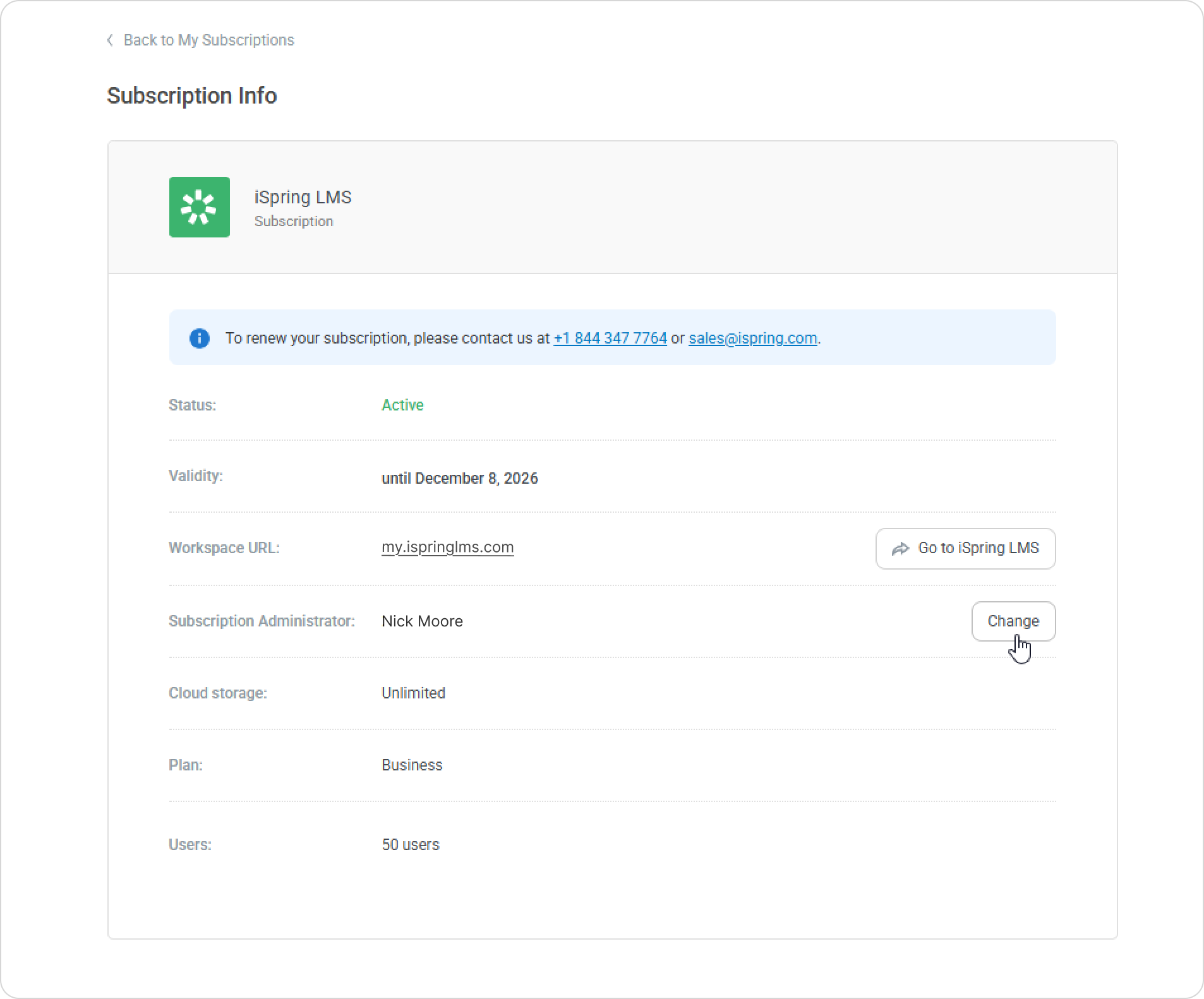
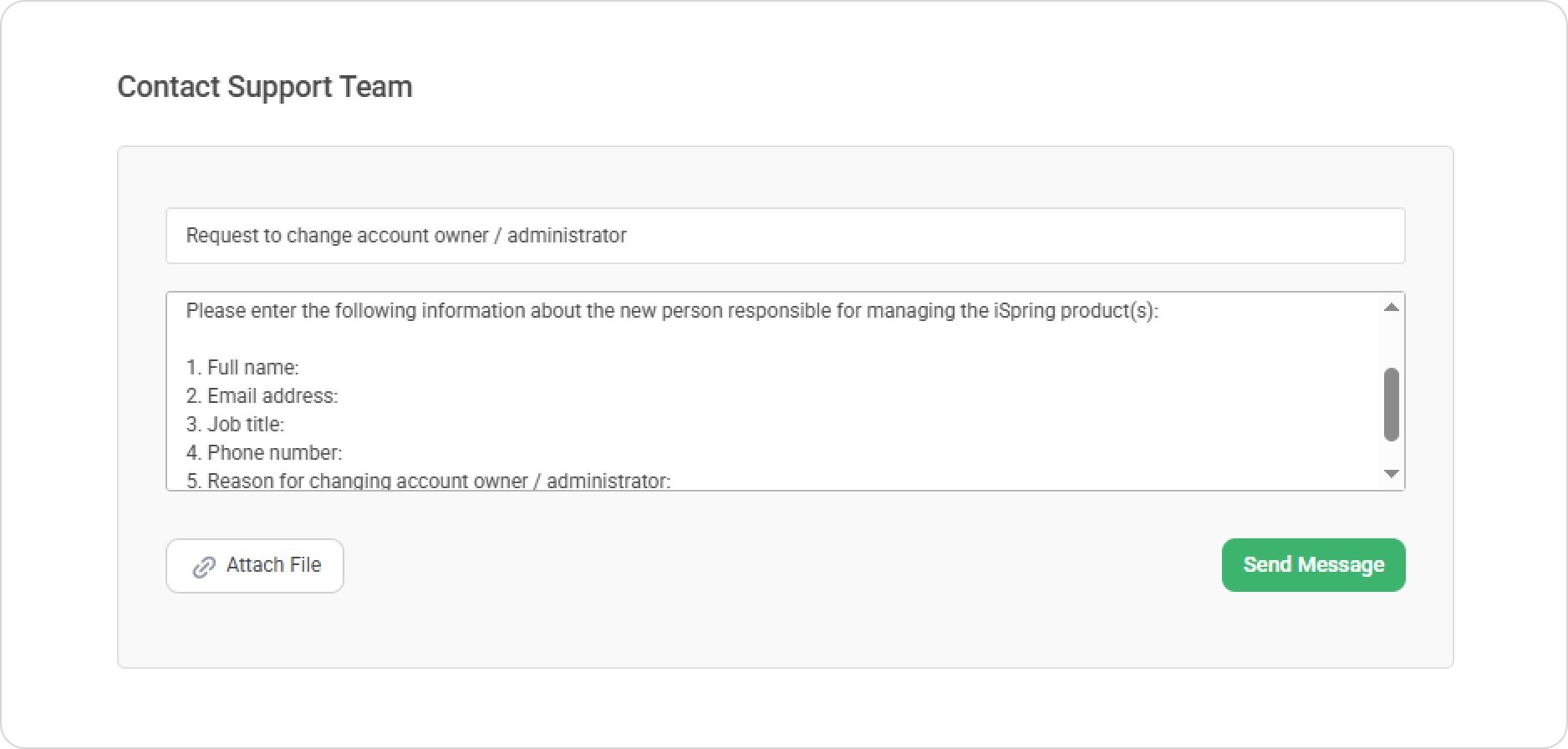
iSpring LMS iSpring Account Current: Changing the iSpring Account Owner Changing the iSpring Account Owner To transfer ownership of an account to another individual:Log in to the iSpring account via the website or via your iSpring LMS account.Open the Subscriptions tab. Locate your license, and click on the View Details tab next to it.On the opened page, click on Change next to the current subscription administrator's name.You will be redirected to the iSpring Support contact form. Fill in the details based on the template.iSpring Tech Support will contact you within 24 hours. ×