How to add an attachment
You can add attachments directly to the page. Users can then download attached files and study the content.
- In the toolbar, navigate to Media and select Attachment.
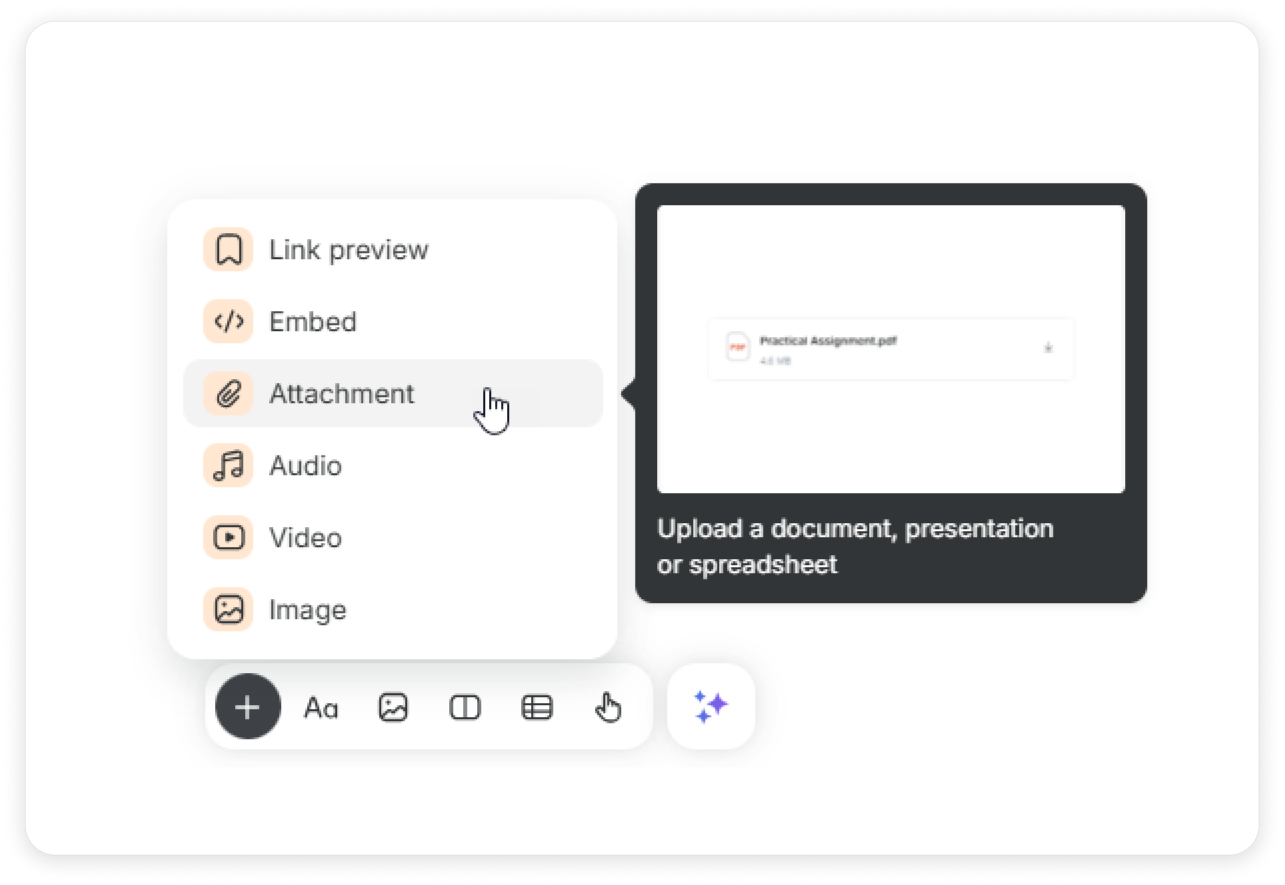
Choose a file on your PC and click Open.
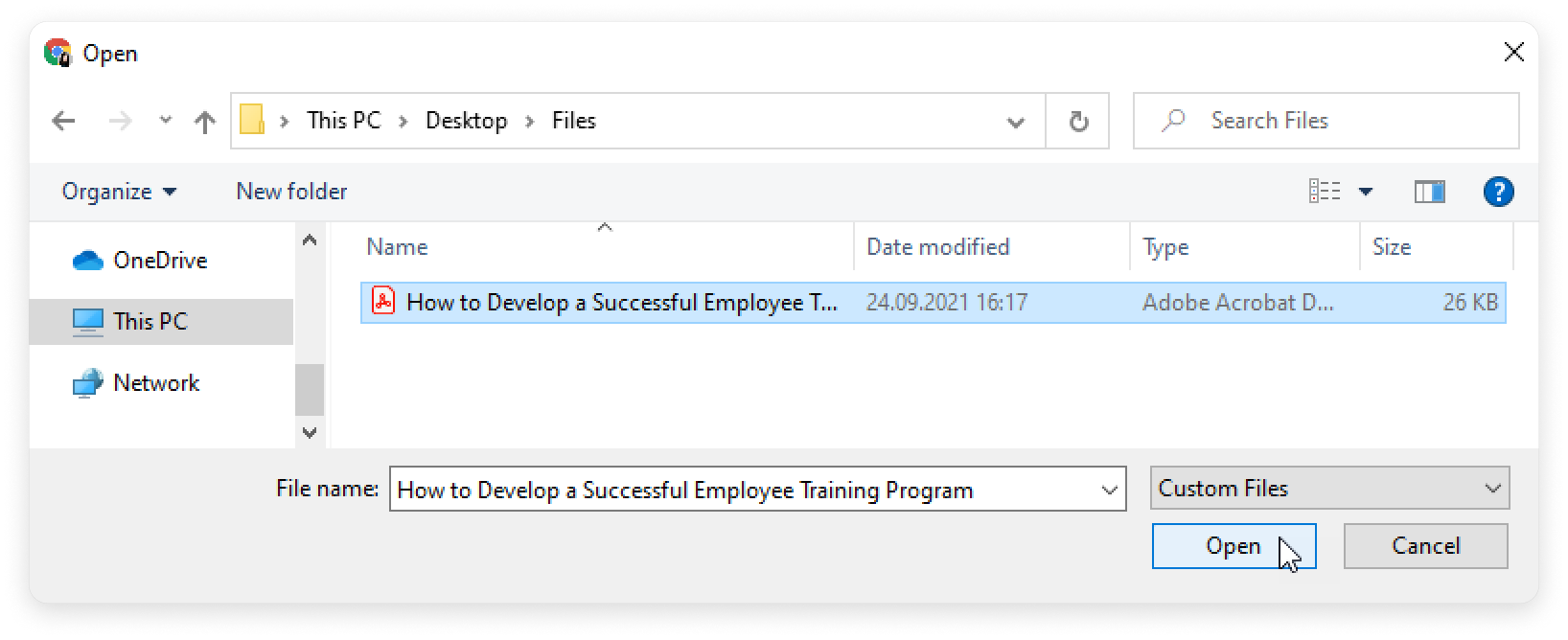
You can also drag and drop files.

Done! You have attached the file to the page.

- You can add up to 20 attachments and images together at once.
- Supported formats are DOC, DOCX, PPT, PPTX, XLS, XLSX, and PDF.
- The maximum attachment size allowed is 250 MB.