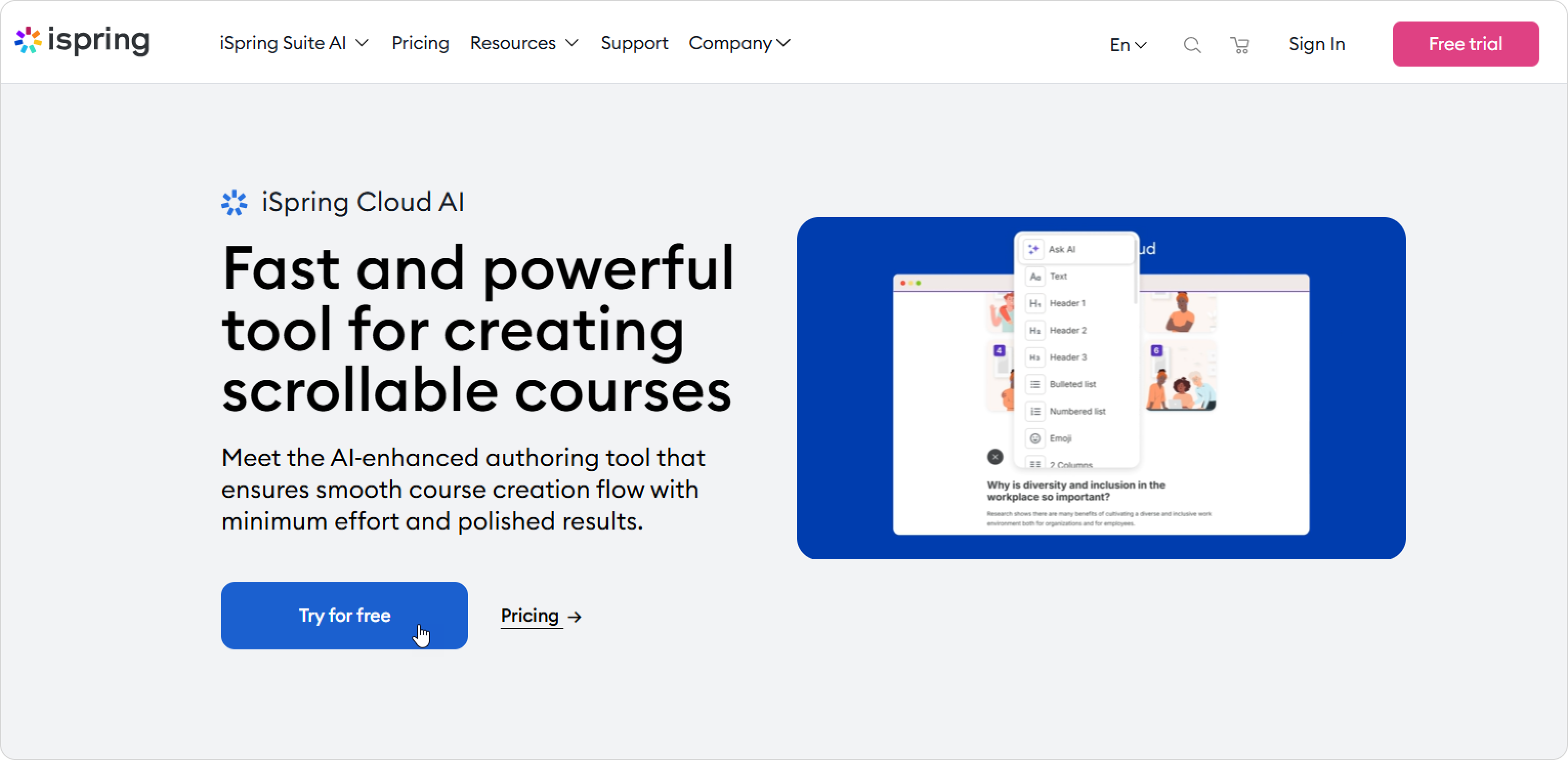
1. Go to the iSpring website and click on Try for free.


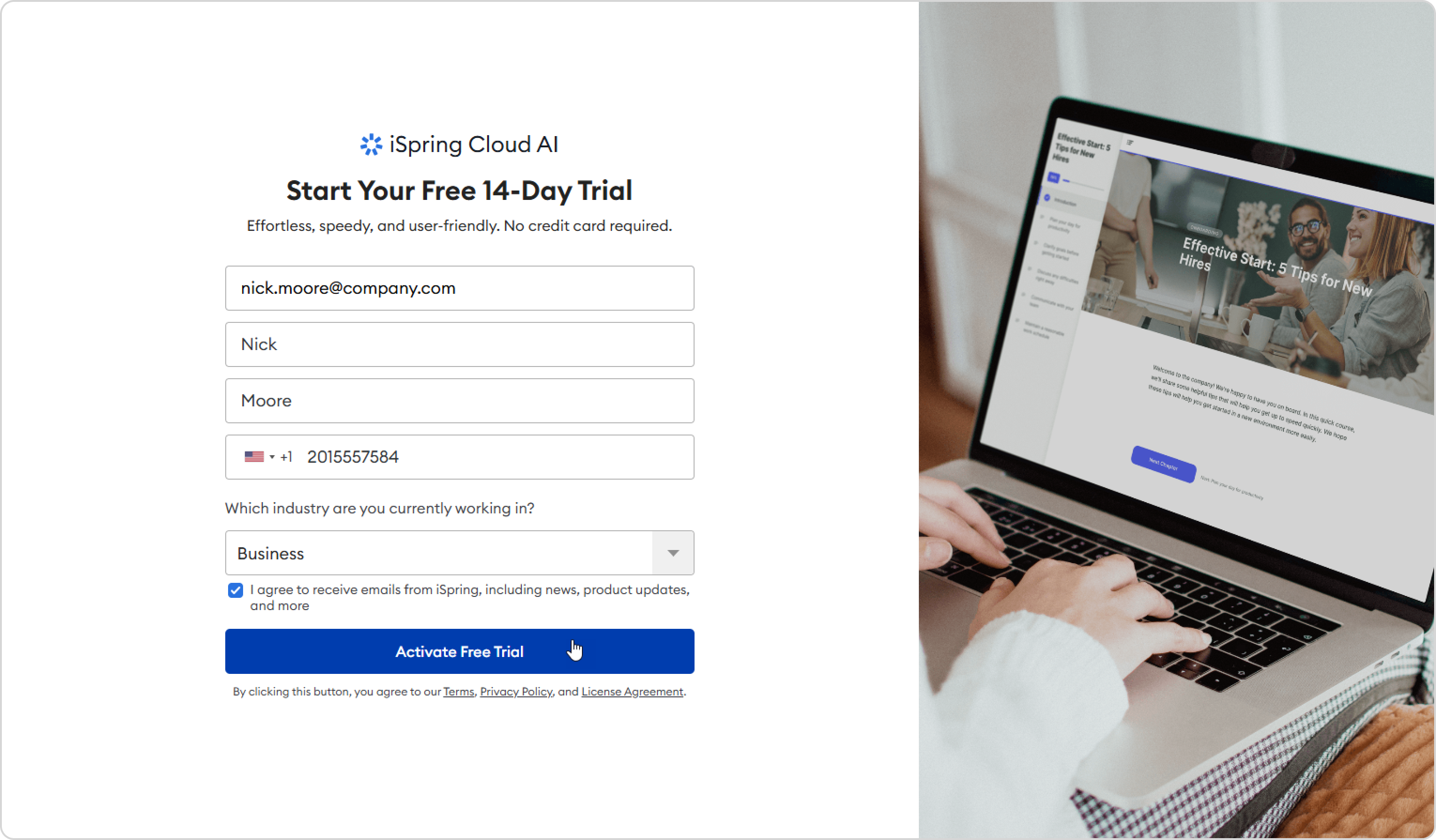
  2. Next, enter your email, first and last name, add your phone number, and choose the industry you are currently working in. Finally, click on Activate Free Trial.

    Please enter your actual data, because we will use it when you purchase an iSpring Suite license. Your first and last name will be used as the owner's name, the phone number will be the contact number, and the email address will be the one we will send account access and purchase details to.
    The Account Owner will be able to edit their first and last name in the Profile Settings section, but if you want to change the email address, you'll need to contact iSpring Customer Support.

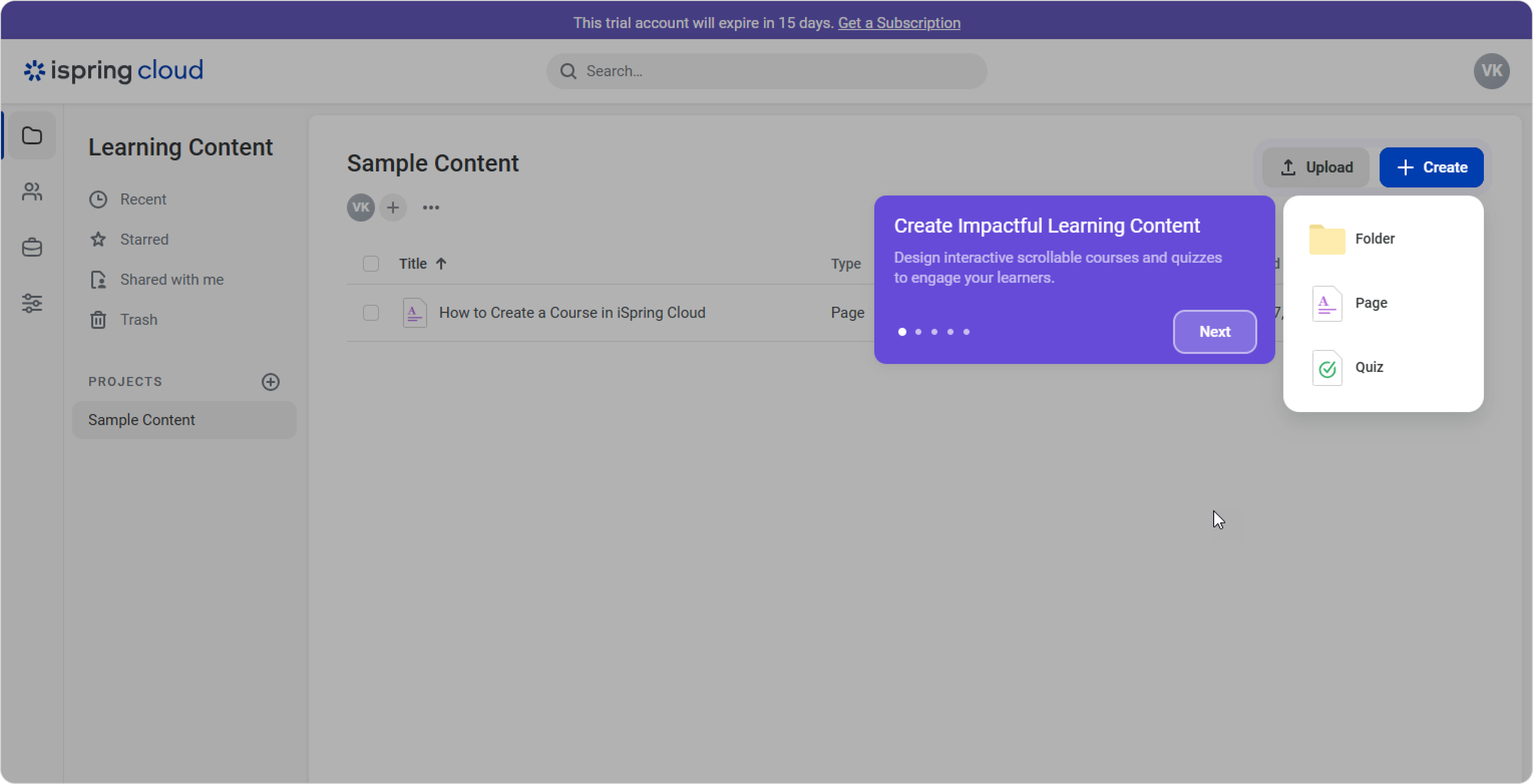
    After signing up, you’ll be taken straight to your account. A quick tour will guide you through the interface.


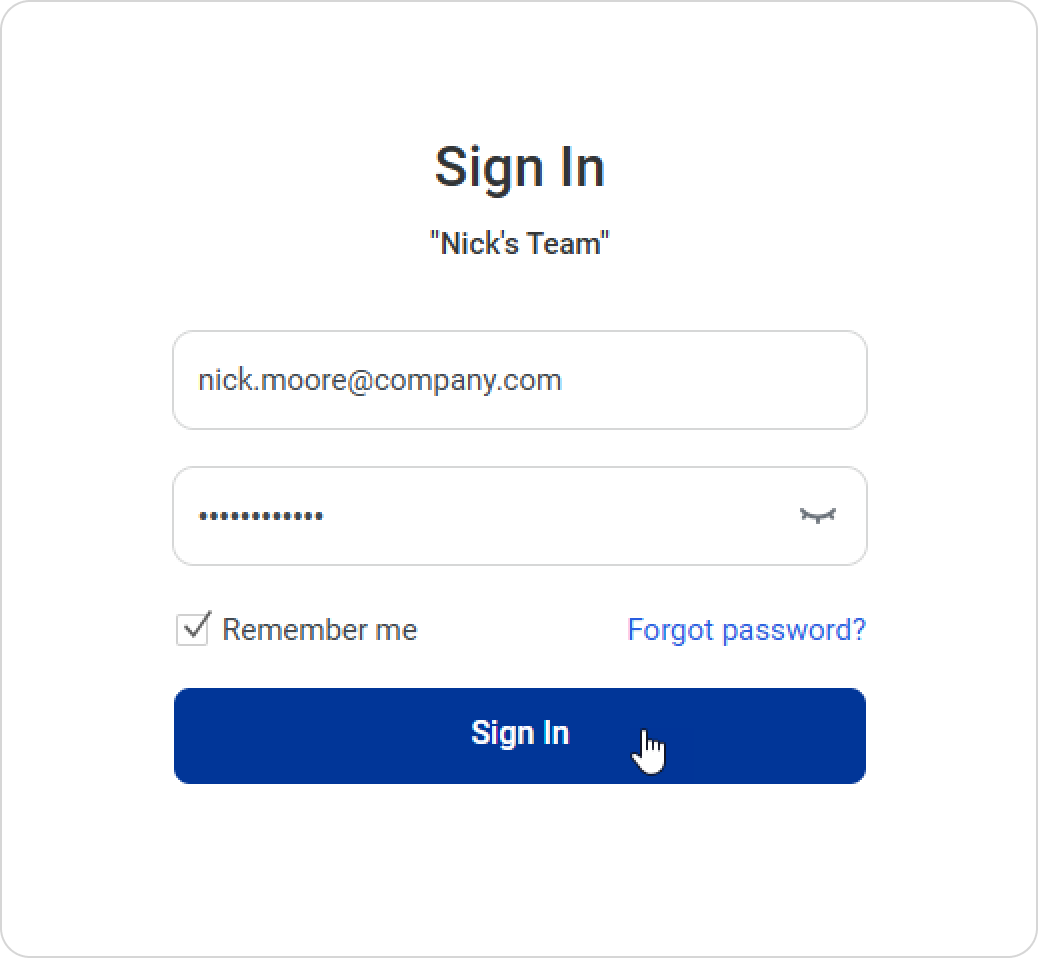
    The next time you want to sign in, simply enter your email and password on the Sign In page.